
Answered
How to prevent pictures overlapping in grid format? Photoshop CC
Hello
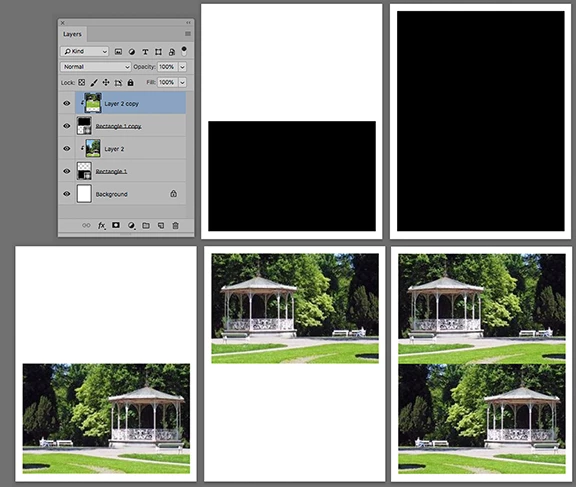
I am designing a brochure in that may have 2, 4 or 6 images that I want to be able to swap out without having them overlap each other.
I have drawn boxes in one layer with the line tool and then I insert each picture as a separate layer behind that.
The images overlap in odd ways, is there a way to make each box in the grid independent of each other so the image stays in each box without having to crop the images to fit?
Thanks
 AdChoices