
Answered
How to resize a photo to original size
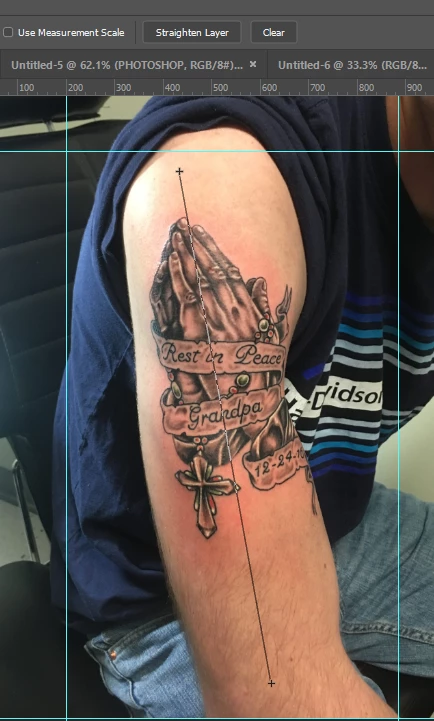
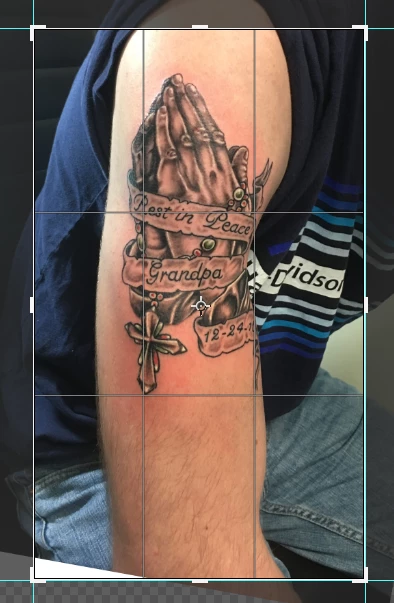
Hey, as a tattoo artist, I sometimes take pictures of the body part, then upload it into PS and draw digitally onto it directly.
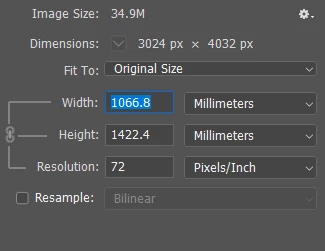
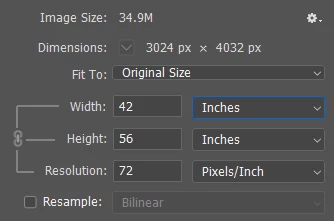
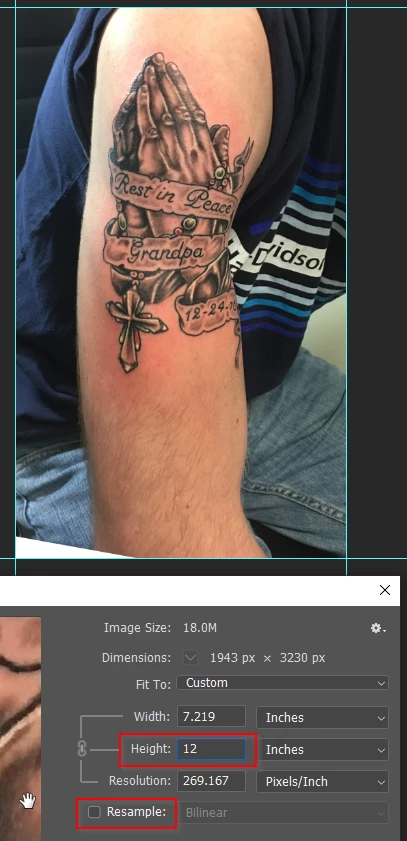
The problem is of course that when you open a photo in PS, it's never the actual lifesize. It all depends on how far the camera was, ....
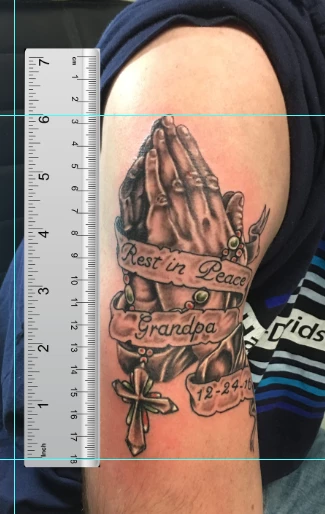
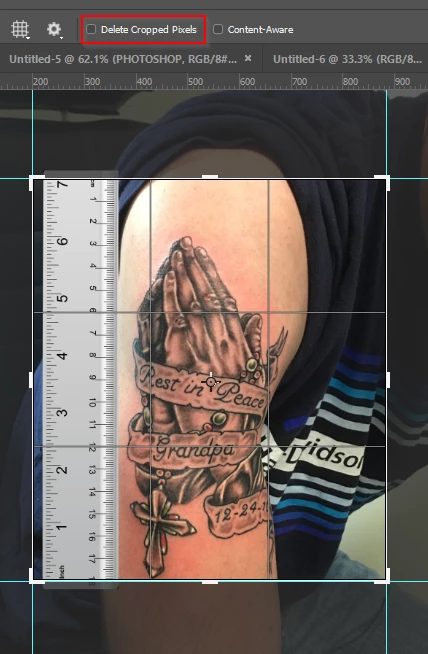
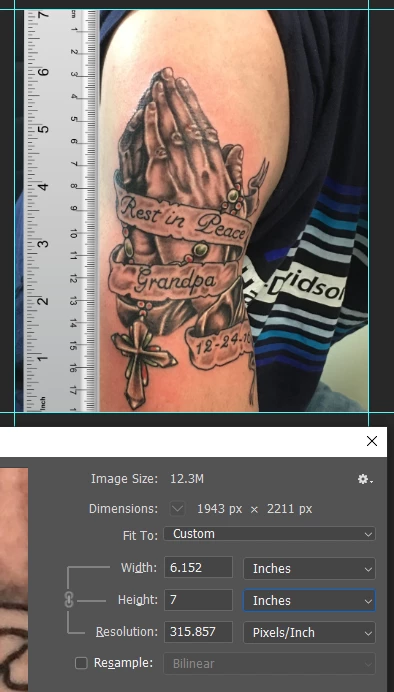
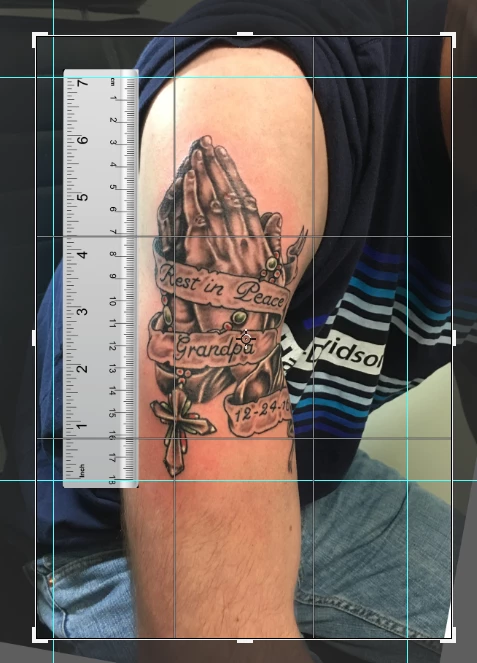
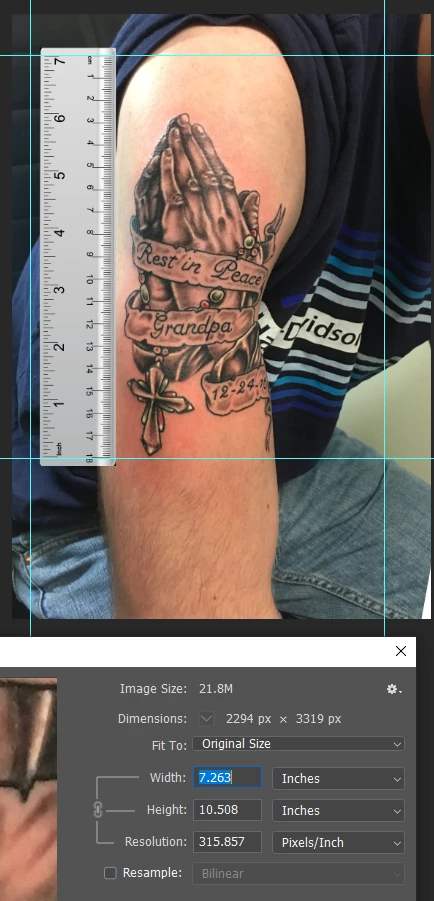
I have a few methods how I resize the file or sometimes I put a ruler next to the body and take a picture with the ruler and then resize it according to the real ruler but if the camera was not 100% symmetrical with the camera, there's always a fault margin.
I'd like to know how I can size a photo in PS to the actual size of the object I took a picture off. Is there an easy way or does anyone have any idea on how to make it myself easier.
I use PS CC 2017
Thank you
 AdChoices