

Huion Tablet suddenly cursor distn from pen
On April I bought a Huion display tablet. I had a hard time to have it show the Photoshop interface (the assistance wasn't helpful at all). In any case the tablet had some issues on the right because the pen made funny movements there. I'm telling you this to explain that even though it had problems, the tablet, at least half of it, at one point was working.
On August finally the assistance sent me a new tablet, but when I use it, the curson is 15cm (6 inches) distant from the pen. I tried the broken tablet and now even that table gives this problem.
After reading another similar discussion I disabled the Graphic Processor Settings in the Preferences, closed Photoshop, reopened it, but nothing changed.
Is there any place I should check for problem like this? I didn't touch anything when I used the new tabled. I only attached the cables, using the drivers of the other one. Why are now both of them giving this problem?
I use a pc, Windows 10, the tablet is a Kamvas GT-191
Thank you for any idea
PS I'm really scared to unistall and reinstall the drivers. I spent three months doing so...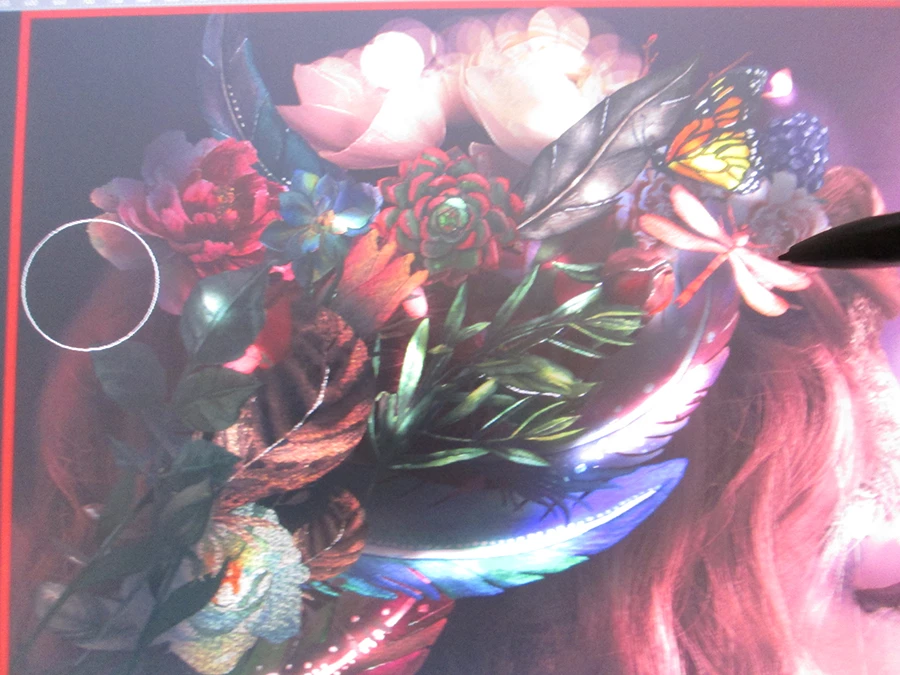
 AdChoices