

Answered
Image exports in greyscale
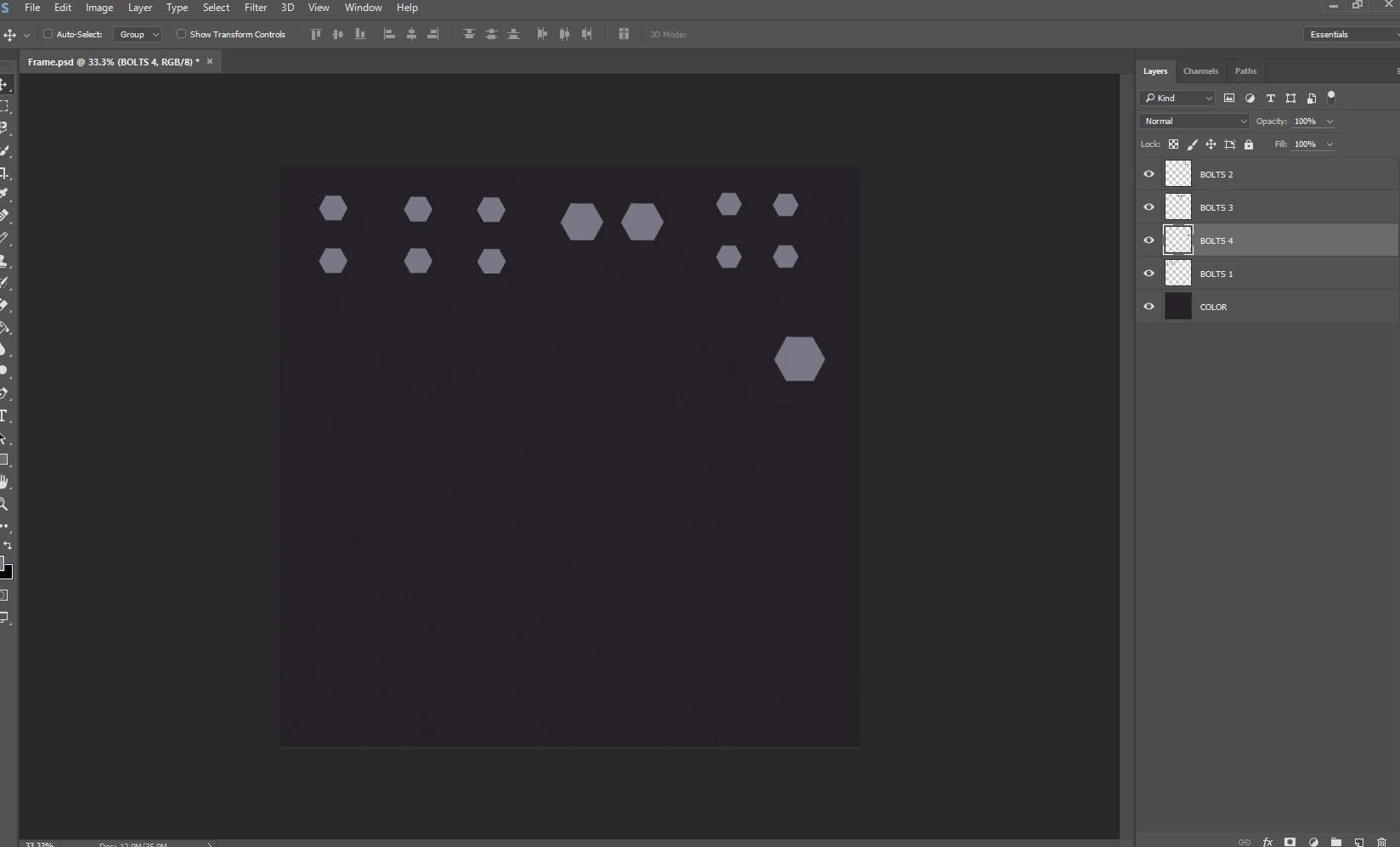
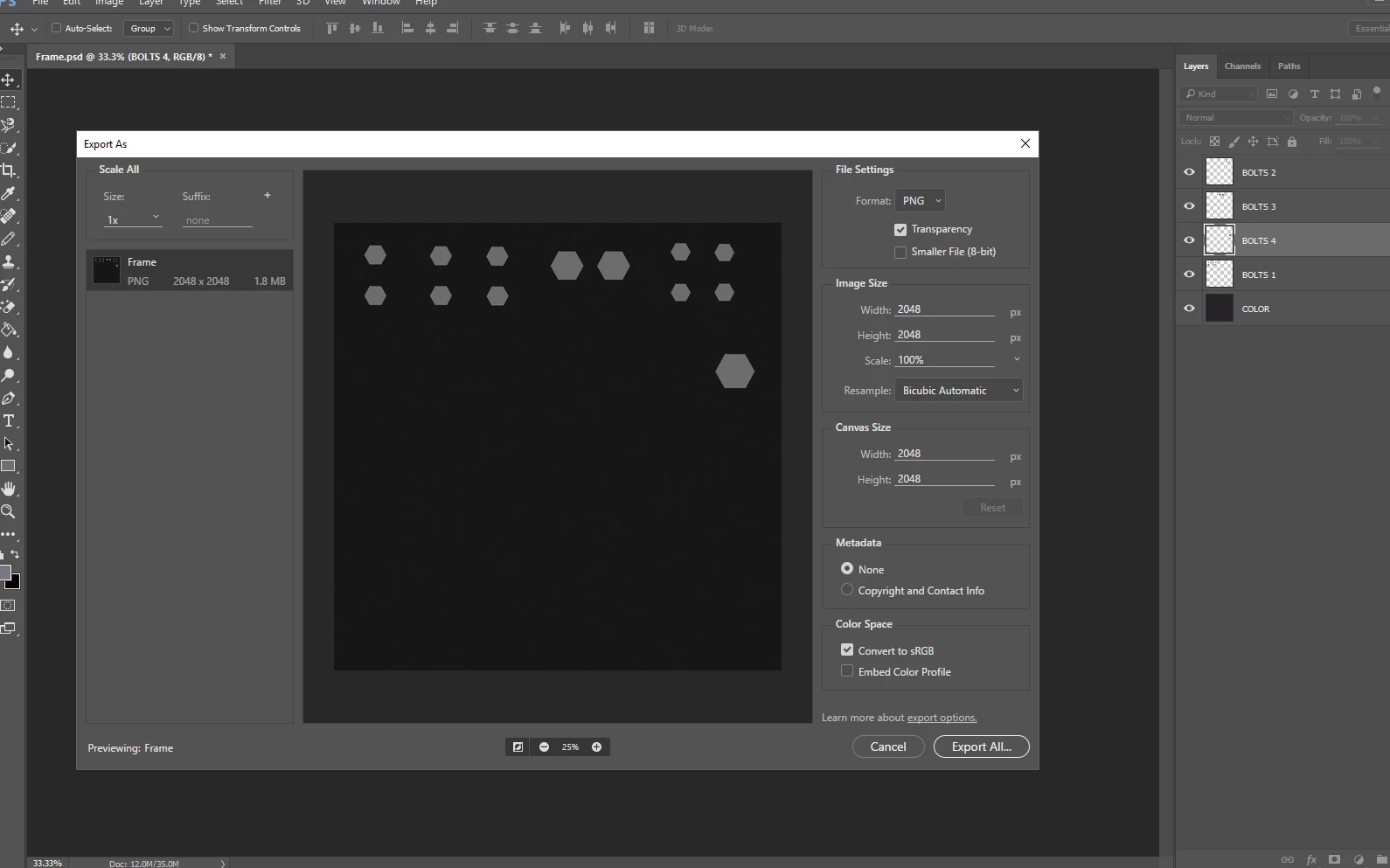
I have an image that I am trying to export to PNG when I do "export as" it discards all color information and is black/white. It seems like a simple setting that needs to be turned off or on, but after hours of searching online I'm shocked to find that no one else has encountered, this I can't find how to fix this.
The image is in color but exports as grey scale (black/white)
Even when I add "Embed Color Profile" it exports as a black/white Grey image, This also happens with "save as png" and "Quick Export as". Photoshop will not save this picture with color.
Before Export
Exporting (has turned Grey) Even when selecting "Embed Color Profile" the image exports grey.
 AdChoices