
Question
Image gets blurry during puppet warping edition
Hello,
I'm using the puppet warp to match one image on the other using a certain level of transparency.
I used it for the first time yesterday, everything was working fine.
But since the second time I used it, the image I'm editing get so blurry, that I cannot match both images, since I stop seeing the pixel.
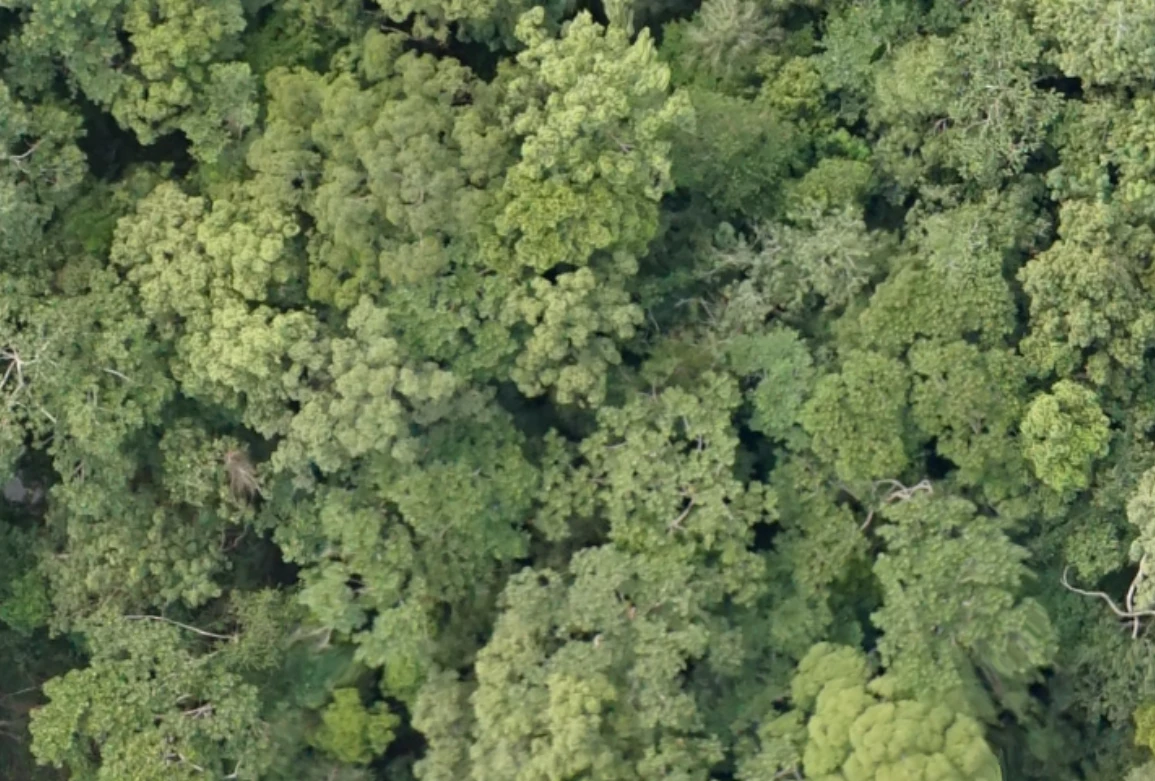
Here the comparison:
- normal image
- after starting puppet warp editing and setting the first pin
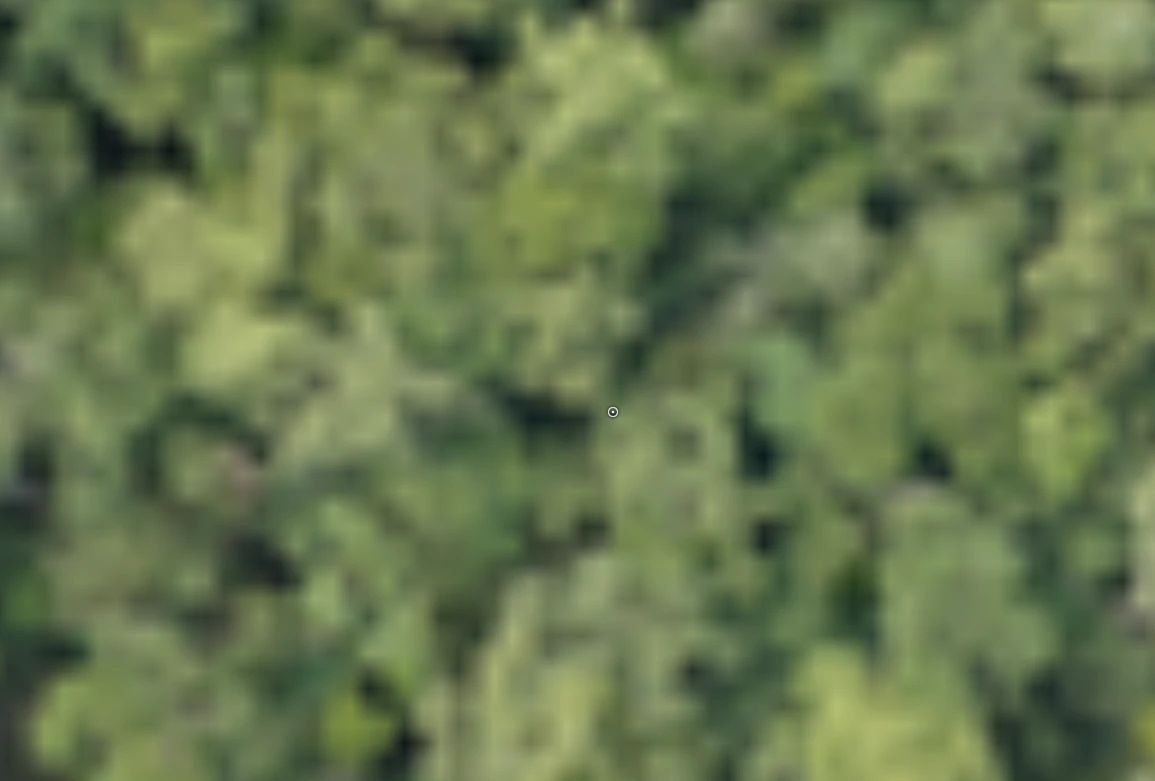
I tried it several times, but each time I set the first pin, the image gets blurry.
When moving around, the image looks normal, the moment I stop the moving, it gets back being blurry.
Just to complete the info: I' editing images images of about 5 Gpixel. Using PS CS6
I hope someone can help me on this one
Cheers
 AdChoices