Participant
June 3, 2020
Question

Photoshop 2020 screen turns grey while toggling between different applications

  • June 3, 2020
  • 10 replies
  • 13377 views

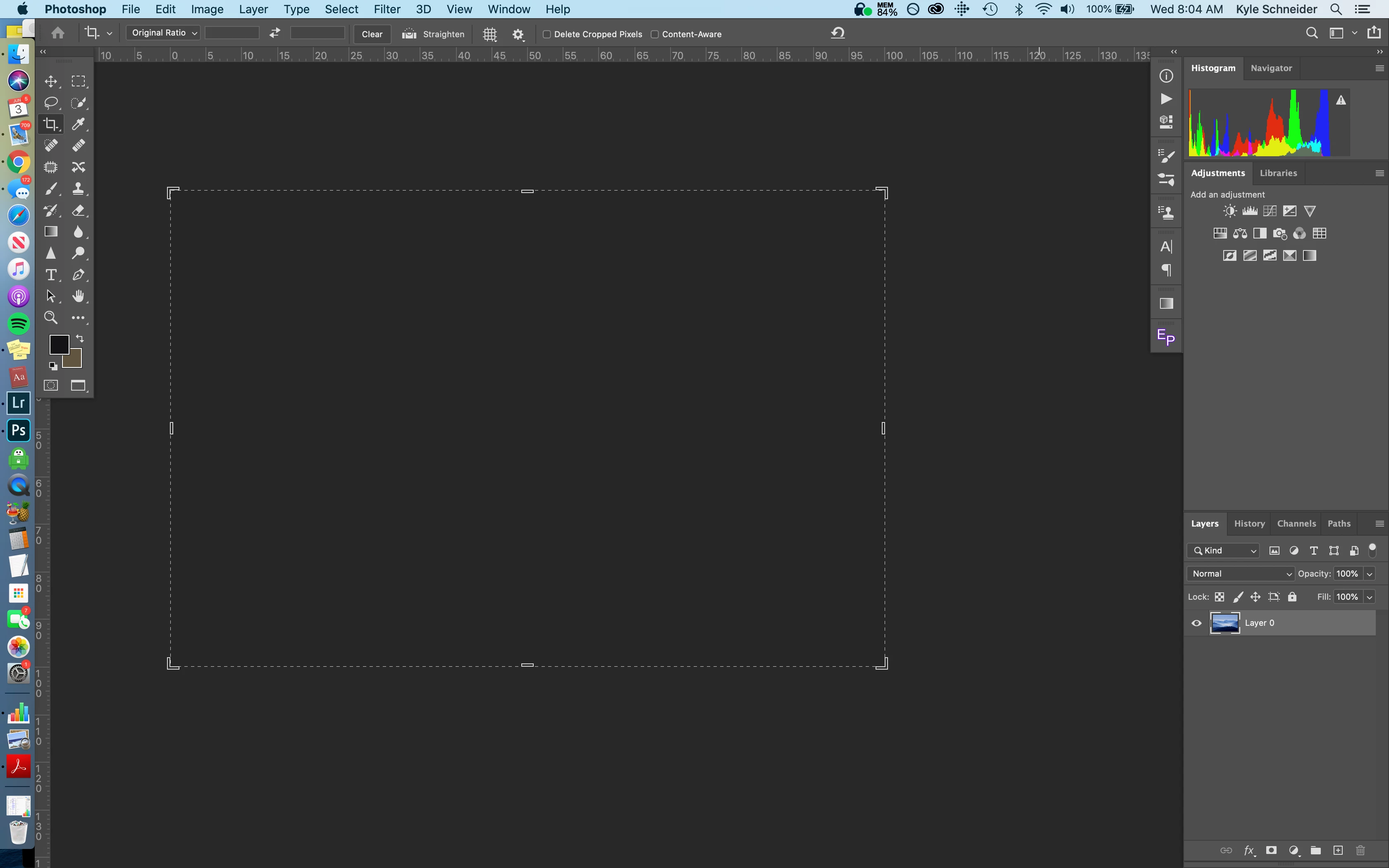
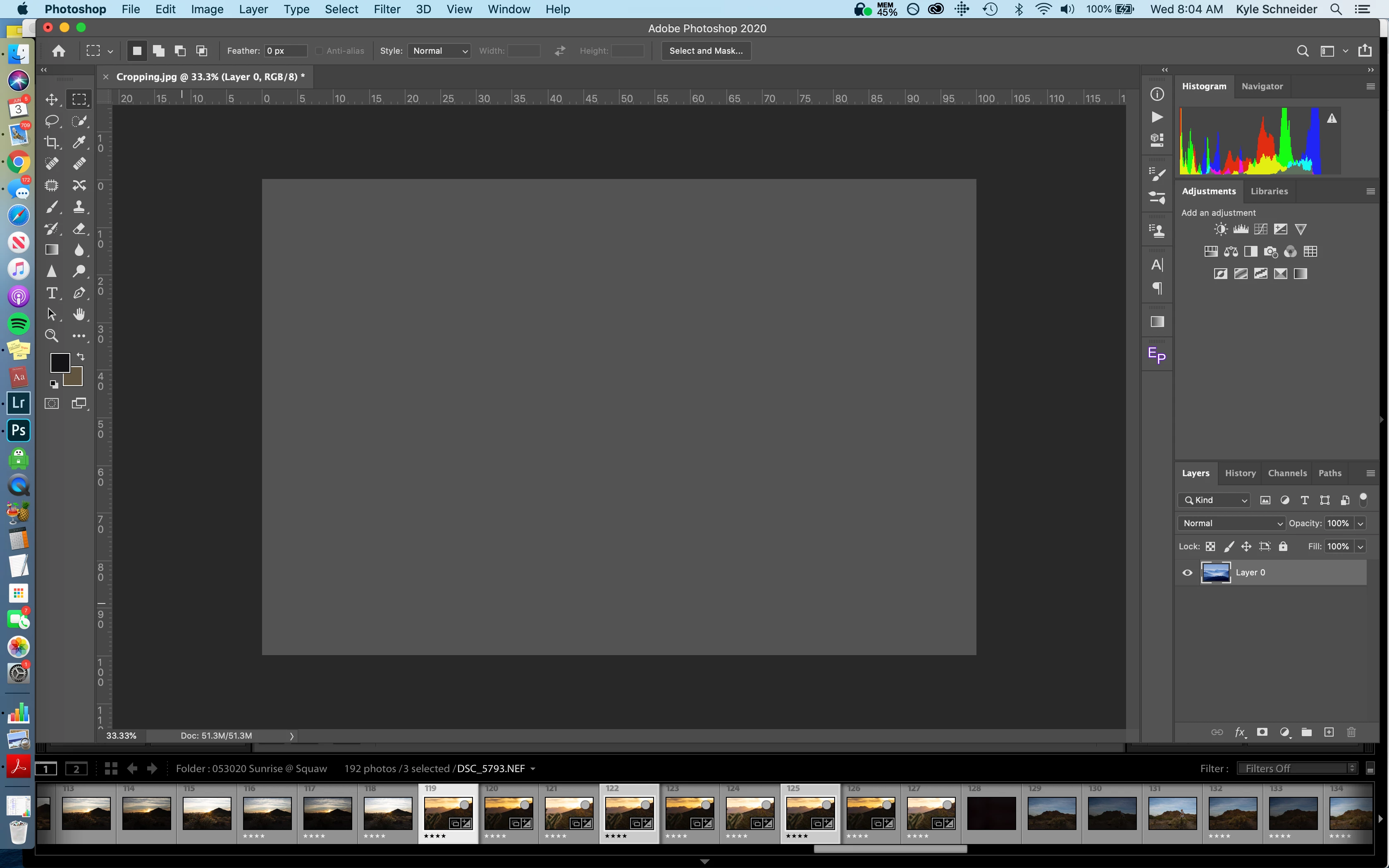
Havent been able to find an answer for this one, as its hard to word. But whenever I exit Photoshop to either watch a tutorial or even switch to Lightroom, I'll come back to a gray image. Once I hide and unhide the layer, its fine. But when I exit again, same thing (most of the time). I've included pictures to show you what I mean. 
 

{Moderator Note: Edited the thread title}

This topic has been closed for replies.

10 replies

Participant
February 5, 2021

I was having this trouble for months with version 22.1.1 on mac Catalina

today ive decided to downgrade to the oldest version available now (21.2.4)


then after I dowloaded , ive tried to run the 22.1.1 again....

and. for my surprise THE BUG DOESNT HAPPEN ANYMORE


so i tried to use both versions ( Ive NOT DELETED THE NEW VERSION, just kept both) to make sure both were working well


an after make a test restarting my computer, both versions worked perfectly 


so Ive deleted the 21.2.4 and i am just with the newest version , working normally, miracously


i dont know how this proccess of download the older version affected this new one... have no clue on that, but its just working fine again for me 


weird and bizarre, but after  3 months of problems at least to me photoshop is normal again


ps: ive tried all GPU turning on and off things, whithout success


@mj
Community Expert
Community Expert
December 21, 2020

Hi folks,


If you're still battling with this problem try this. 


This problem crops up when Ps does not like your GPU as a general observation.


Choose Preferences > Performance and uncheck Use Graphics Processor.


Quit Ps and restart Ps.


You should be good to save now


Let us know how it goes


Good luck

mj

Participant
February 5, 2021

I was having this trouble for months with version 22.1.1 on mac Catalina

today ive decided to downgrade to the oldest version available now (21.2.4)


then after I dowloaded , ive tried to run the 22.1.1 again....

and. for my surprise THE BUG DOESNT HAPPEN ANYMORE


so i tried to use both versions ( Ive NOT DELETED THE NEW VERSION, just kept both) to make sure both were working well


an after make a test restarting my computer, both versions worked perfectly 


so Ive deleted the 21.2.4 and i am just with the newest version , working normally, miracously


i dont know how this proccess of download the older version affected this new one... have no clue on that, but its just working fine again for me 


weird and bizarre, but after  3 months of problems at least to me photoshop is normal again


ps: ive tried all GPU turning on and off things, whithout success

@mj
Community Expert
Community Expert
October 15, 2020

Hi,


Please see these resources from Adobe.


If the document window is blank - see https://helpx.adobe.com/photoshop/kb/troubleshoot-gpu-graphics-card.html

If the Home Screem is blank - See https://helpx.adobe.com/photoshop/kb/troubleshoot-home-screen-issues.html


Hope this sorts your problems

mj

Participant
October 15, 2020

 UGP was already turned off, so that sadly enough not helping 😞

Participant
October 15, 2020

I have the same and none of the replys help... sos

bwyse
Participant
September 29, 2020

Same with me, super frustrating, If i toggle the layers sometimes the image comes back.

Just going to downgrade. My premiere has been just as bad with the 2020 update. 

I'll be downgrading to 2019 again.

Not sure whats going on at adobe but all my programs are a mess. 

Prins Niklas
Participating Frequently
September 23, 2020

I'm having this problem to, none of the suggestions above works. I'm on the latest version of PS (21.2.3) on a MacPro (2019), MacOS 10.15.6, 3.2 Ghz 16-Core Intel Xeon W, AMD Radeon Pro W5700X 16 GB and 96 GB RAM.

Participant
August 28, 2020

MacBook Pro (15-inch, 2019) - Radeon Pro Vega 20 4 GB Intel UHD Graphics 630 1536 MB - 

32 GB 2400 MHz DDR4


I'm having the same problem, none of the adviced tricks help. Switch back to 2019 and I have no issues there.

Participant
September 3, 2020

This worked for me - im using Radion Pro eGPU with Wacom and I had this exact issue.


Rememberd I had changed the cache levels as with a big GPU assumed this would be good and improve things, sometimes I was getting some slowdowns that I could only cure by restarting PS - however in changing the cache to a higer number this problem starts exhibiting.


SImply changing this back to the default "4" then restarting PS and the problem has gone away.

 GPU is on and Legacy compositing is off, it was just Cache levels I had to change back (having had it set to 5).

jelse0770
Participant
April 28, 2021

THANK YOU THIS WORKED

Participant
August 25, 2020

I'm aslo having this issue and it's driving me crazy. These suggestions haven't solved the issue. I'll have to revert to old version of the software until this is resolved as it's really slowing down my worklfow.


Any additional help really appreciated!

yahalig16720005
Participant
August 6, 2020

hey akash 
I had the same problem since I updated my photoshop v 21.2.1, I HAD ENOUGTH NOW AND YOUR "TIPS" DOES NOT HELP ME. so I decided to go back to the old version [18.1.6]. AND IT SOLVED THANK YOU. now please fix it and let me know

Akash Sharma
Legend
June 4, 2020

Hi there,


Sorry that Photoshop 2020 is showing a black screen whenever you switch to a different application.


Would you mind deselecting the option "Use Graphics Processor" located in Photoshop's Preferences > Performance, then relaunch Photoshop and let us know if it helps? 


If that does not helps, please checkout the steps mentioned in this article https://helpx.adobe.com/photoshop/kb/troubleshoot-home-screen-issues.html


Thanks,

Akash

PPhotography808
Known Participant
June 23, 2020

Mac Pro (2013), 32GB Ram, 2 AMD FirePro D700 6GB


I'm having the same issues. From what I can see is the more layers I have opened the worst the problem becomes. Checking activity monitor I see that only ONE of the GPU is being used by Photoshop. I read in the latest Lightroom it can only use ONE GPU. I'm wondering if the same thing is happening in the latest Photoshop release. The issue actually started with the previous release but has gotten worst with this release. Rebooting helps but only for a short while. What seems to works best for me is to collapse as many layers as possible whenever possible. 


Turning off the GPU is a none starter. I've been in these threads for the last 3-4 years and turning off the GPU is ALWAYS the first recommendation. I know in terms of technology dog years, my Mac Pro (2013) is getting old in the tooth but all my other GPU intense software are working just fine. So it's NOT my GPU, it's the application. 

Akash Sharma
Legend
June 24, 2020

Would you mind updating to the latest version of Photoshop 2020 and let us know if that helps?


Thanks,

Akash