
Inspiring
January 10, 2018
Answered

Increasing the size of a clipping mask?

  • January 10, 2018
  • 1 reply
  • 1288 views

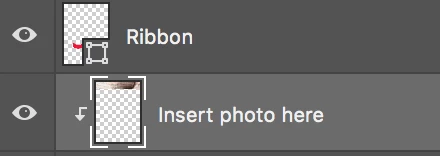
I am using a template that was given to me and i need to insert a photo into what I think is a clipping mask? I want to make the area that displays the photo larger. How can I make it larger so it reveals more of the photo?
Thanks!
    This topic has been closed for replies.
    Correct answer Jeff Arola

    Increase the size of the layer object below the Insert photo here layer.

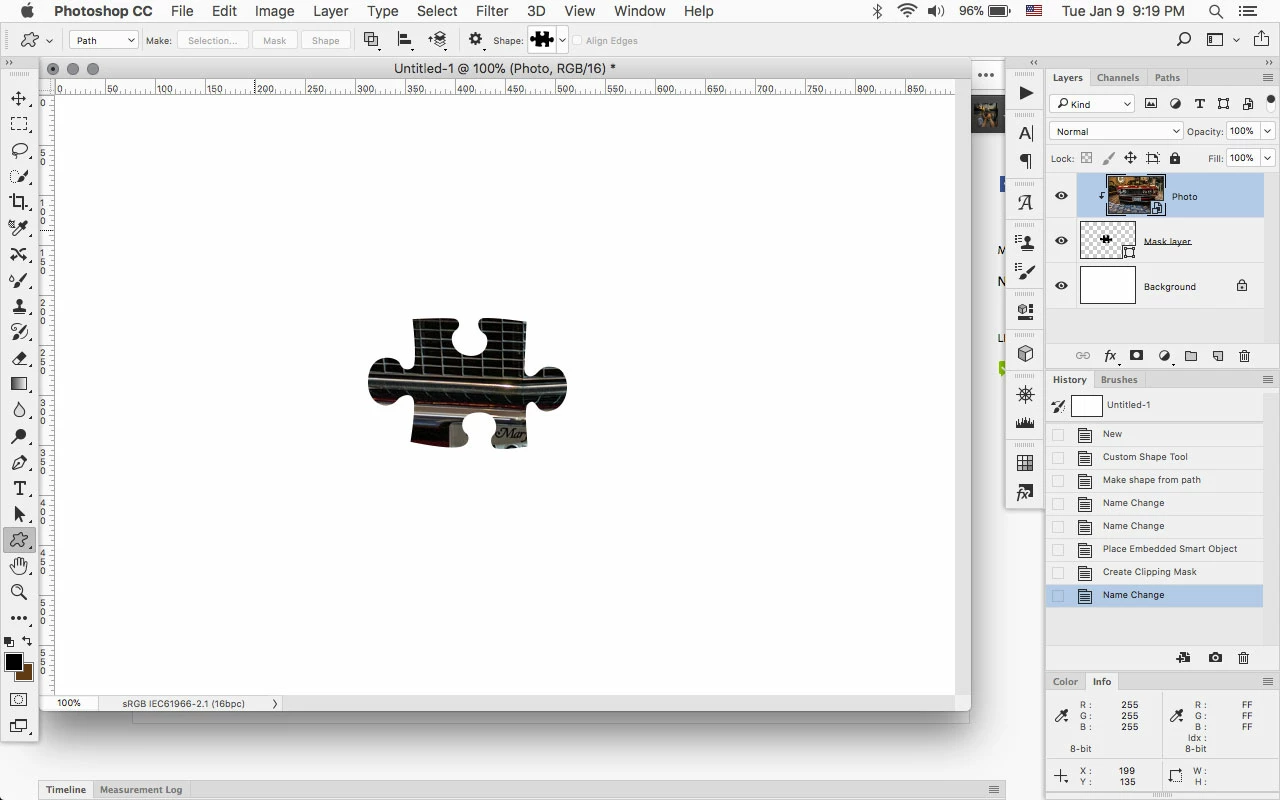
    For example, below the Photo layer is Clipped to a puzzle object (Mask layer).

    (Edit>Transform>Scale)

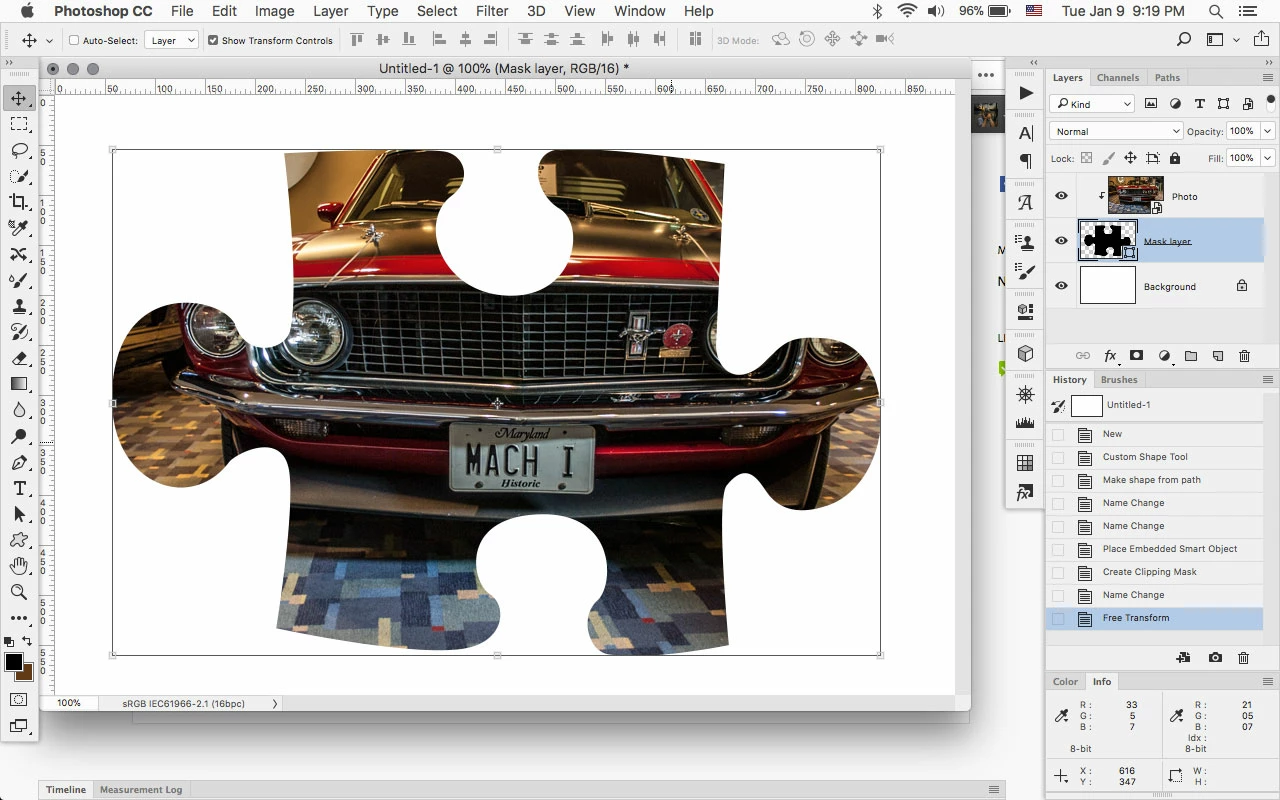
    Increase the size of the puzzle object (Mask layer) and more of the Photo layer shows.

    1 reply

    Jeff Arola
    Community Expert
    Jeff ArolaCommunity ExpertCorrect answer
    Community Expert
    January 10, 2018

    Increase the size of the layer object below the Insert photo here layer.

    For example, below the Photo layer is Clipped to a puzzle object (Mask layer).

    (Edit>Transform>Scale)

    Increase the size of the puzzle object (Mask layer) and more of the Photo layer shows.