


Participant
June 9, 2018
Question

Infinite save for web errors

  • June 9, 2018
  • 1 reply
  • 595 views

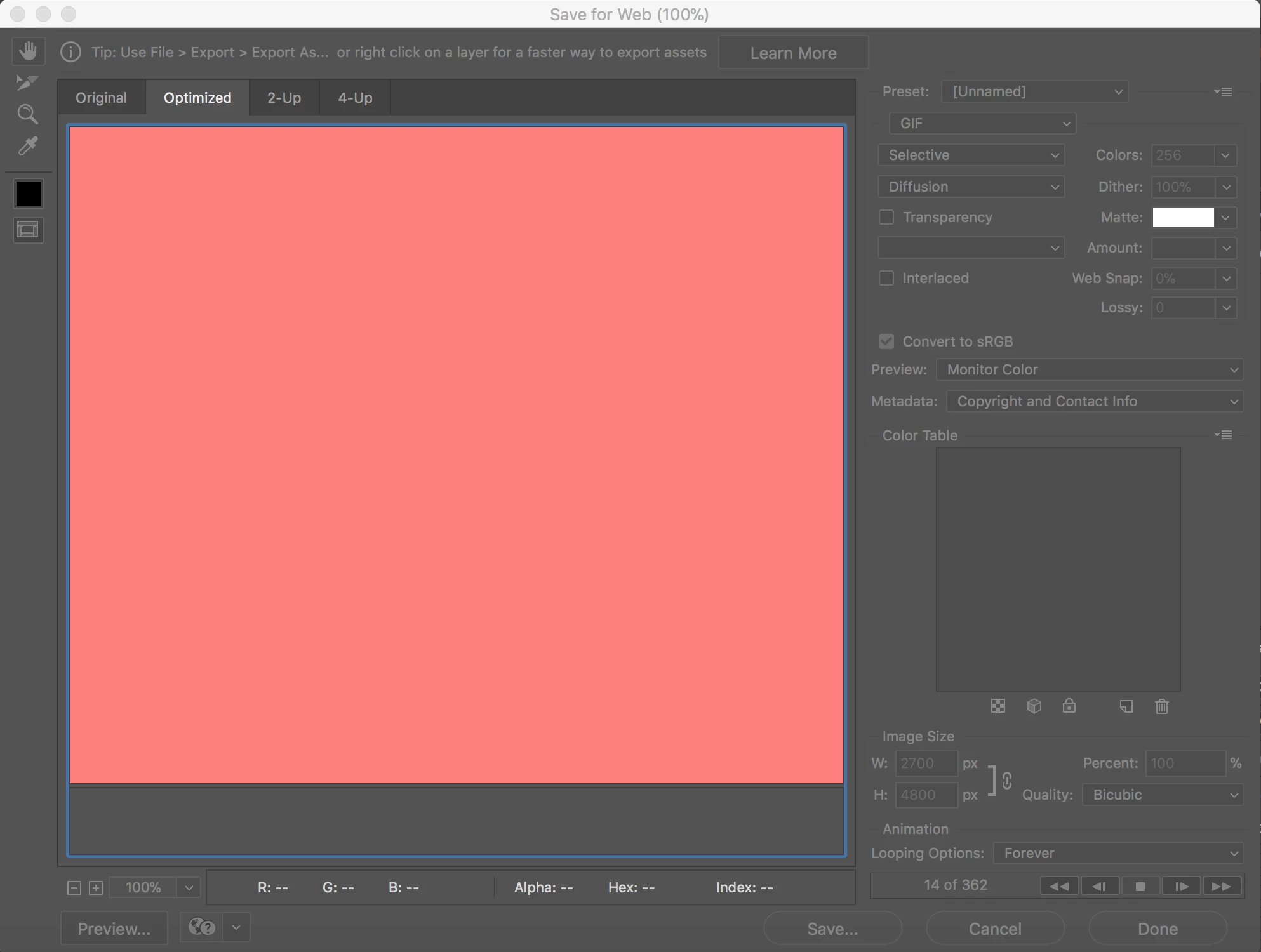
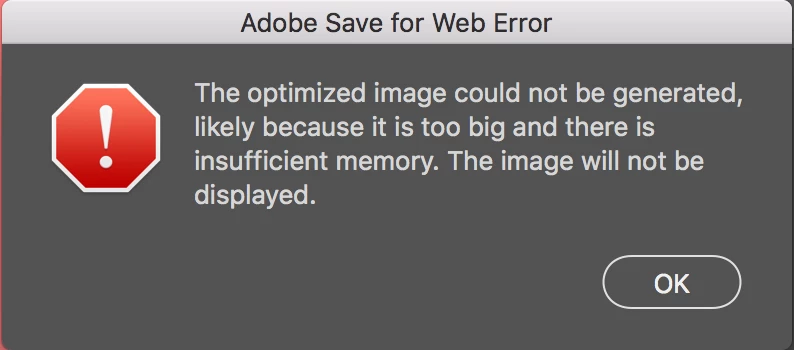
I created 362 layers in photoshop and then created a frame animation with them. When I used save for web I got a pink screen. I proceeded to hit save and I received an error. When I hit OK it immediately begins trying to save it again which still creates the same error. I am unable to hit cancel to try to fix the error because the errors won't give me a chance.
This topic has been closed for replies.

1 reply

Jeff Arola
Community Expert
Community Expert
June 9, 2018

Your image size (pixel dimensions) of 2700 x 4800 is way too big for Save for Web.

You'll need to reduce those dimensions to something under 1000 px on the long side and possibly under 500 px on the long side, especially if intend to use the gif on the web.

Maybe even reduce the number of layers (frames) in the gif as well.

Originally save for web came out in the late 90"s and was probably made to do very small gif animations like

10 to 20 frames max and very small pixel dimensions under 500 px.