

Inner Shadow Problem in PS 2021
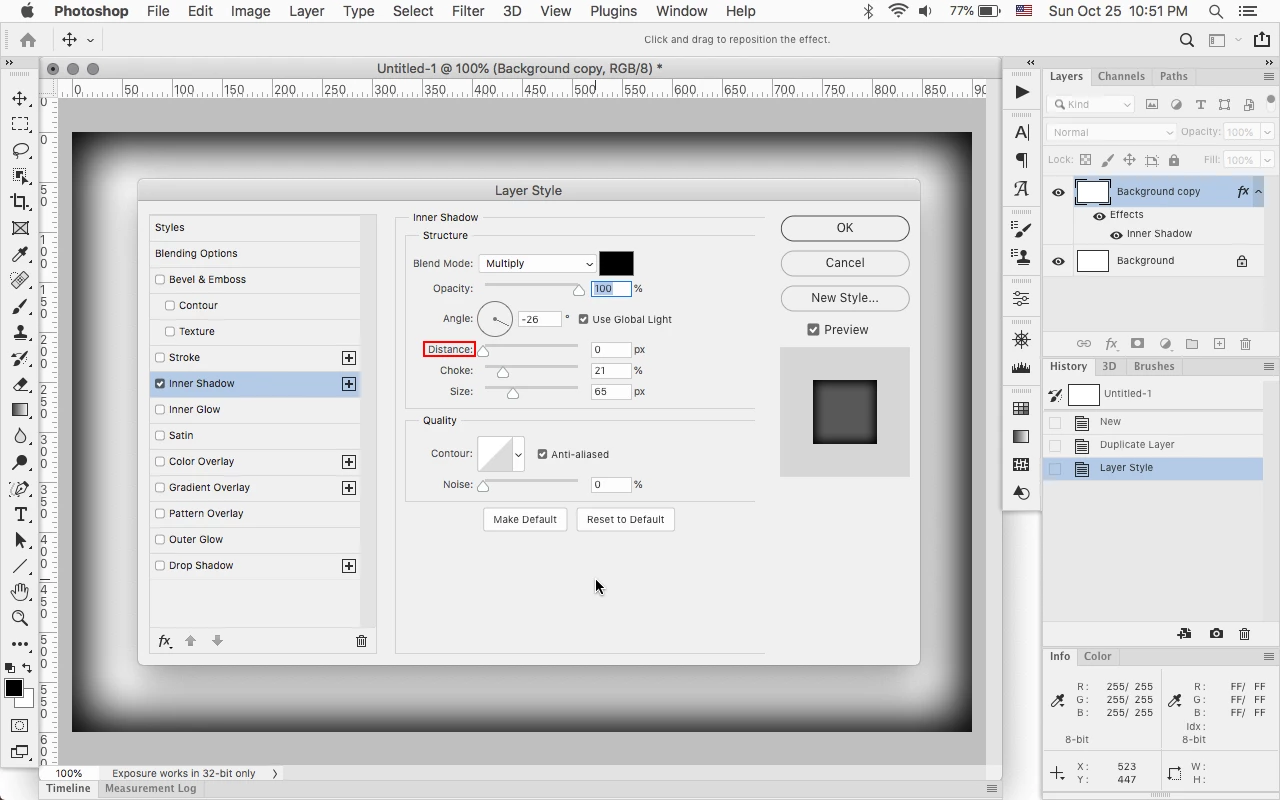
I'm attempting to create a virtual matte around an image by applying an inner shadow to a rectangle around the image. However, I would like the the shadow to be equal around the whole perimeter of the rectangle. I first thought I could apply two mirrored Inner Shadow styles to the rectangle, but when I add the second Inner Shadow style (by using the "+" option in the Layer Style dialoge) I can't change the settings -- it only duplicates the first Layer Style settings.
I then thought I could create one rectangle filling half the total matte area, apply an inner shadow shadow style, and then copy and flip the second rectangle to create the effect. However PS 2021 won't allow me to do that; when the copied rectangle is flipped, it immediately takes on the settings of the original rectangle. Same thing when I create two entirely separate rectangles and apply Inner Shadow: the second rectangle "adopts" the style settings of the first, so I can't mirror the shadow effect.
Any suggestions? Thanks.
 AdChoices