Inspiring
July 14, 2019
Answered

Installation problems - v. 20.0.5

  • July 14, 2019
  • 3 replies
  • 1312 views

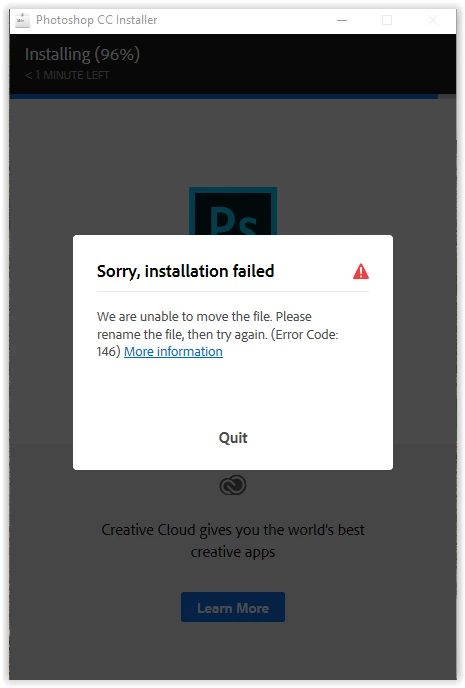
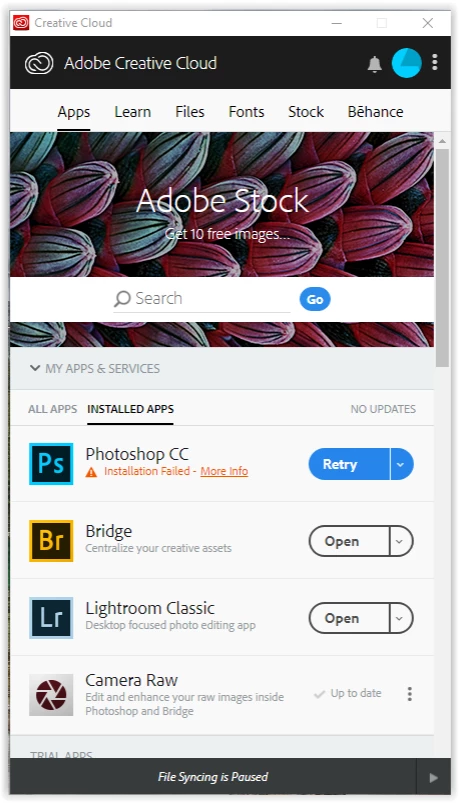
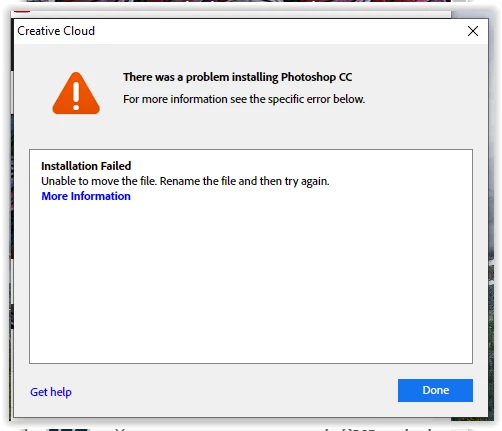
This mess started off with me trying to update Photoshop to version 20.0.5 and I got a failure. Having searched online, I ended up un-installing everything Creative Cloud related and then re-installing it. I have used the cleaner tool and the online un-installer tool. But I continuously get the same error message when I try to install Photoshop. It get up to 89% and then fails. I have tried downloading the Photoshop installer from the Adobe website and it gets up to 96% completed before it fails.

I managed to get the 19.1.8 version installed and running, but I still can't get 20.0.5 to install.

I need some clear, relatively simple instructions on how to get Photoshop installed and running - I am not a computer expert.
    This topic has been closed for replies.
    Correct answer maryh19600613

    Try using Creative Cloud Cleaner Tool


    As I stated in my original query, I used the cleaner tool. I spent three hours with the Abode tech running my computer, re-doing everything I already did to have them conclude it was a registry corruption issue (i.e., microsoft issue). I did some more research and eventually ran the scandisk in the command prompt editor under administrator. This cleaned up the corrupted files and I was recently able to install Photoshop with no issues.

    3 replies

    melissapiccone
    Community Expert
    Community Expert
    July 14, 2019

    Does you computer meet the specs for PS 20.0.5?

    Photoshop system requirements

    I recently had a student who couldn't upgrade past CC 2015.

    Do you have enough free space on your hard drive?

    Melissa Piccone | Adobe Trainer | Online Courses Author | Fine Artist
    Inspiring
    July 14, 2019

    It ran version 20.0.4 just fine. It was updating to version 20.0.5 that caused the problem. There is a file that gets corrupted that I can't delete that appears to be causing the problem.

    italosan
    Community Expert
    Community Expert
    July 15, 2019
    palb86816972
    Participant
    July 14, 2019

    Try to reinstall...

    Inspiring
    July 14, 2019

    Have tried re-installing many times. As I stated above, I have un-installed everything CC related and re-installed from scratch.

    italosan
    Community Expert
    Community Expert
    July 14, 2019

    Hi, I advise you to follow the guide you will find on this page in order to solve your problem. Error Code 146 while installing Creative Cloud apps

    Inspiring
    July 14, 2019

    Thanks, but that was a part of my internet search. The file that is creating the problem is corrupted and I cant delete it or replace it or do anything with it with my skill set.