
December 26, 2016
Answered

Jagged edges on black outline

  • December 26, 2016
  • 5 replies
  • 1030 views

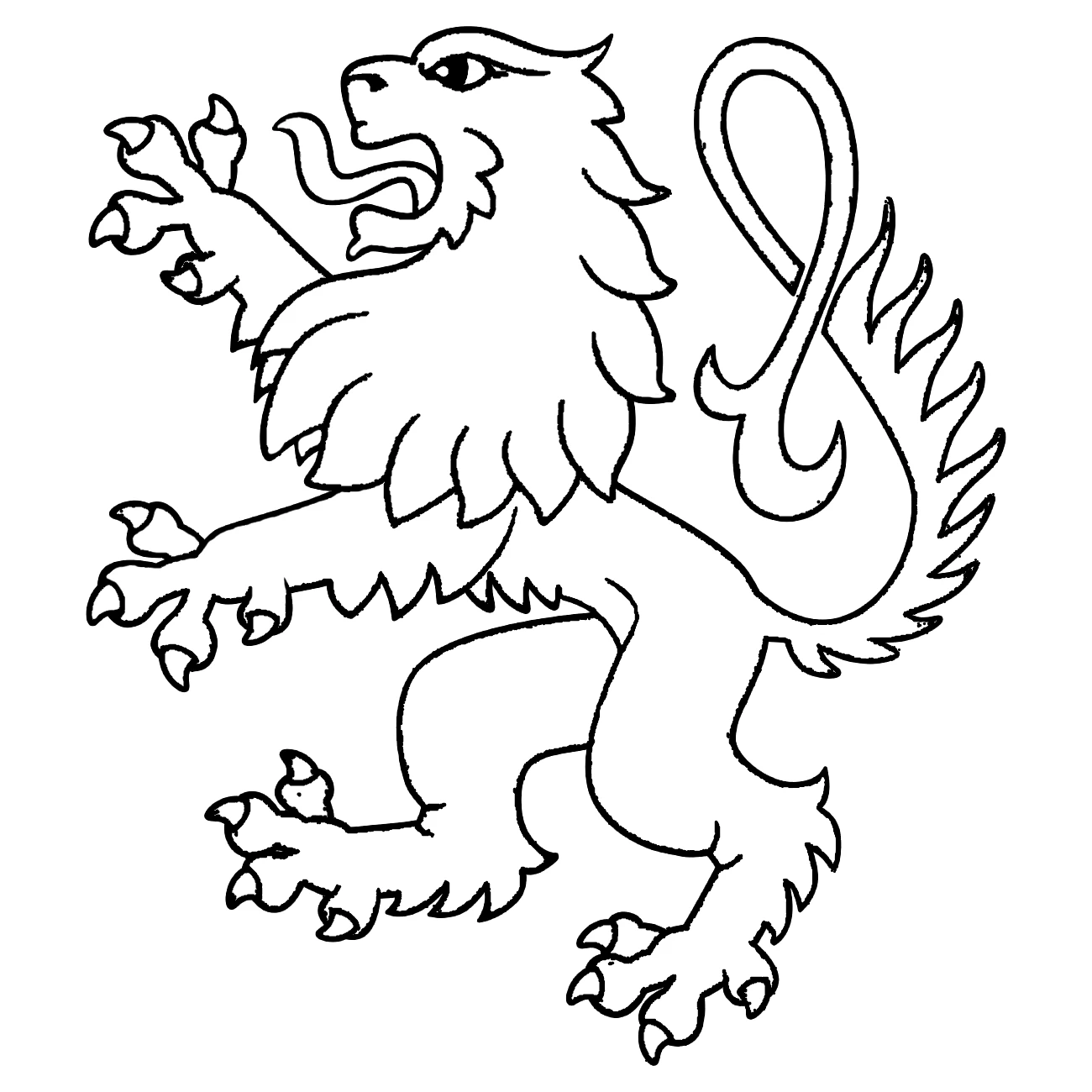
I am trying to remove the jagged edges from an outline picture in Photoshop (CS6). The outlines are very rough and there are random dots at some places in the picture. What is the best way to remove these problems? I have looked on this forum and other websites for the best solution but I can't get anything to work out well enough.
This topic has been closed for replies.
Correct answer Semaphoric

Since it's not too complex, you could trace it with the Pen tool, and then stroke the path with the Brush.

5 replies

December 29, 2016

Thank you all!

Semaphoric
Community Expert
Community Expert
December 27, 2016

Traced with the Pen, and stroked (eye and nostril were filled):


Trevor.Dennis
Community Expert
Community Expert
December 27, 2016

Quick & Dirty

A good solid blur.  I used a value of 4.0 Gaussian.

Harden up the lines with levels

Copy the layer and set to Multiply, and copy the layer a couple of times more.

Flatten, and do a tiny bit of manual touch up.

jbm007
Community Expert
Community Expert
December 27, 2016

Or use the trace tool in Illustrator if you have it.

postrophe
Inspiring
December 27, 2016

Hi

Even in Illustrator, I would use paths & strokes. (for best result).

Pierre

Semaphoric
Community Expert
SemaphoricCommunity ExpertCorrect answer
Community Expert
December 26, 2016

Since it's not too complex, you could trace it with the Pen tool, and then stroke the path with the Brush.