Question
jagged line in pen tool
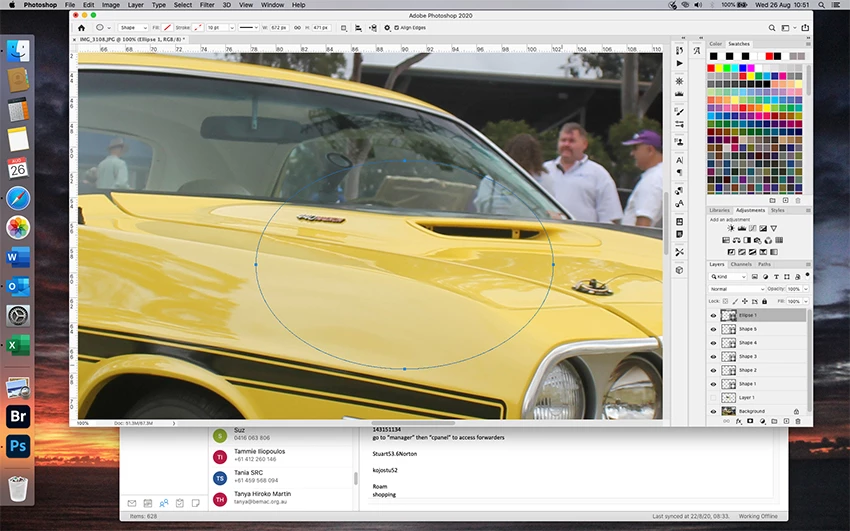 since I've downloaded the latest version of Photoshop, I can't get Pen Tool to create a line, curve, or shape that doesn't have a jagged edge. I can't seem to find out what is wrong. Can anyone help?

since I've downloaded the latest version of Photoshop, I can't get Pen Tool to create a line, curve, or shape that doesn't have a jagged edge. I can't seem to find out what is wrong. Can anyone help?
Already have an account? Login
Enter your E-mail address. We'll send you an e-mail with instructions to reset your password.
 AdChoices