Answered
Library Panel "Page Failed To Load..."
Hey Y'all, Question... My library panel has failed to load and this error message pops up in the panel. Any ideas on how to remedy this?
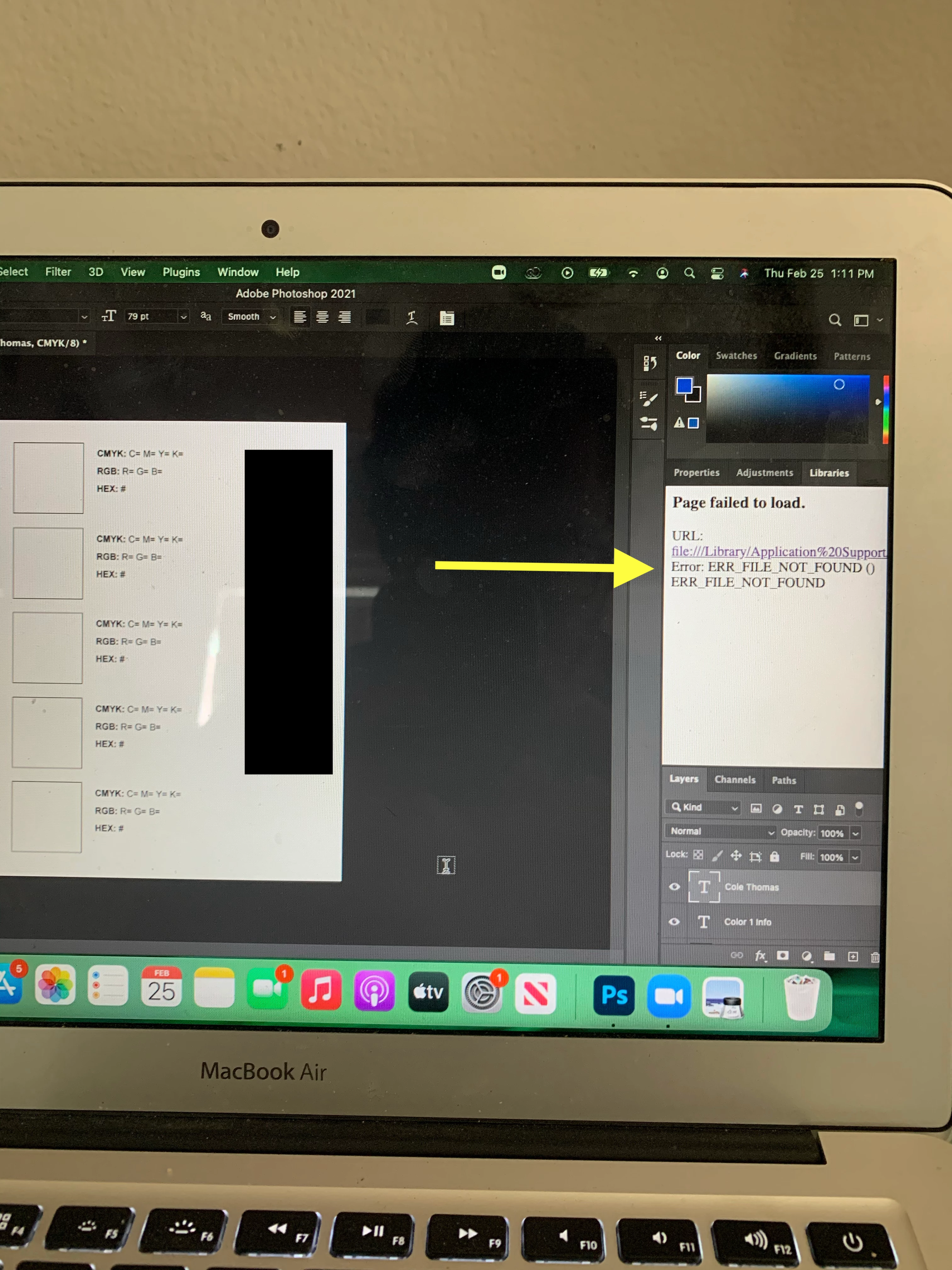

Hey Y'all, Question... My library panel has failed to load and this error message pops up in the panel. Any ideas on how to remedy this?
Hi, sorry you are facing this! Seems like something didn't work on CCLibraries update. Could you please follow the steps in Solution 2 here:
https://helpx.adobe.com/creative-cloud/kb/libraries-panel-not-working.html
Let us know if that fixes it. Thanks!
Already have an account? Login
Enter your E-mail address. We'll send you an e-mail with instructions to reset your password.
 AdChoices