

Answered
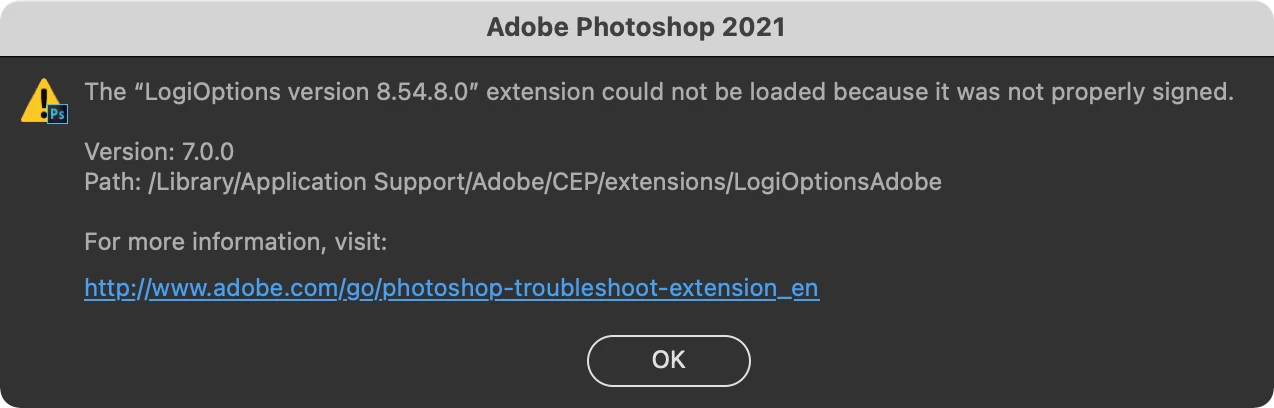
LogiOptions could not be loaded because it was not properly signed MacOS Bigsur Photoshop 22.2.0
I've recently installed software for customising my Logitech MX Master 3 mouse, since then I have been getting this popup as soon as I open up Photoshop and path that it shows to the extension does not have this folder CEP and neither anything Logi is in folder by Adobe. I have searched it thoroughly and I'm not a noob in computers. I can't seem to get rid of this popup. Any help would be appreciated.
I am on Mac OS Big Sur 11.4 and my Photoshop is also updated to version 22.2.0 release.
 AdChoices