
Mapping a transparent background image to a surface of another photo
Hi I have this photo


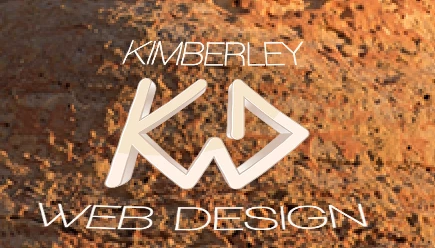
and I am trying to etch my logo onto the rock surface. I have messed around with the warp tool but not getting the results I want.
Any suggestions please?
Hi I have this photo


and I am trying to etch my logo onto the rock surface. I have messed around with the warp tool but not getting the results I want.
Any suggestions please?
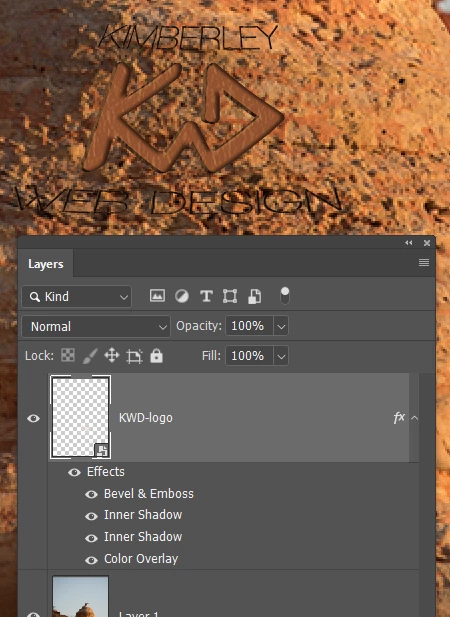
Rather than remake the graphic, I killed the 3D effect by simply adding a colour overlay, which makes it flat.
The same bevel and emboss, but with Texture checked, and a fine rock texture selected.
Two inner shadows to give it more depth. A dense one to the right which responds to the image lighting, and a second from the left but with lower opacity.

I don't know what you could do with Ultra Light font above and below the graphic. Etching won't work, but you could get creative and do something else

Already have an account? Login
Enter your E-mail address. We'll send you an e-mail with instructions to reset your password.