

Question
Mask banding Canon EOS R Raw Photoshop 2020
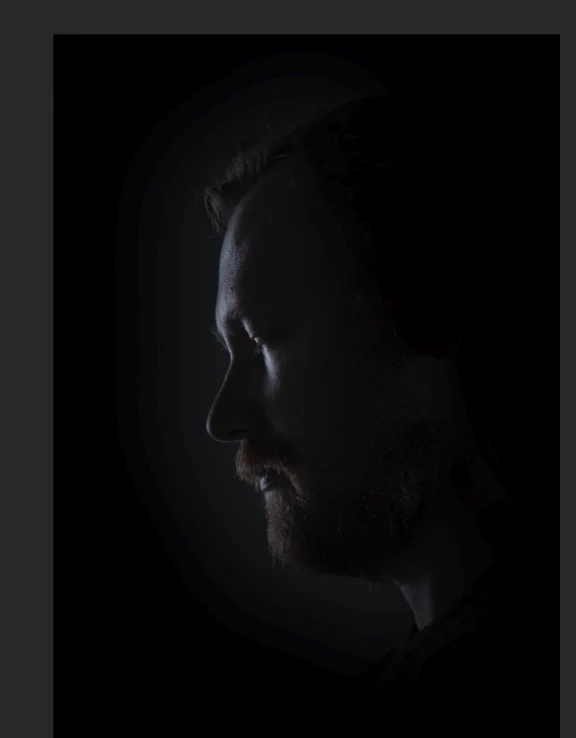
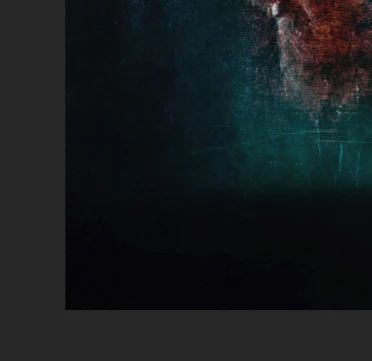
Hello! Why when I create a mask around my face, I see terrible stripes? And also, when I mix the layers, black contrasting spots appear on the images. How to fix it all? Sources from Canon EOS R Raw CR3.
P.S. I previously noticed that the same effect was in Premiere Pro when I turned on Linear Color in the sequence settings. Without this function, everything is smoothed. Photoshop 2020 21.0.3. Windows 10.
 AdChoices