
Pregunta
Missing the "cannot locate linked assets"dialog box
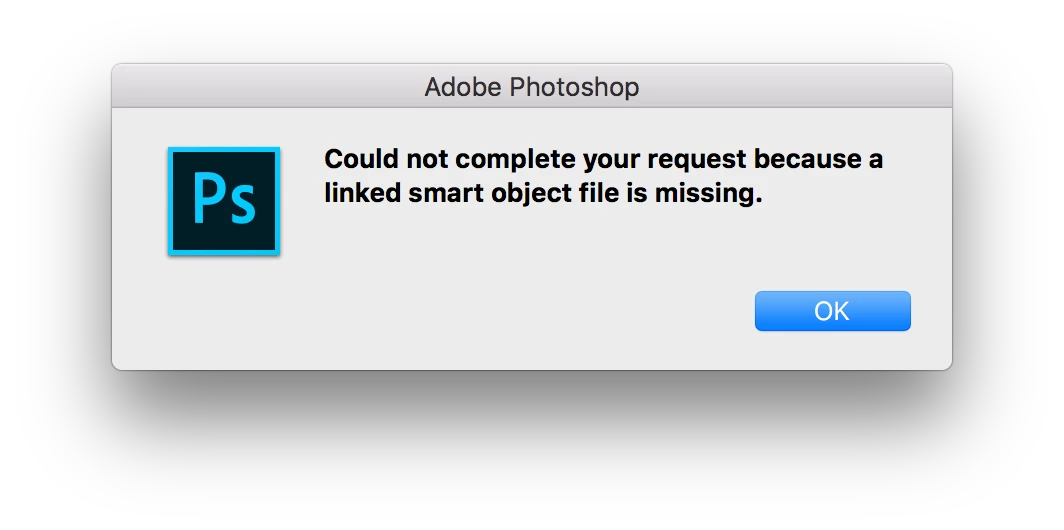
I'm using Photoshop CC 2017.1.3 (18.1.3) on Mac OS 10.12.6 at work, I recently received a psd file from a designer and was not able to open it, I got a dialog box that says "Could not complete your request because a linked smart object file is missing", file just closed after I click "OK".
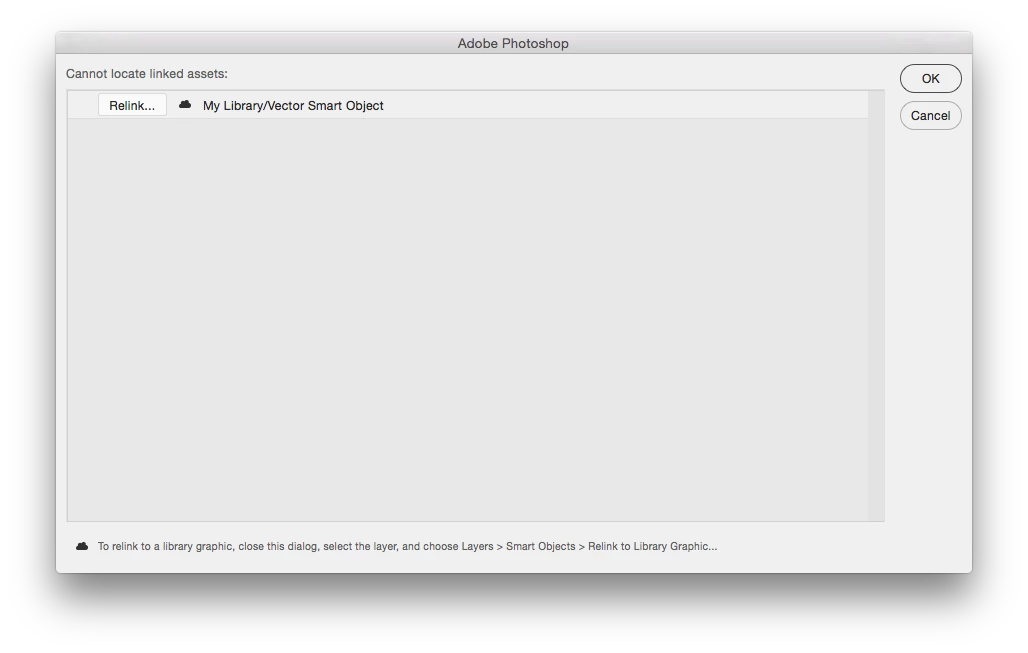
When my co-worker on the same version of Photoshop tries to open the file, he gets a "cannot locate linked assets" dialog box, and was able to rasterize or relink the missing file and get the file to open, but I just don't get that dialog box, so I can't open this file at all.
Thanks in advance for anyone who can shed some light on this issue!
 AdChoices