

Answered
Movie Poster Artwork to Vector Image?
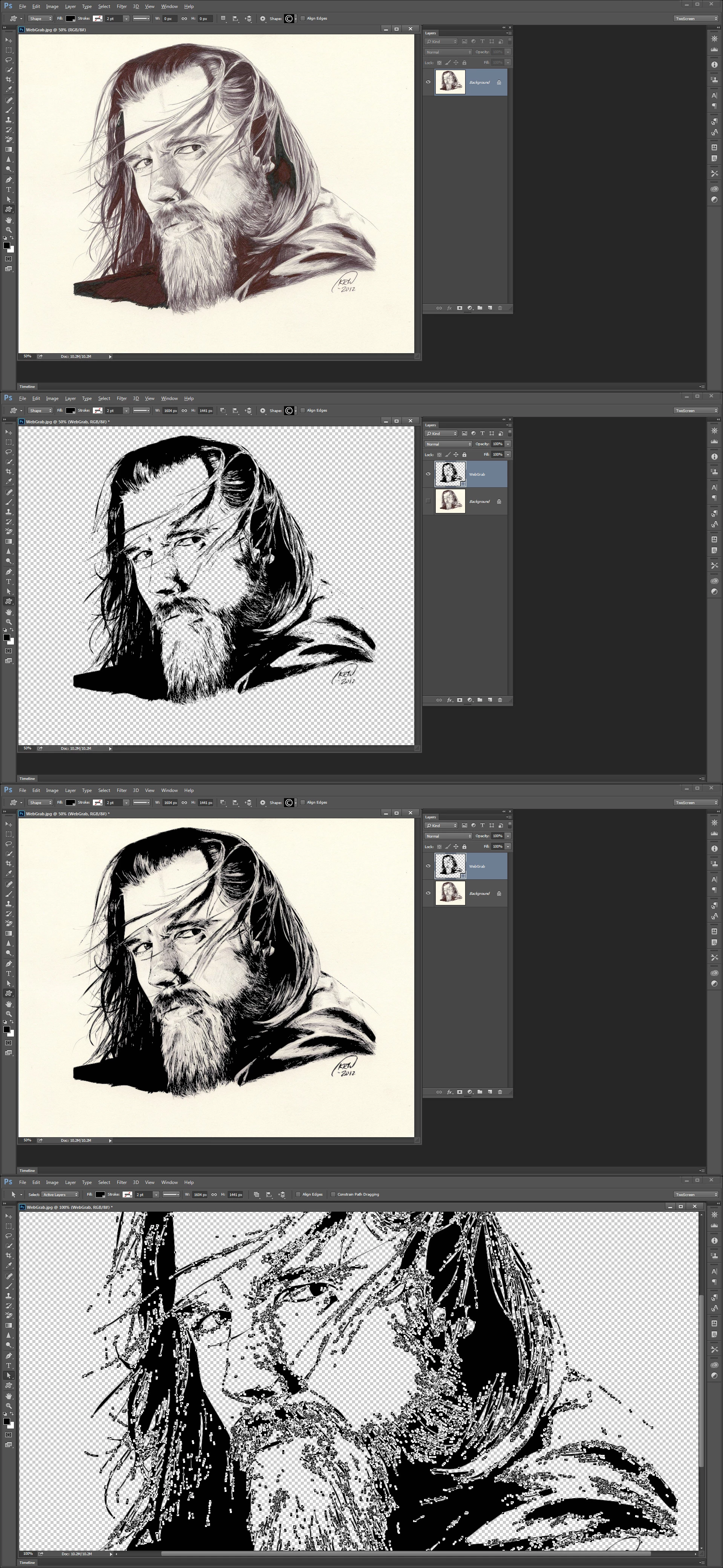
I have watched a dozen tutorials that are not making it clear to me how to do this?! I've designed several movie posters in photoshop which means once I begin blowing them up to print size everything becomes pixelated and blurred. Actually, it looks that way now with the text and other elements. Ive tried image trace in .ai that either destroys the photo, turns it into a watercolor look, makes it black and white amongst a million other results for every Live Trace choice (High Fidelity Photo, 6 Colors etc.) How can I take one of these posters and convert it so that it can have a clean vectorized look at any size!!??? 6 months of filing through tutorials and I still can't find anything that explains it!
 AdChoices