
Multiple document windows stuck in left corner in fullscreen mode while switching
Hello friends of the commuity,
I am using the newest Photoshop on my Mac with 10.15.3. I have two displays, but I do not think that my issue has something to do with that, hence it somehow happens since yesterday. Before that I had not that problem...
Problem:
When I have multiple documents opend in Photoshop 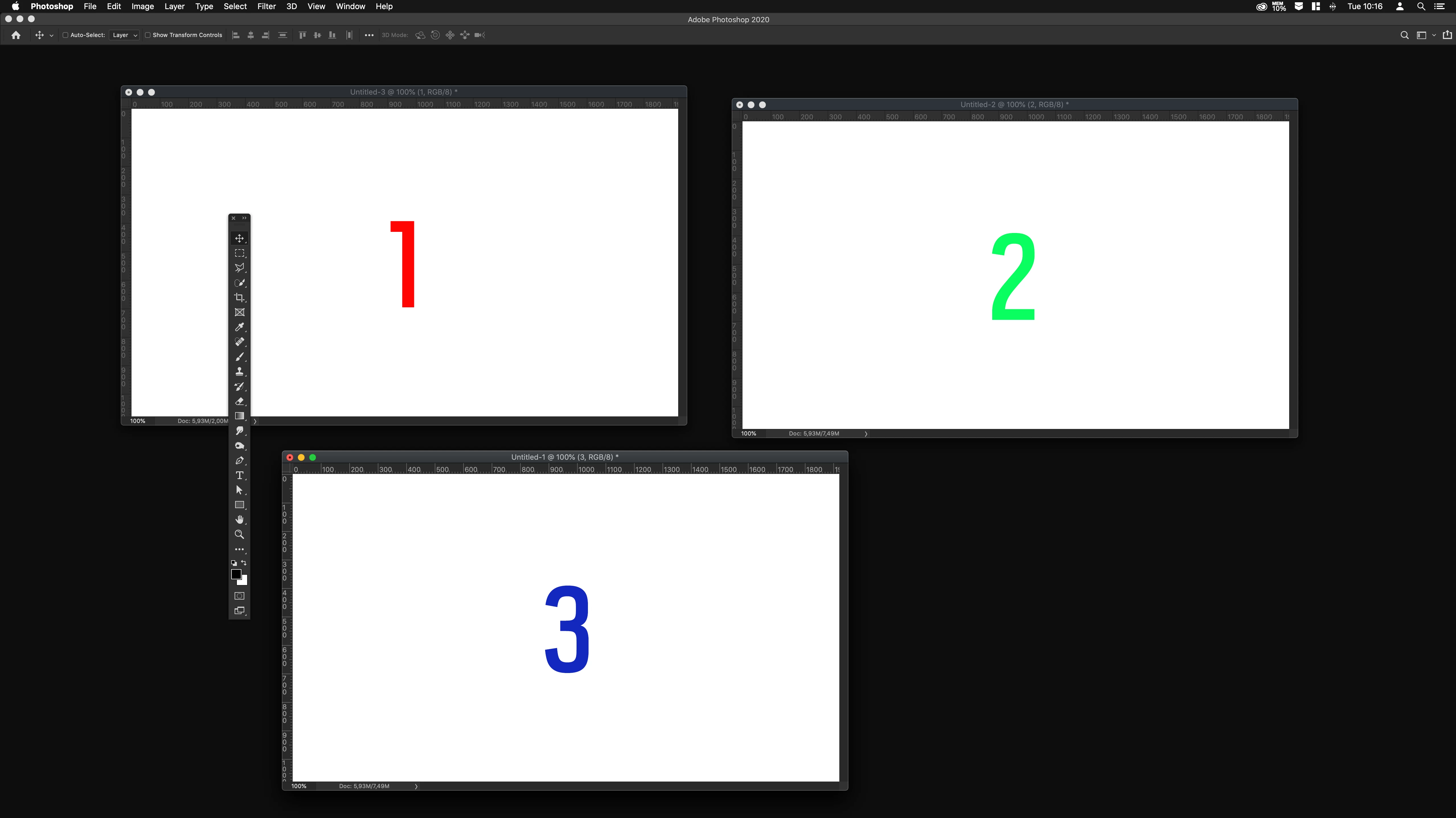
and go to fullscreen mode (keyboard shortcut "F" or via the tools panel) the windows go stuck on the left corner of Photoshop when I switch between the documents (control+tab or via menu-window-documents...). I can't move the document while I am still in fullscreen mode, I have to toggle to standard to be able to. Even the hand tool is no help within fullscreen (overscroll is enabled in the settings).
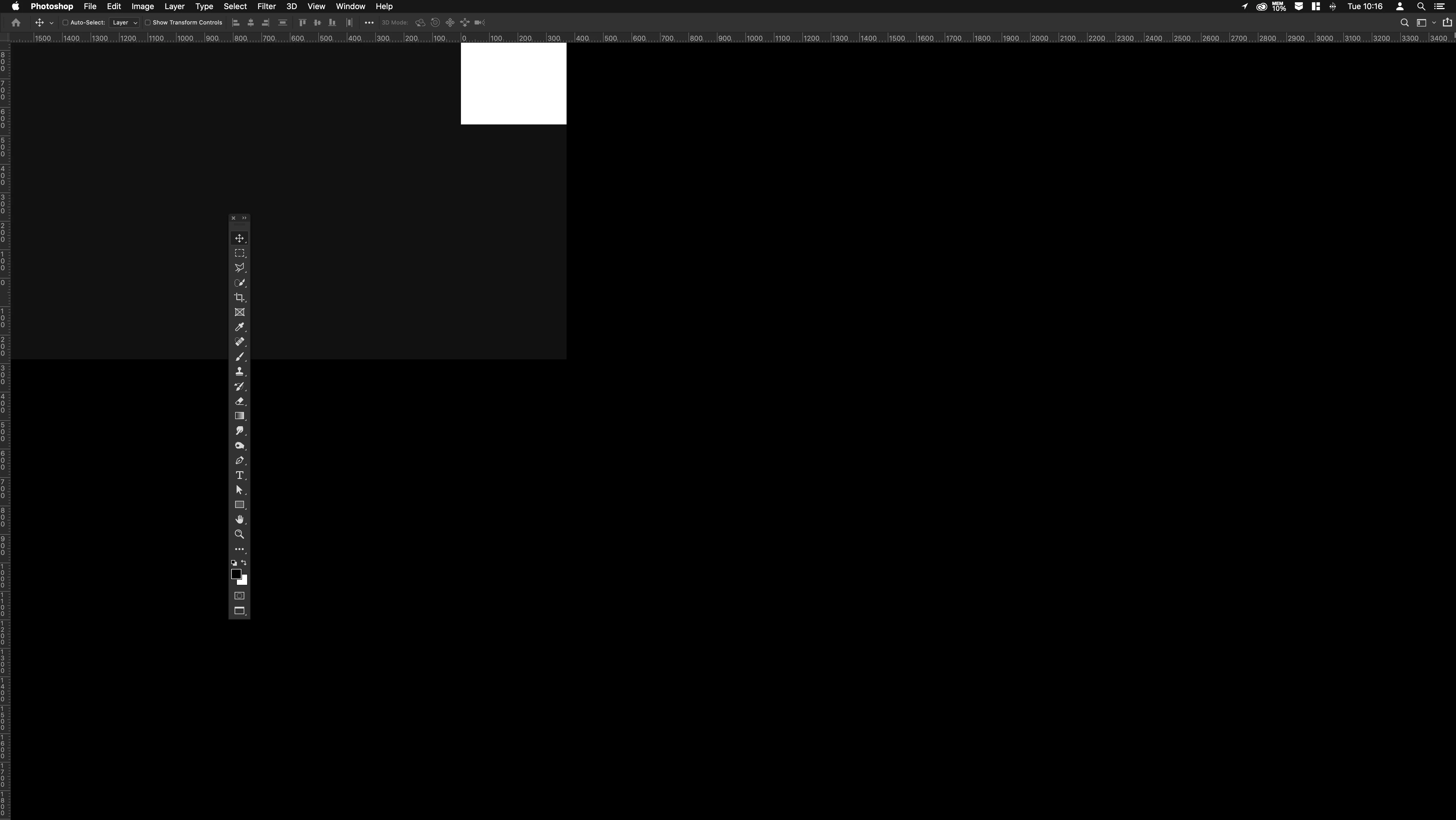
This is very frustrating, because I mostly work with multiple documents and smart objects and this bug drops my workflow.
Anyone a idea? I really do not want to reinstall Photoshop and loos all my settings and custom shortcuts.
Please help.
Thanks
 AdChoices