Exit
  • Global community
    • Language:
      • Deutsch
      • English
      • Español
      • Français
      • Português
  • 日本語コミュニティ
  • 한국 커뮤니티
0

Multiple Error Messages

New Here ,
Jun 19, 2018 Jun 19, 2018

Hello.

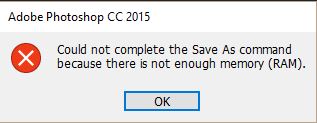
I am having major problems with my Photoshop all of a sudden. I cannot open files, save files, or copy and paste files. The program is literally unusable. I have been using photoshop on this laptop for a couple years and have never had any problem before now. I don't know what to do
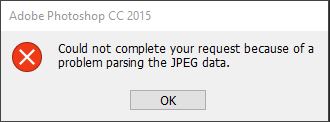
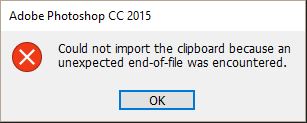
Opening images error.JPGPasting error.JPGSaving images error.JPG

It does not matter what type of image I try to open, (png, jpeg, whatever), and I have a ton of memory space on my laptop as I store all my images elsewhere and the only program I run is photoshop.

Please help, I don't know what to do. I am not particularly computer savvy.

433
Translate
Report
Community guidelines
Be kind and respectful, give credit to the original source of content, and search for duplicates before posting. Learn more
community guidelines

correct answers 1 Correct answer

Deleted User
Jun 19, 2018 Jun 19, 2018

Hi

If you're on Windows 10 version 1803 this issue was fixed in version CC 2018 19.1.5

More info

Fixed issues in Adobe Photoshop CC

You have two options either update to Photoshop CC 2018 or if you want to stay on version CC 2015 you will need to apply the workaround posted here

Error while accessing performance preferences - 'An integer between 96 and 8 is required.'

Translate
Adobe
Community Expert ,
Jun 19, 2018 Jun 19, 2018

Hi LJ:

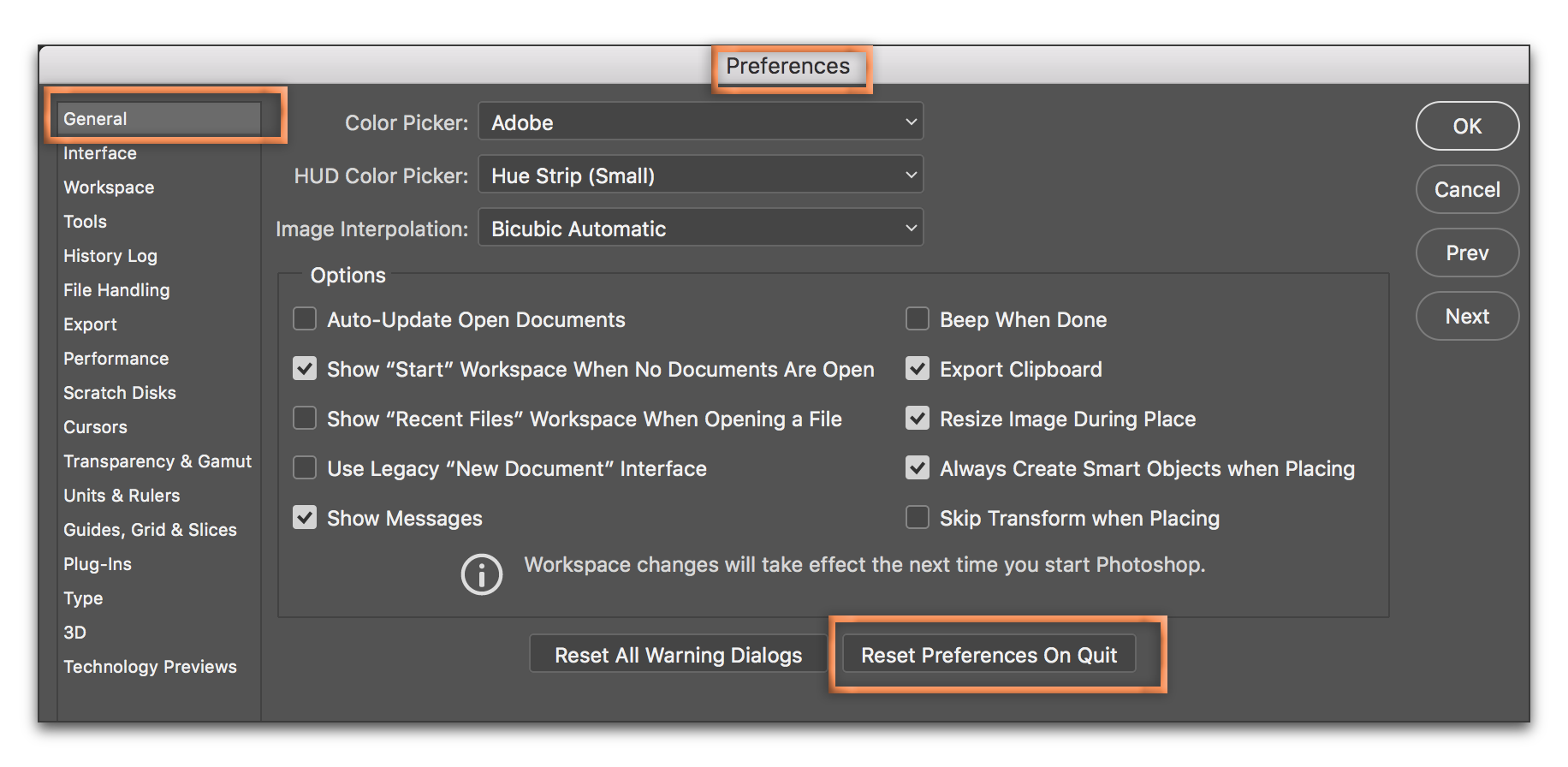
That is certainly upsetting. Have you tried resetting preferences?

PS delete prefs.png

What else might have changed on your computer system recently? A Photoshop upgrade? A operating system upgrade?

What version are you using? What operating system? Do you know that if you have a CC subscription that you can install any of the older versions (from CS6 to CC 2017)?

~Barb

Translate
Report
Community guidelines
Be kind and respectful, give credit to the original source of content, and search for duplicates before posting. Learn more
community guidelines
Guest
Jun 19, 2018 Jun 19, 2018

Hi

If you're on Windows 10 version 1803 this issue was fixed in version CC 2018 19.1.5

More info

Fixed issues in Adobe Photoshop CC

You have two options either update to Photoshop CC 2018 or if you want to stay on version CC 2015 you will need to apply the workaround posted here

Error while accessing performance preferences - 'An integer between 96 and 8 is required.'

Translate
Report
Community guidelines
Be kind and respectful, give credit to the original source of content, and search for duplicates before posting. Learn more
community guidelines
New Here ,
Jun 19, 2018 Jun 19, 2018

Haha, I had no idea there was a new version. I feel like a right wally now. I updated to 2018 and it solved all my problems! Thanks so much!

Translate
Report
Community guidelines
Be kind and respectful, give credit to the original source of content, and search for duplicates before posting. Learn more
community guidelines
Community Expert ,
Jun 19, 2018 Jun 19, 2018
LATEST

Great news! Glad we could help!

~Barb

Translate
Report
Community guidelines
Be kind and respectful, give credit to the original source of content, and search for duplicates before posting. Learn more
community guidelines