
Participant
August 13, 2018
Answered

My photoshop doesn't open any files at startup

  • August 13, 2018
  • 2 replies
  • 359 views

Hello!

i've been using Photoshop for quite a few years now, and recently i've been having a problem and can't find any solutions out there.

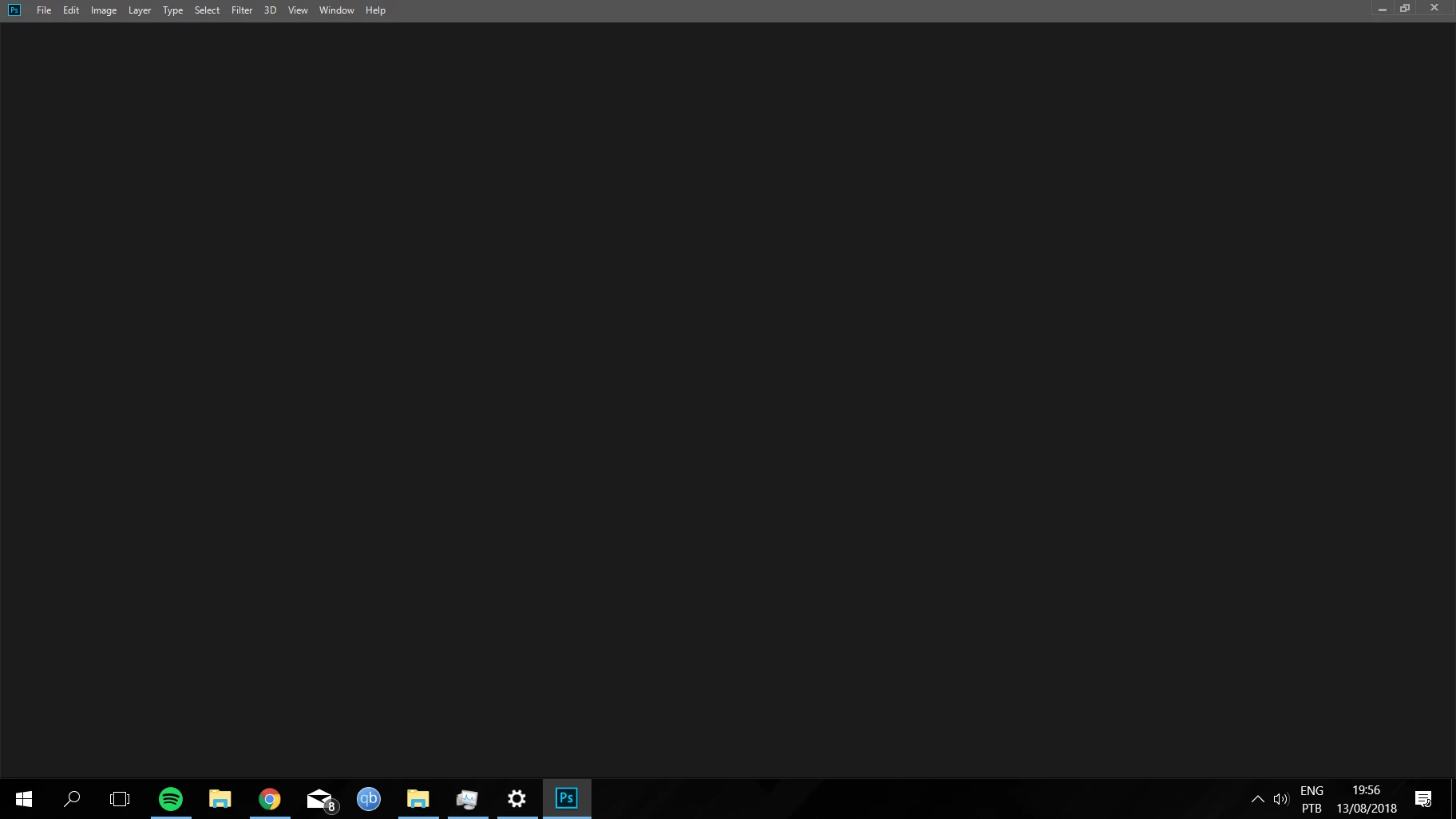
When i open my Photoshop, it opens up pretty quickly but then no welcome windows whatsoever are opened.
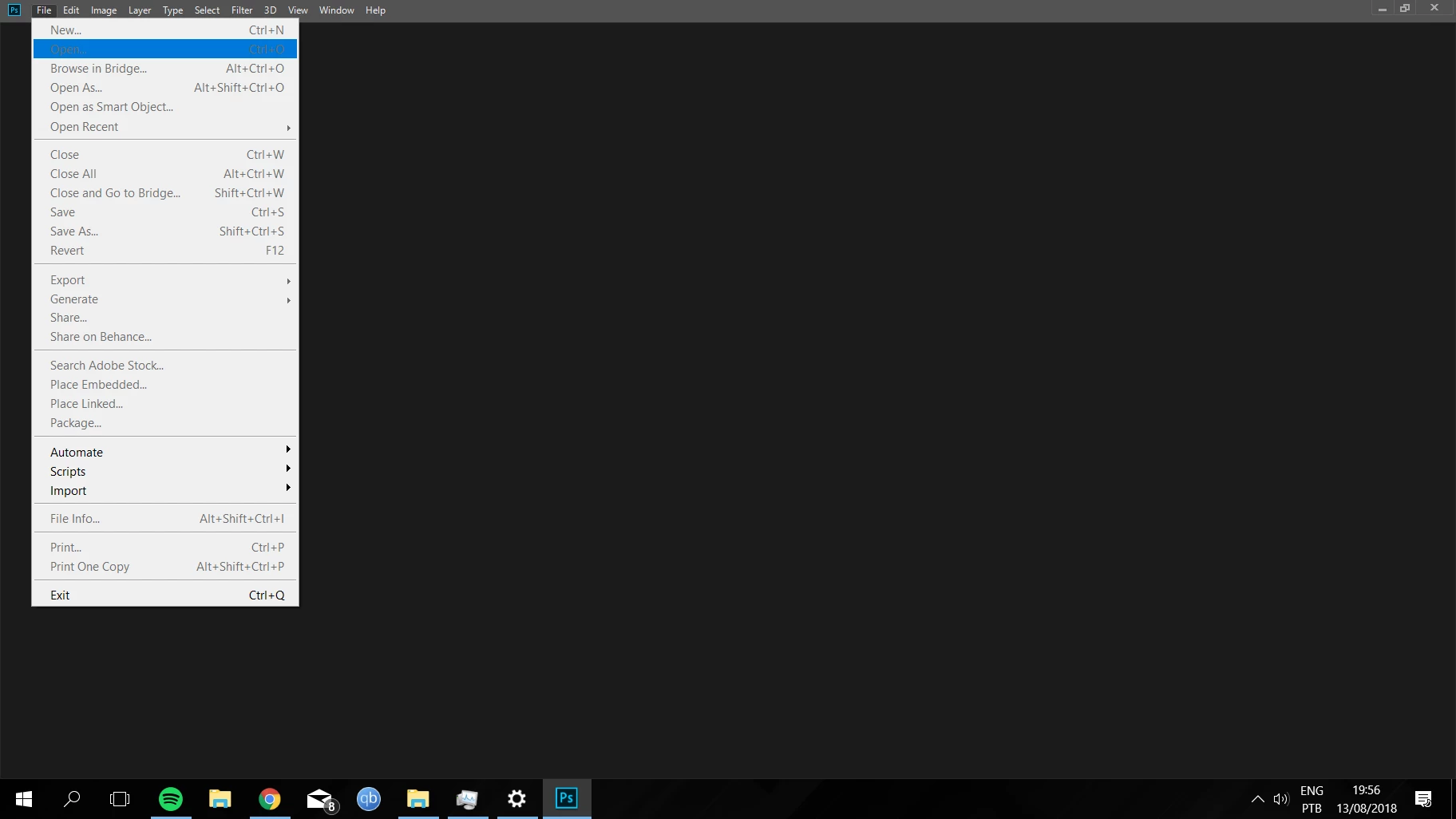
If i try to "File" -> "New", nothing happens other than the options all turning gray and i can't click them again.
I'm on Photoshop 19.0, using Windows 10 Pro 64bit.

My computer specs are as follow:
- Intel i5-7500 3.4GHz

- 8GB 2400Mhz Ram

- Gtx 1060 OC 3gb

This topic has been closed for replies.
Correct answer Xavieres

Just solved my problem. I updated my GPU and all was perfect again.

Thanks.

2 replies

XavieresAuthorCorrect answer
Participant
August 14, 2018

Just solved my problem. I updated my GPU and all was perfect again.

Thanks.

XavieresAuthor
Participant
August 13, 2018

Also, i tried opening Photoshop in admin mode, and it opened just right, except for another problem that i can't drag anything from windows explorer to Photoshop, when i try my pointer gets like this .

So it doesn't seem like a solution for me, being that Photoshop used to work just fine without admin mode.

EDIT --

Just realized that i can actually open recent files, but when i have opened some file and try to create New, photoshop completely crashes.