
Answered
My tools bar is overlapping my vertical ruler, how do I fix this?
The title says it all. Here's a screenshot of the problem (see the left side of the window):
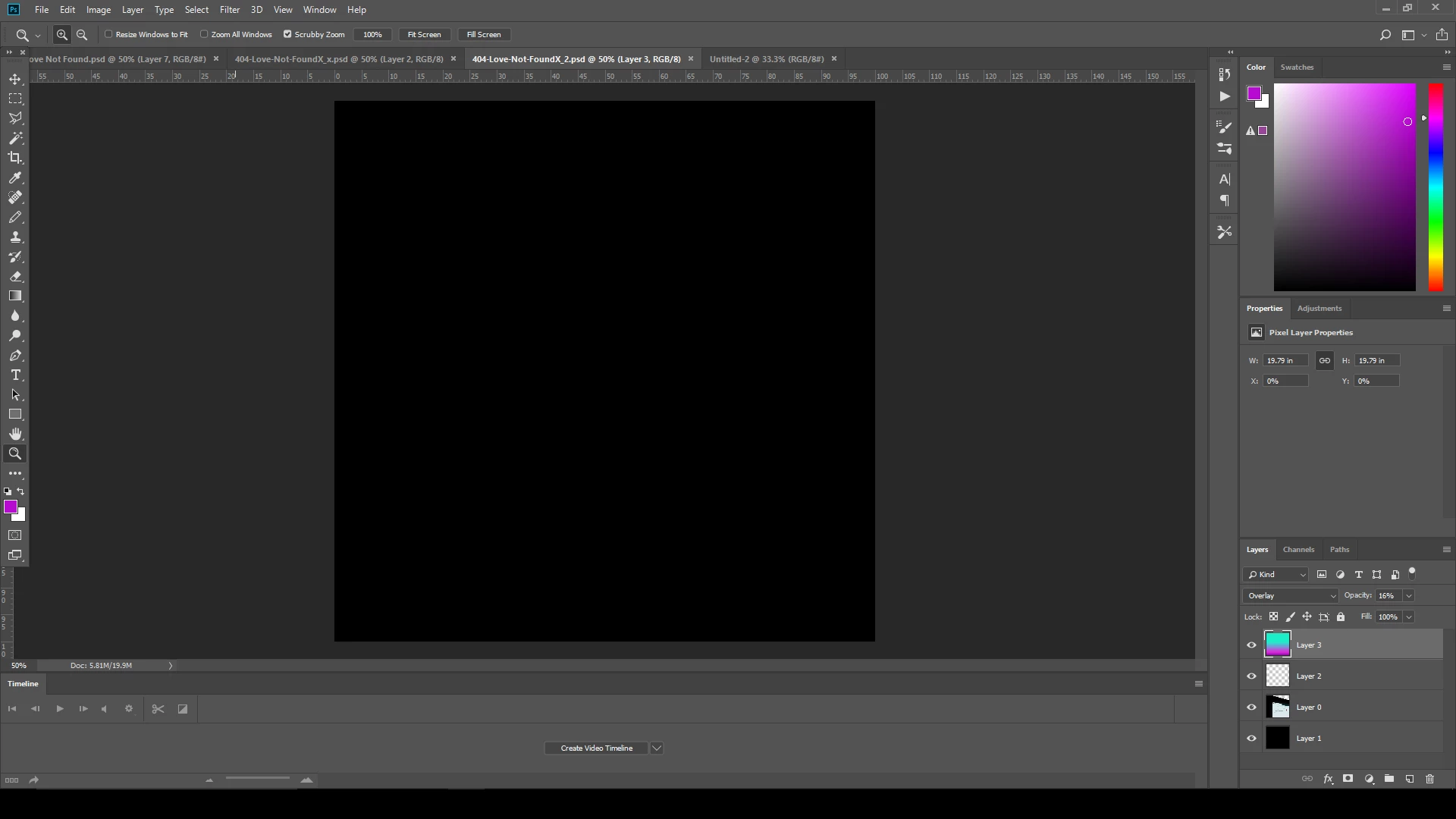

The title says it all. Here's a screenshot of the problem (see the left side of the window):
Of course I found the solution 20 seconds after posting this. D'oh!
I fixed this by dragging my tools bar to the left side of the screen, which caused a blue line to appear. When I let go it snapped into place and the ruler / canvas area moved over to the right of the tool bar. Example:
Already have an account? Login
Enter your E-mail address. We'll send you an e-mail with instructions to reset your password.
 AdChoices