

Question
Need help with brush stroke overlapping!
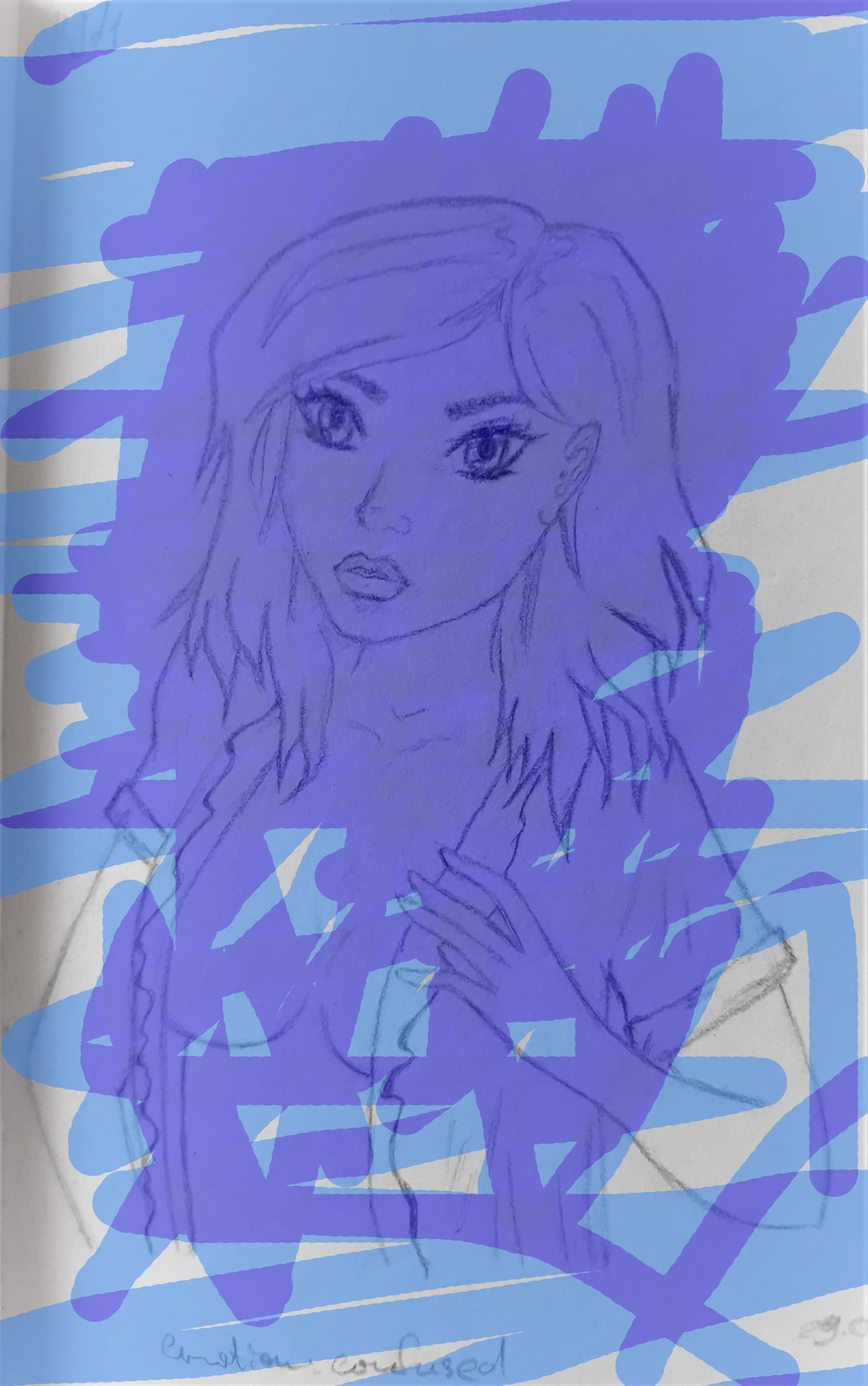
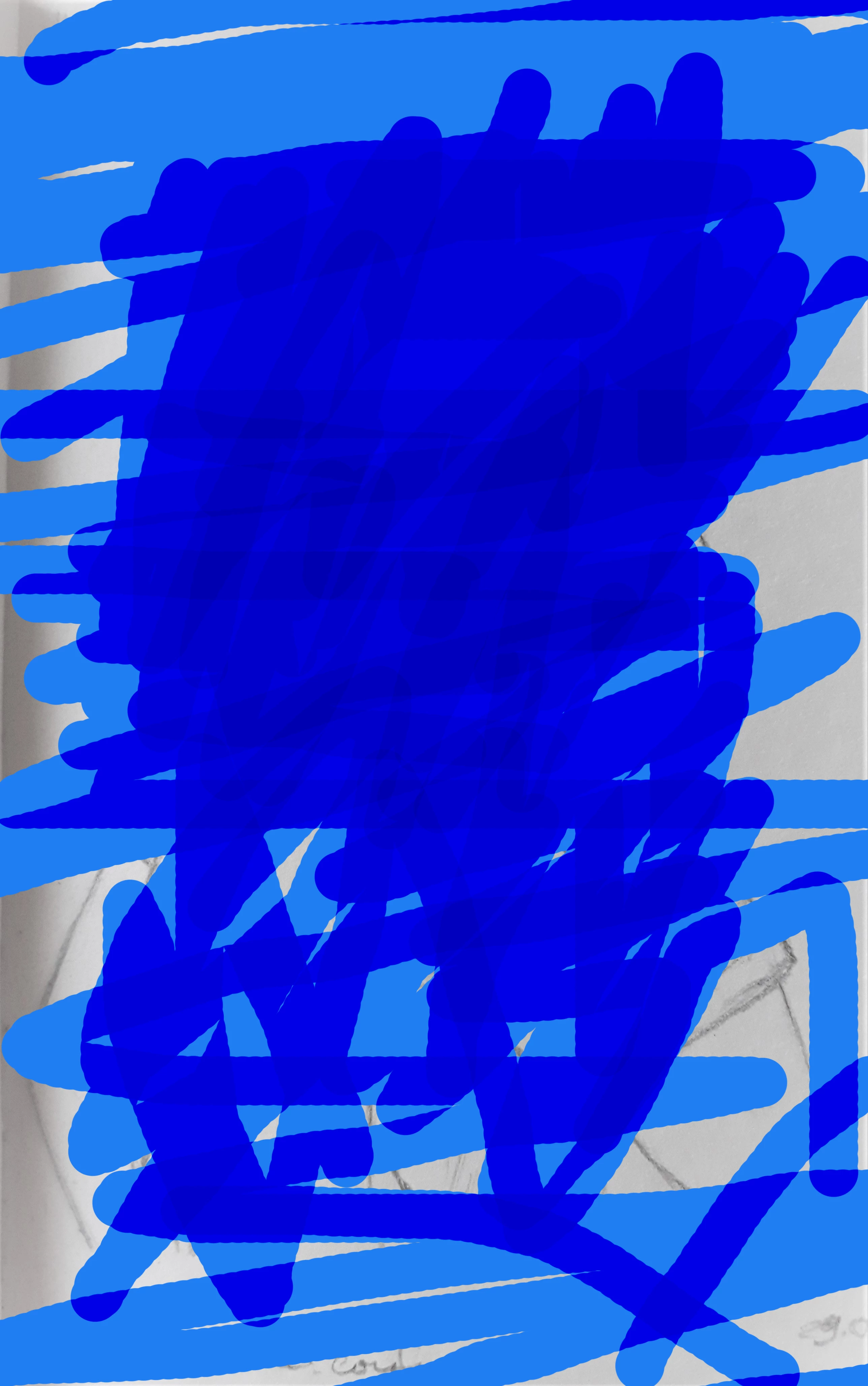
Hello! I have 2 questions.
1) I see videos where people paint different layers the previous layer painted stays under the new color (doesnt overlaps the new one).
How do you achieve that?
I tried creating different layers but it did't help. Should i use masks? I tried layer opacity 45 and brush 100 (as i found on the forum) but it also didnt help.
2) When I paint a big piece and then want to continue, the next stroke goes above that 1st color and that spot becomes darker (if I let go of the mouse and then use the brush over again in the same area) 😕😕
How can I make it all one color?
As an example this video where an artist does that perfectly well.
Thank you in advance!
 AdChoices