
No sound when opening video in Photoshop CC
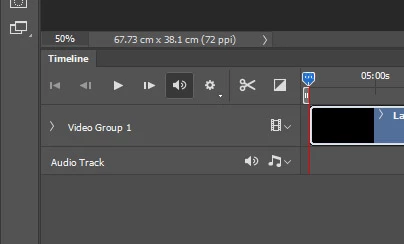
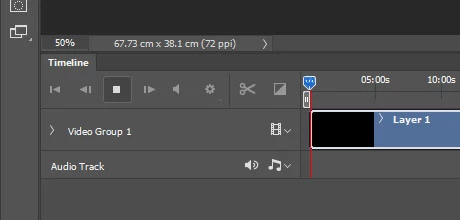
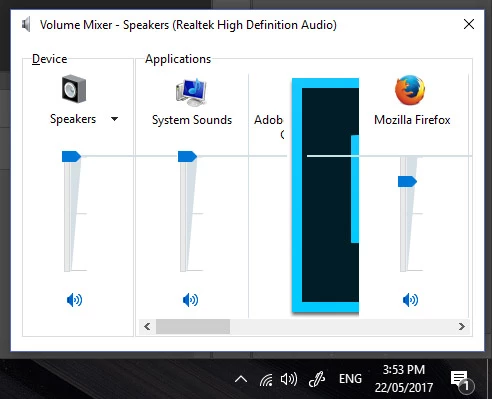
Recently, I have lost the audio when I open a video in Photoshop CC. I don't think it is a problem with the video file, because I have tried it on videos that have played with audio before, and the videos play with sound in other apps. I've checked to make sure that both audio buttons are active, both the one near the play button at the top of the timeline palette as well as the icon on the audio track. The one near the play button is active, but it turns grey as soon as I press play (see attached images). I suspect some setting has been changed, since the files that once worked no longer work, and the lack of audio was not associated with an update of Photoshop or my operating system.
This is how the panel looks before playback:
This is what happens as soon as I press play:
 AdChoices