
Participant
June 12, 2017
Question

Noisy Feathering

  • June 12, 2017
  • 2 replies
  • 1487 views

Hey guys,

This one has stumped me and i'm sure it's pretty simple but its causing me all sorts of grief.


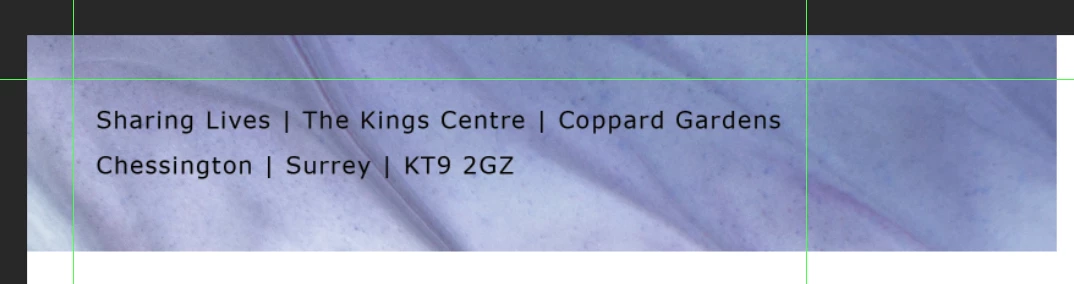
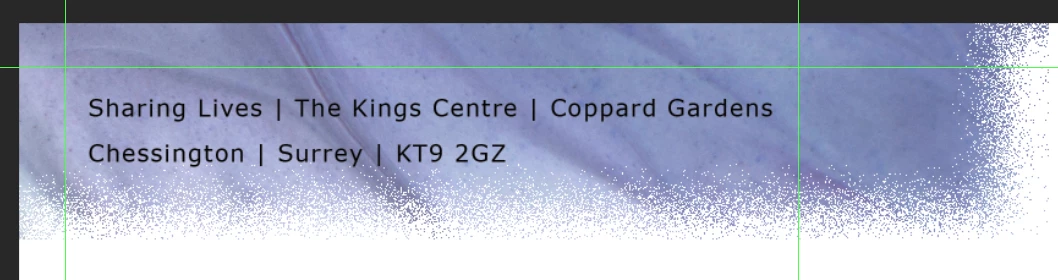
I just want to do simple feathering of an object. However every time I do it its super noisy. I thought it was a brush problem but re-setting everything has had no effect. Below is an example. I've scoured the internet for help but to no avail. Thanks in advance!

Before
After
This topic has been closed for replies.

2 replies

barbara_a7746676
Community Expert
Community Expert
June 12, 2017

Is the layer set to Dissolve instead of Normal?

JonnibeerAuthor
Participant
June 13, 2017

Hi Barbara, It is set to normal. I have played with alot of the layer styles just incase there was conflict there! Thanks for your reply though. I'll double check!

Mohammad.Harb
Community Expert
Community Expert
June 12, 2017

It looks you are using a brush tip shape with No Hardness Support, Change the Brush tip shape to Basic Brush with Hardness value set to 0.  and make sure the blending mode in the option bar is set to NORMAL,

if that is not the case, please post a screenshot shows Layers, Brush settings with Option bar

JonnibeerAuthor
Participant
June 13, 2017

Thanks for that Mohammad. I'm going to try that and see what happens. If it doesn't work i'll make sure I screenshot the brushes preset!