
Participating Frequently
June 22, 2017
Answered

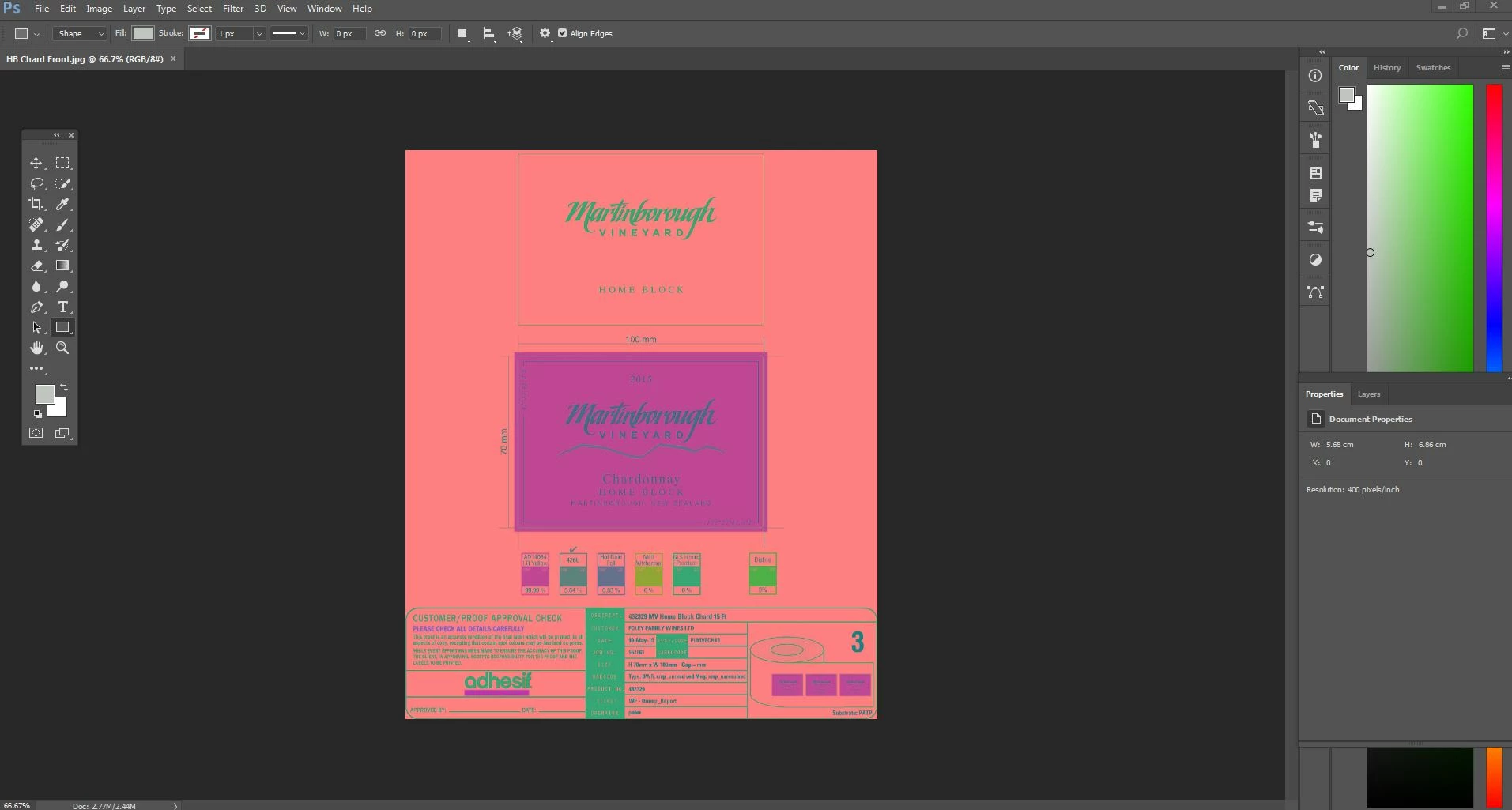
Opening an image and it's pink?!

  • June 22, 2017
  • 1 reply
  • 3547 views

I'm having trouble when I open an basic JPEG image it opens in pink.  This doesn't happen with all images, just some of them.  I have tried closing program and reopening, I have tried changing Image Mode settings. Please help!
[Moderator moved from Creative Cloud to Photoshop.]

    This topic has been closed for replies.
    Correct answer davescm

    Thanks Dave - appreciate your time spent on this.  The only way I can get around is to snip tool/screen shot the image when viewing in browser and save over problematic JPEG file.  Time consuming and far from ideal but a solution nonetheless.


    Hi

    If you have Windows Photos or similar, open in that application then save as a copy from that application. This will create a new jpg file.

    The copy should open OK in Photoshop (I've just tried it)

    Dave

    1 reply

    Barb Binder
    Community Expert
    Community Expert
    June 22, 2017

    Is it an out of gamut warning (with pink as the indicator)? What happens if you choose View > Gamut Warning? And what happens if you open the same jpg in a browser?

    ~Barb at Rocky Mountain Training
    Participating Frequently
    June 22, 2017

    This is the Gamut Warning view

    This is the JPEG browser view

    Barb Binder
    Community Expert
    Community Expert
    June 22, 2017

    So it's Photoshop and not the file...What if you reset preferences?

    ~Barb at Rocky Mountain Training