
Known Participant
August 28, 2017
Answered

Opening an image from a folder into PS

  • August 28, 2017
  • 2 replies
  • 690 views

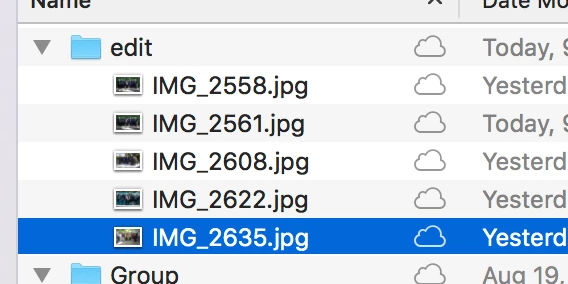
In a folder on my desktop are images that have already been photo shopped.

I'd like to relook at one in PS but when I double click on it, it opens in a preview.  How do I get it to open directly into PS?
    

This topic has been closed for replies.
Correct answer Derek Cross

In Photoshop: File > Open then navigate to the image you want, select it and click Open.

(That's one way, there are more!)

2 replies

gener7
Community Expert
Community Expert
August 28, 2017

For Mac, select a jpeg and use the keyboard Cmd i (Get Info) to open its Info dialog.

Go to the "Open with" section of the info dialog, and choose Photoshop from the dropdown menu

Click the "Change All" button beneath it so every one of your jpegs opens in Photoshop from now on.

Known Participant
August 28, 2017

This answers my question!  thanks so much. IT WORKS

gener7
Community Expert
Community Expert
August 28, 2017

Glad to hear and you simply repeat for other file types.

Gene

Derek Cross
Community Expert
Derek CrossCommunity ExpertCorrect answer
Community Expert
August 28, 2017

In Photoshop: File > Open then navigate to the image you want, select it and click Open.

(That's one way, there are more!)

Known Participant
August 28, 2017

I remember when I had. CS6 I could simply click on the photo in the folder and it would open in PS.

Derek Cross
Community Expert
Community Expert
August 28, 2017

You have to associate the images with the software you want to be the default used to open them. At the moment you've got Preview selected.