davids21996397
Participant
January 1, 2019
Answered

options bar not working

  • January 1, 2019
  • 3 replies
  • 1461 views

items in my options bar drop downs are not working/active for use. I can't use them at all.

Thoughts??

TY

David

    This topic has been closed for replies.
    Correct answer jane-e

    davids21996397  wrote

    Hi David,

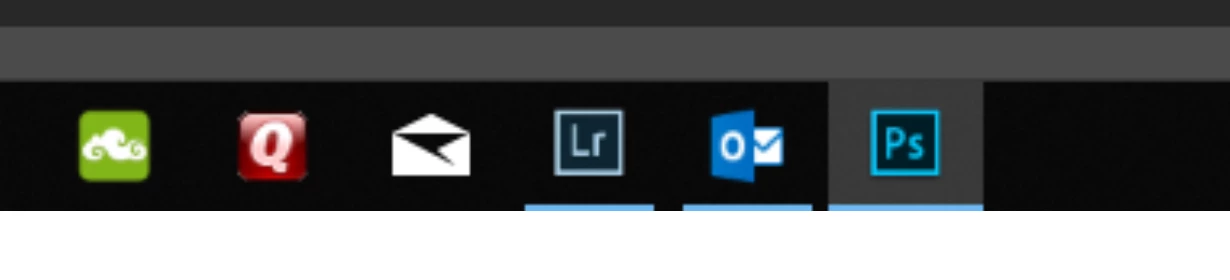
    I can see that Lightroom is running, so I think it’s the well-known bug with an easy work-around until Adobe comes up with a fix. Quit Lightroom and Photoshop, then launch PS first and keep it open. Then proceed as usual.

    You can also do this: Disable the Home screen in Photoshop CC. Choose Edit > Preferences > General (Windows) or Photoshop > Preferences > General (macOS).  Select Disable The Home Screen.
    ~ Jane

    3 replies

    davids21996397
    Participant
    January 1, 2019

    jane-e
    Community Expert
    jane-eCommunity ExpertCorrect answer
    Community Expert
    January 2, 2019

    davids21996397  wrote

    Hi David,

    I can see that Lightroom is running, so I think it’s the well-known bug with an easy work-around until Adobe comes up with a fix. Quit Lightroom and Photoshop, then launch PS first and keep it open. Then proceed as usual.

    You can also do this: Disable the Home screen in Photoshop CC. Choose Edit > Preferences > General (Windows) or Photoshop > Preferences > General (macOS).  Select Disable The Home Screen.

    ~ Jane

    davids21996397
    Participant
    January 2, 2019

    you are all kinds of Awesome Jane....   Works fine now.

    Thank you for the info and the knowledge.

    Cheers

    David

    Trevor.Dennis
    Community Expert
    Community Expert
    January 1, 2019

    I think we are going to need a screen shot of your full workspace.

    davescm
    Community Expert
    Community Expert
    January 1, 2019

    Does that happen with any tool selected (given that the options bar changes content with the current tool)?

    Dave