
Answered
Paint back pixels from one layer to another?
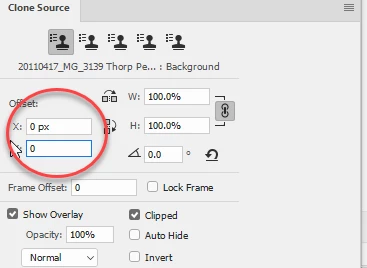
Hello everyone. I have looked at some forum posts and tried to do this with the clone stamp tool but failed miserably so far.
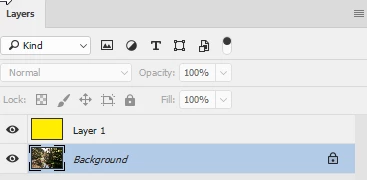
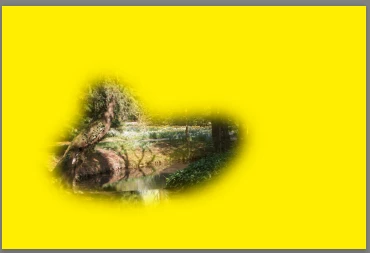
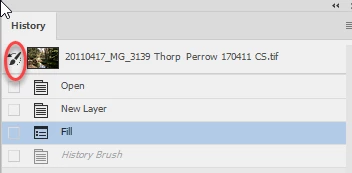
I am cutting out an illustration from its background. It's messy and I have used a range of tools, from the eraser to masking via quick selections. Some of my edits have eaten into the illustration itself and since I used some destructive edits, I can't just play with a mask. Since I have the original layer available, I wondered how I would go about painting back some of the pixels erased in error, sampling from the original illustration layer.
Would someone please give me some pointers?
Thank you
Chris
Using PS CC 2015 on Windows 10 x64



 AdChoices