Answered
Patch tool selections
When making selections with the Patch tool, the edges always seem jaggy. Is there a setting to make the selection edges slightly feathered so that they will be smoother?

When making selections with the Patch tool, the edges always seem jaggy. Is there a setting to make the selection edges slightly feathered so that they will be smoother?
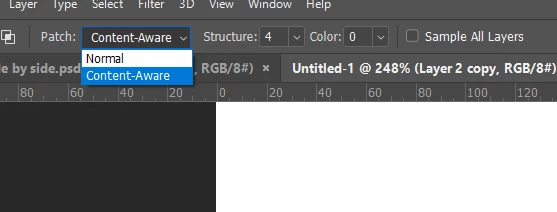
You can use any of the selection tools to make the selection before you select the Patch tool, but I am not sure that is going change anything for you. There are several options with the Patch tool, and they make a difference.
Already have an account? Login
Enter your E-mail address. We'll send you an e-mail with instructions to reset your password.
 AdChoices