
Pen Forces Screen Jumping To Another Section
So, I'm still somewhat of a Photoshop scrub atm, so idk if this is a common bug or whatever, I couldn't quite find it and the problem is endlessly frustrating.
Basically, I'm on my canvas just making a bit of a meme of my friends, and I go to clean up the edges of the selection I cut out by hand, as shown below.
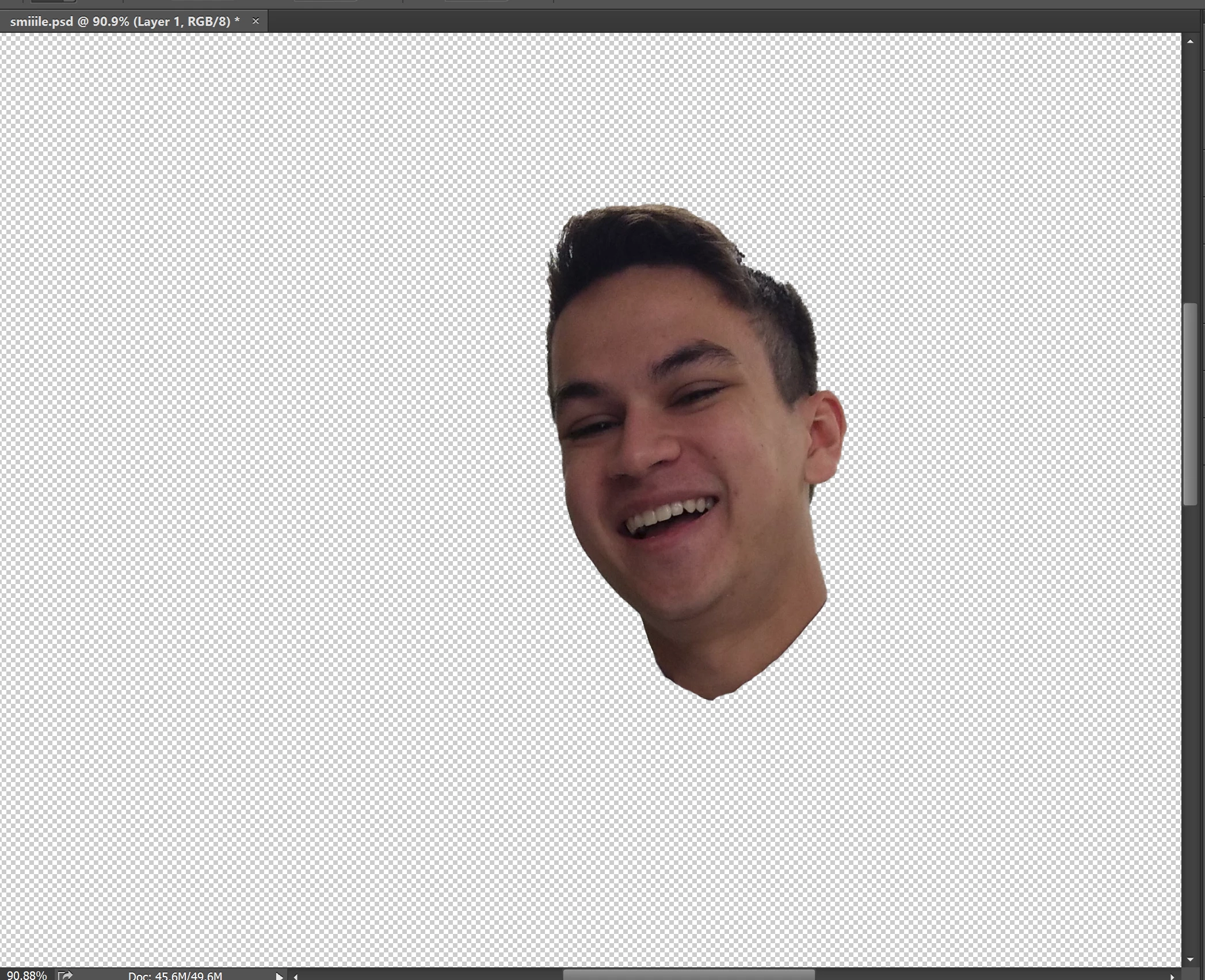
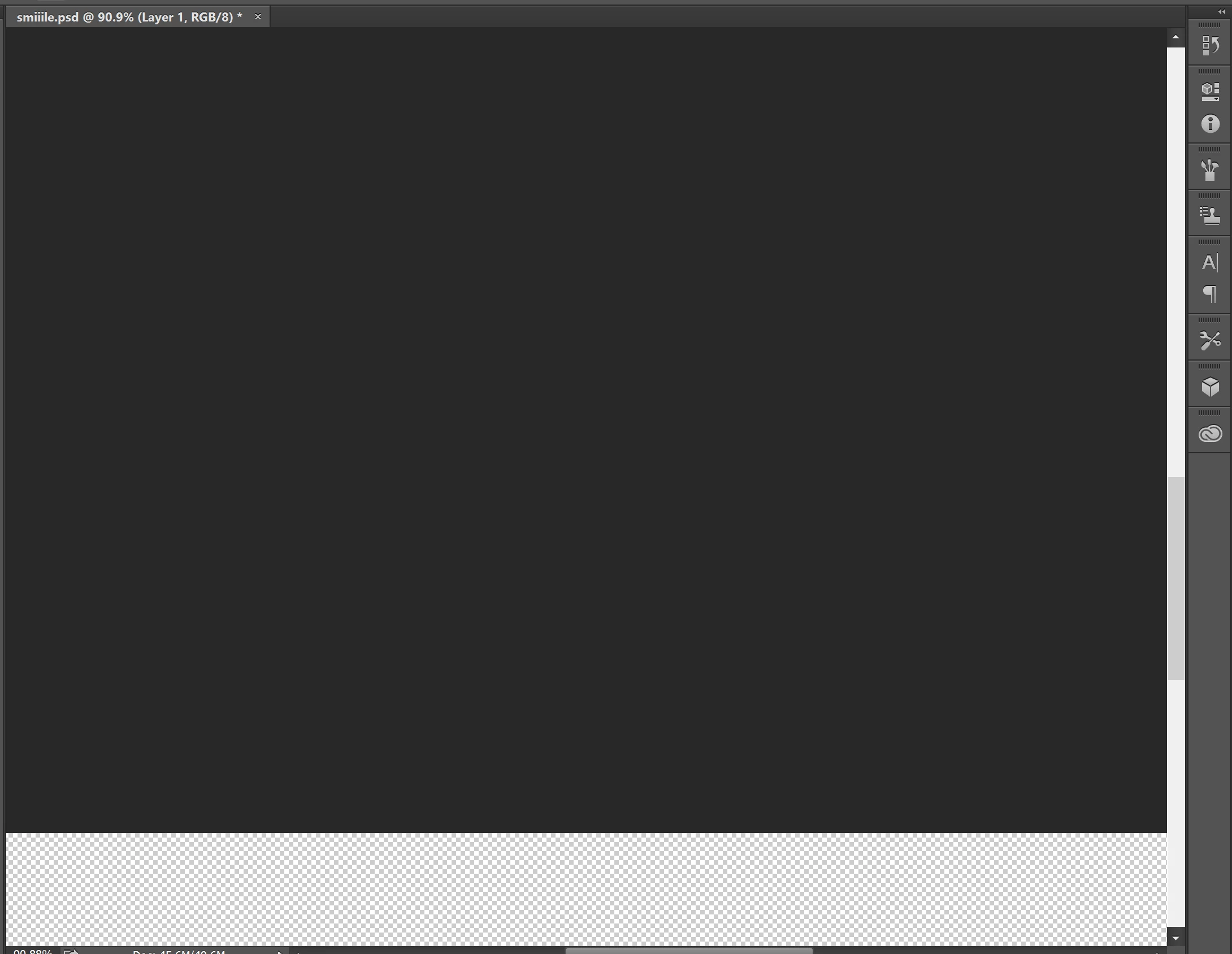
As soon as I go to erase, my screen jumps to this section, or to a section essentially off of the canvas and no erasing is done.
Example section shown below, along with the phenomenon happening with the scroll bar whenever I go to use my pen with any tool.
It happens at all zoom levels with my pen, but using a mouse/touchpad works just fine.
It seems as if its treating my pen like a scrolling cursor or as if it's highlighting a whole area, yet my pen is stuck right-clicking because I can still singularly right-click, but any movement across the screen with prolonged contact seems to move the screen as if I was scrolling it.
I have reset all tools and closed and re-opened Photoshop and the problem persists, any help is appreciated, thanks!
 AdChoices