
Participant
May 18, 2019
Question

Photomerge Panorama Comes Out Square Instead of Pano

  • May 18, 2019
  • 2 replies
  • 350 views

Hi everyone,

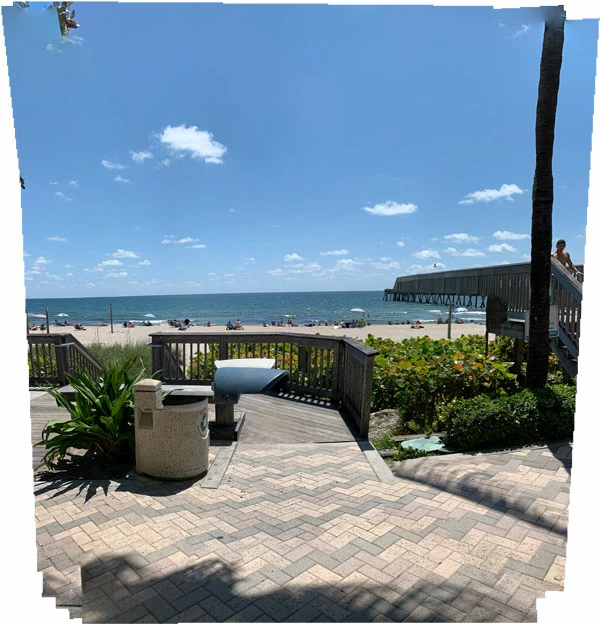
I took 26 photos of a beach (moved a few feet for each photo covering about 30 feet in length). When I Photomerge the images I get a square image instead of a panorama. I've tried everything I know but everything gives me the same result (including doing the merge in Camera Raw).

Any assistance is greatly appreciated!

Jose
This topic has been closed for replies.

2 replies

davescm
Community Expert
Community Expert
May 18, 2019

Hi

You usually make a panorama by rotating the camera not sliding it along which appears to be the case from your description.

By rotating and allowing a good overlap on each rotated frame, each pair of consecutive images contain plenty of duplicate content from exactly the same viewpoint that automatic stitching can use to align the individual shots into a wide panorama. Pro's go to great lengths to ensure that the camera is rotated about the right point - not just twisted round on a normal tripod mount.

By moving the camera position (rather than rotation) you have changed the viewpoint of each shot so there isn't that common overlap for the application to use when stitching. Sliding the camera might work with a well corrected lens on a flat image (such as a painting) but not when there is depth i.e. near and far content.

Dave

Norman Sanders
Legend
May 18, 2019

Please post the Layers panel. In addition, try to make a pano with just 3 layers

also check this out:

https://galleries.aaronpriestphoto.com/Articles/PanoramaFileSizes

Is there a photo limit when stitching a panorama?