
Question
Photoshop 2019 3D Rendering grey box errors
So I've been working on a project for work as of late and have noticed these grey boxes appearing on my renderings. They seem to be in almost a grid like pattern, but they only show up in 2019. I take the same obj file and render it out in a similar scene in 2018 and these boxes are nowhere to be found. I've attached an image showing the boxes as they are circled with a red circle, and one image just as it was without circles. Until this is fixed I will just use 2018 for rendering.
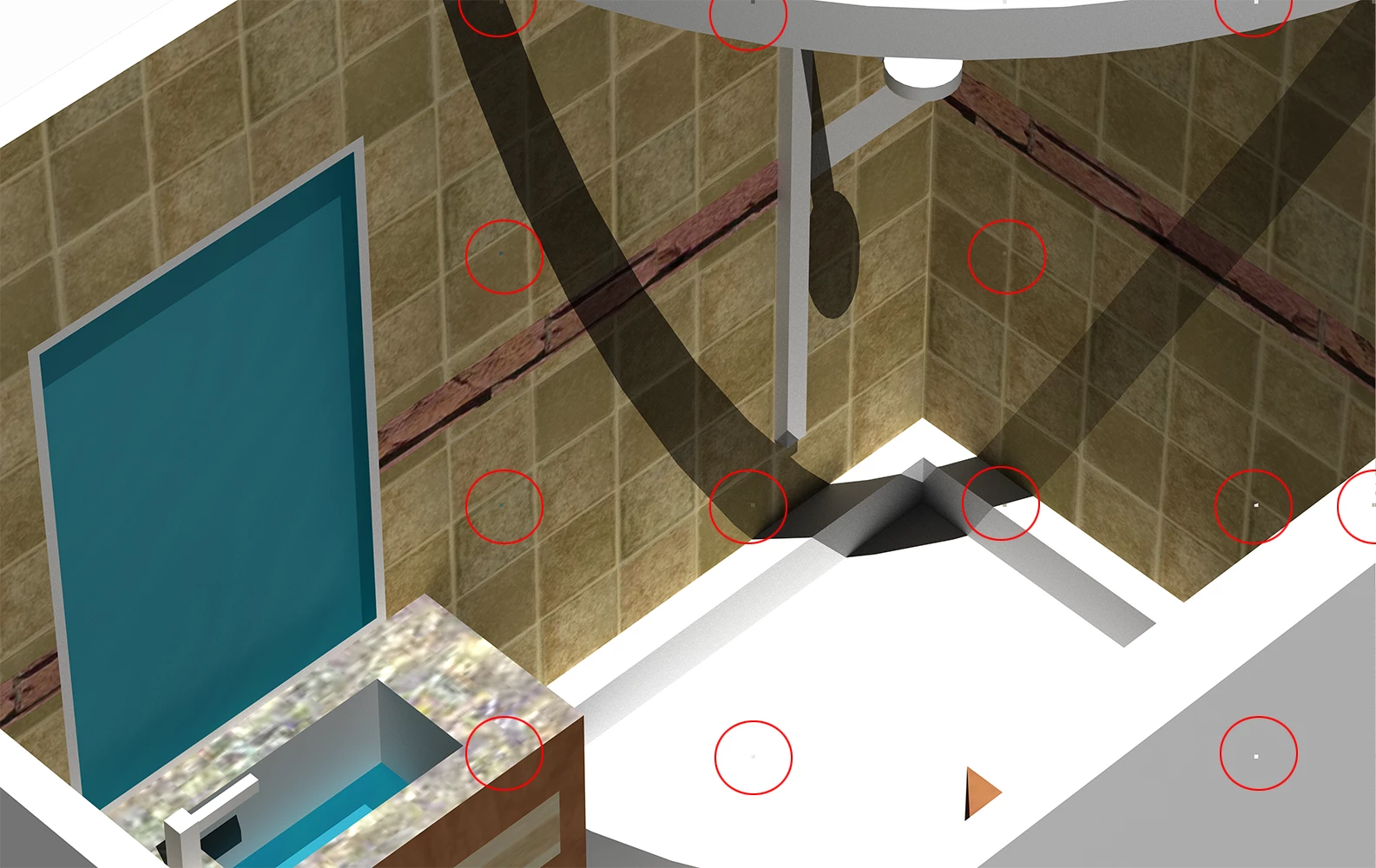
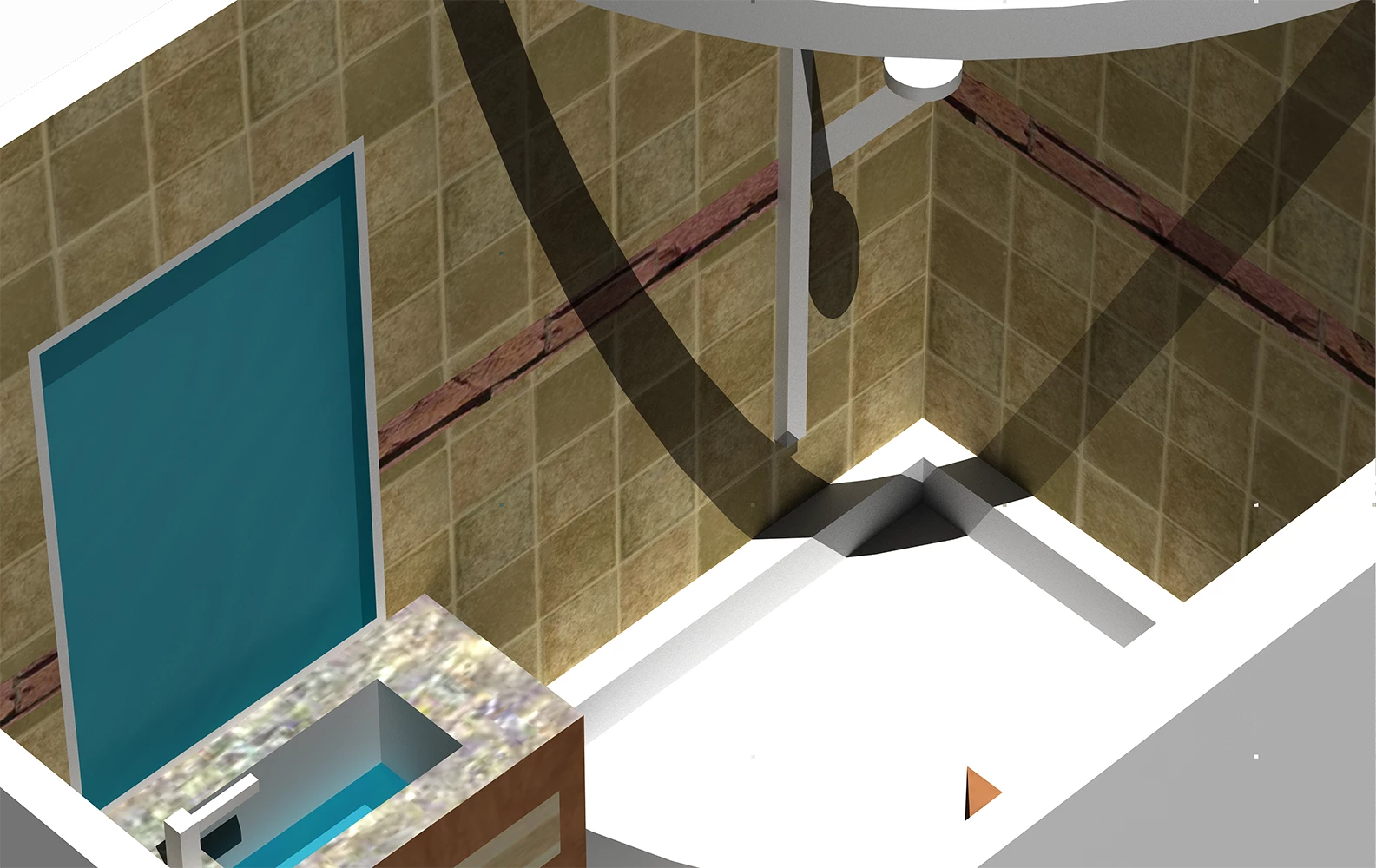
I'm using a freshly updated Photoshop CC 2019 20.0.1
System is as follows
Mac Pro: (Late 2013)
Processor: 3.7 GHz Quad-Core Xeon E5
Memory: 16 GB 1866 MGz DDR3
Graphics: AMD FirePro D300 2048 MB
 AdChoices