
Participant
November 14, 2019
Answered

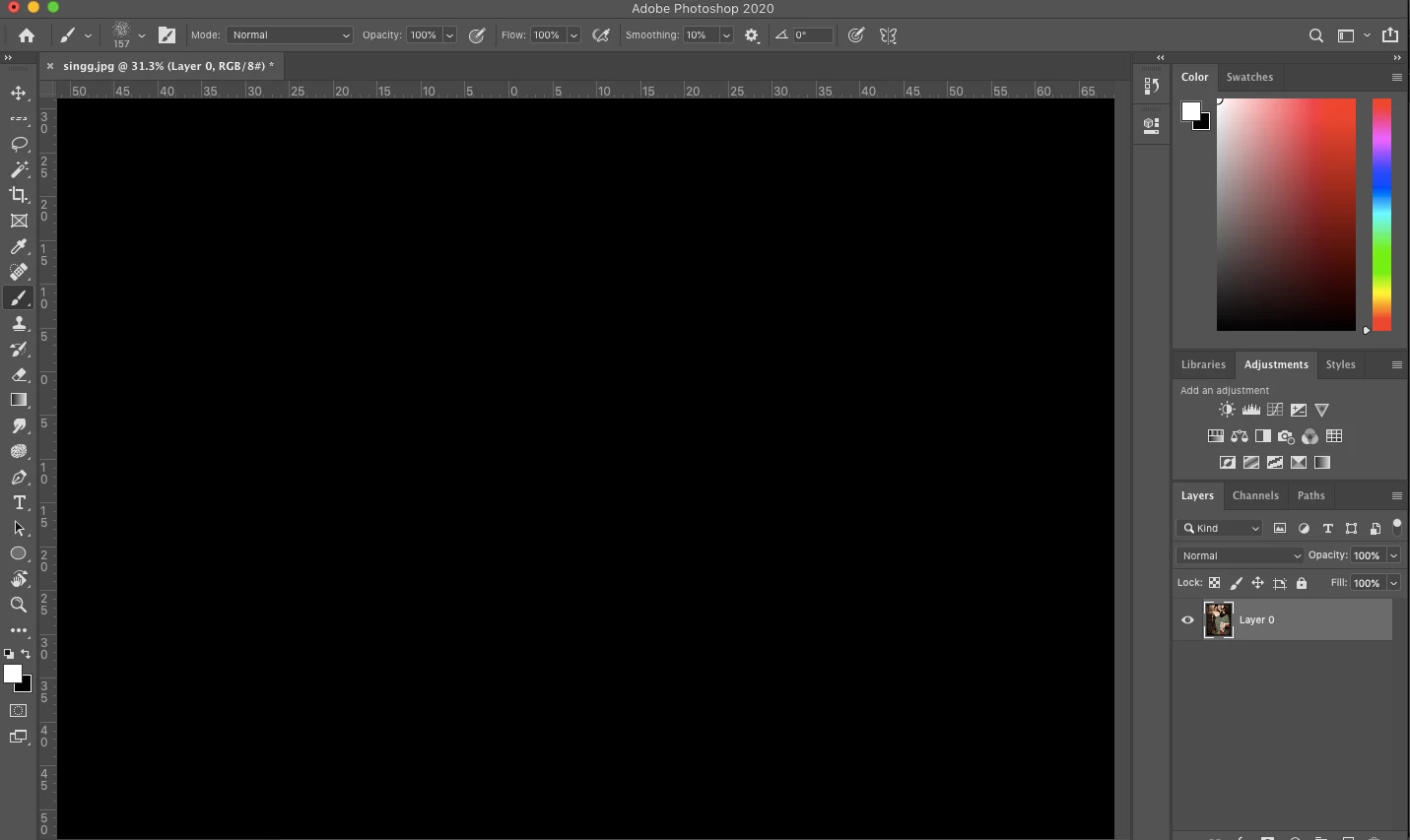
Photoshop 2020 Blank work-space issue: Black Screen

  • November 14, 2019
  • 17 replies
  • 79035 views

I can't seem to open any files or start any new docs in the new update, I had no issues with the previous version and now that I updated I have this plain black screen regardless of what I do? How do I get my art board and images back?
 

{Thread renamed by moderator}

This topic has been closed for replies.

17 replies

Participant
March 30, 2020

solved - sorry i can't delete this

Participant
March 25, 2020

How I fixed mine on on a 13" Retina Macbook Pro from 2015:

I just had to enable OpenCL in the advanced section of the Performance panel of the settings.

Participant
March 30, 2020

disregard-- i figured it out using pressing down on shift,option and command as soon as I launched PS and it worked per the video tutorial

sleumas
Participant
February 10, 2020

It worked. Thank you!


Participant
January 24, 2020

I'm having the same problem. It usually occures when I open a second file or project and then go back to the original I opened. I then have to try to save my progress and shut down PS then reopen it.

J453Correct answer
Legend
February 6, 2020
Nitotoni
Participant
July 15, 2020

None of the above really helps in my case - I have tried all the suggestins including resetting the PS preferences.

Only disabling the GPU entirely seems to help, howover that is not a solution seen that everything slowes down considerabley.


Running PS 21.2.0 on a 16" Macbook Pro with a AMD Radeon Pro 5500M 4 GB.


edit: just installed 21.1.3 and not problems there at all ¯\(°_o)/¯

zo21511446
Participant
December 15, 2019

Go to Preferences and reset your Interface Color Theme to clear or white, whatever is the last one on the right.

Participant
February 26, 2020

This worked for me - MacBook Pro 2015 running High Sierra (10.13.6) with 16MB RAM and Intel Iris Graphics 6100 GPU.  I was using Photoshop CC 2018 prior to upgrading to Photoshop 2020 (Feb release).


Also, after clicking the lightest theme, I was able to go back to a darker theme and everything remained visible.  Best part is that the I was able to retain the GPU acceleration (including advanced).


A note to Adobe engineering - this seems like a first-time initialization problem after a new installation or upgrade from CC 2018 (don't know about 2019 - I skipped this release) to 2020.  This is a poor "first impression" experience of a new version - suggest figuring this one out soon if you want users to migrate to 2020.

gener7
Community Expert
Community Expert
November 19, 2019

Check on "Legacy Composting" in Performance > Preferences

Sometimes the new compositing engine doesn't work too well on some systems and you see that blank screen as a result.

Participant
November 26, 2019

This worked for me, thanks!

Sahil.Chawla
Adobe Employee
Adobe Employee
November 14, 2019

Hi Shanan,

That shouldn't be happening, let's make it right.

Could you please try resetting the preferences of Photoshop and let us know if it helps

https://helpx.adobe.com/photoshop/using/preferences.html


Note: Make sure that you back up all your custom presets, brushes and actions before restoring Photoshop's preferences. Migrate presets, actions, and settings


Regards,
Sahil

shananc3Author
Participant
November 15, 2019

Ok thanks I tried that but it didn't work so I have just uninstalled the new photoshop and put the older version back in and it's fine now.