

Photoshop action to break apart a very large image into small square
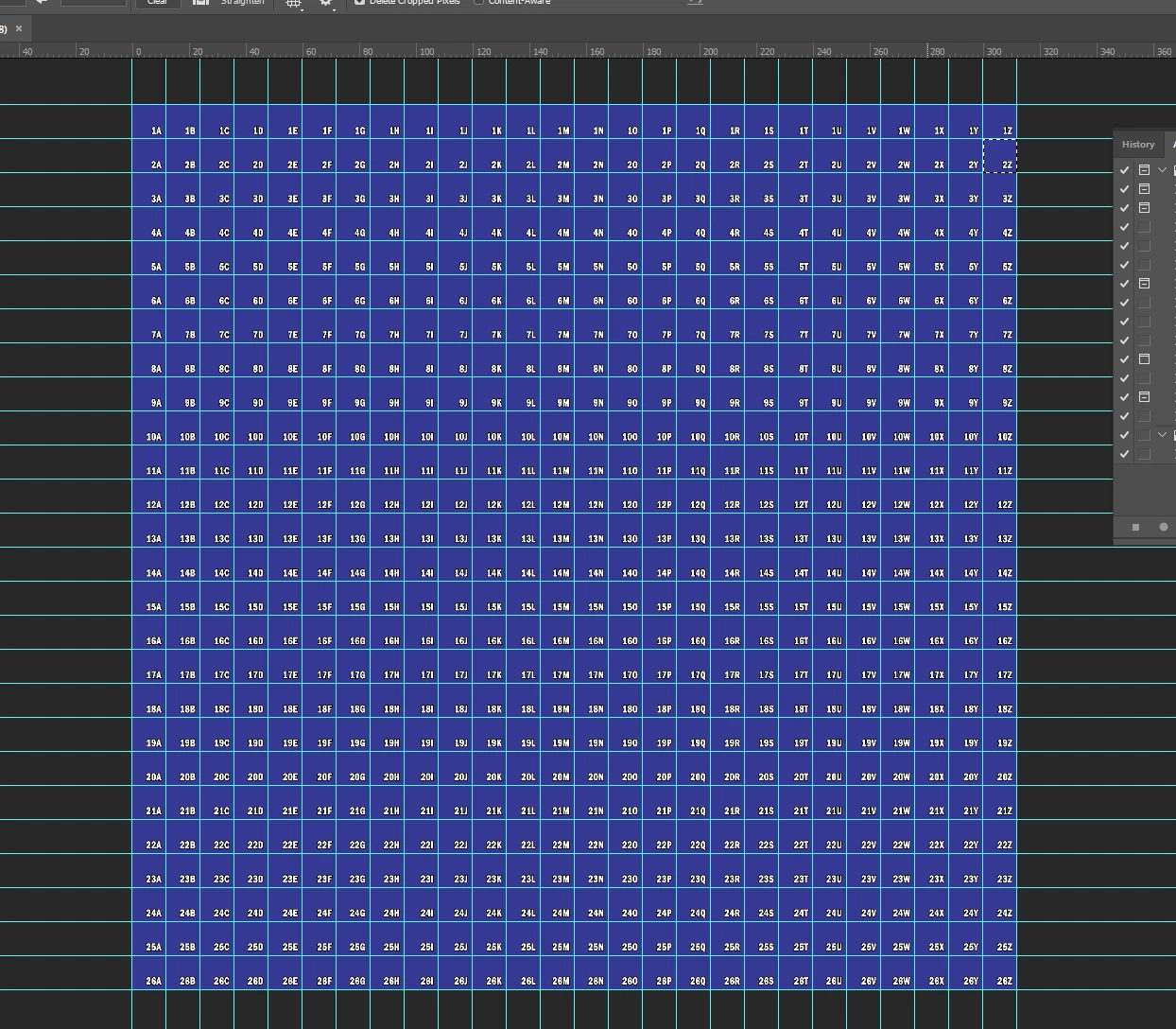
Hi, I'm trying to record a Photoshop action to break apart a very large image into small square images and name them according to their grid number/letter. I did the first two rows for an example. Can you help me to develop an easier or better way to do this?
I will be using this to break apart various sizes of images into tiles to create large tile wall murals. We print the individual files onto ceramic tile so we need to name the files according to the grid so the installers will know which tile goes where on the wall. These tiles are 12in x 12in square. The large grid file is 26ft wide by 26ft tall. I will open the mural file and place it into this Photoshop file and size it to the size of the mural on the grid. When we run the script there will be a lot of blank tiles we won't need and will just delete.
Please see images which i have created via my record action and here is my action file for review please.
Thanks in advance 
 AdChoices