
Answered
Photoshop action to save photos with background
Hi,
I have many images, and I want to patch do the following for each image:
1. I want to create a new document with canvas size 2700*2050px size.
2. I want to fill the document with pattern to make a background.
3. Then I need to place each image alone on the canvas.
4. Then I need to save the image as JPG and close the file without saving.
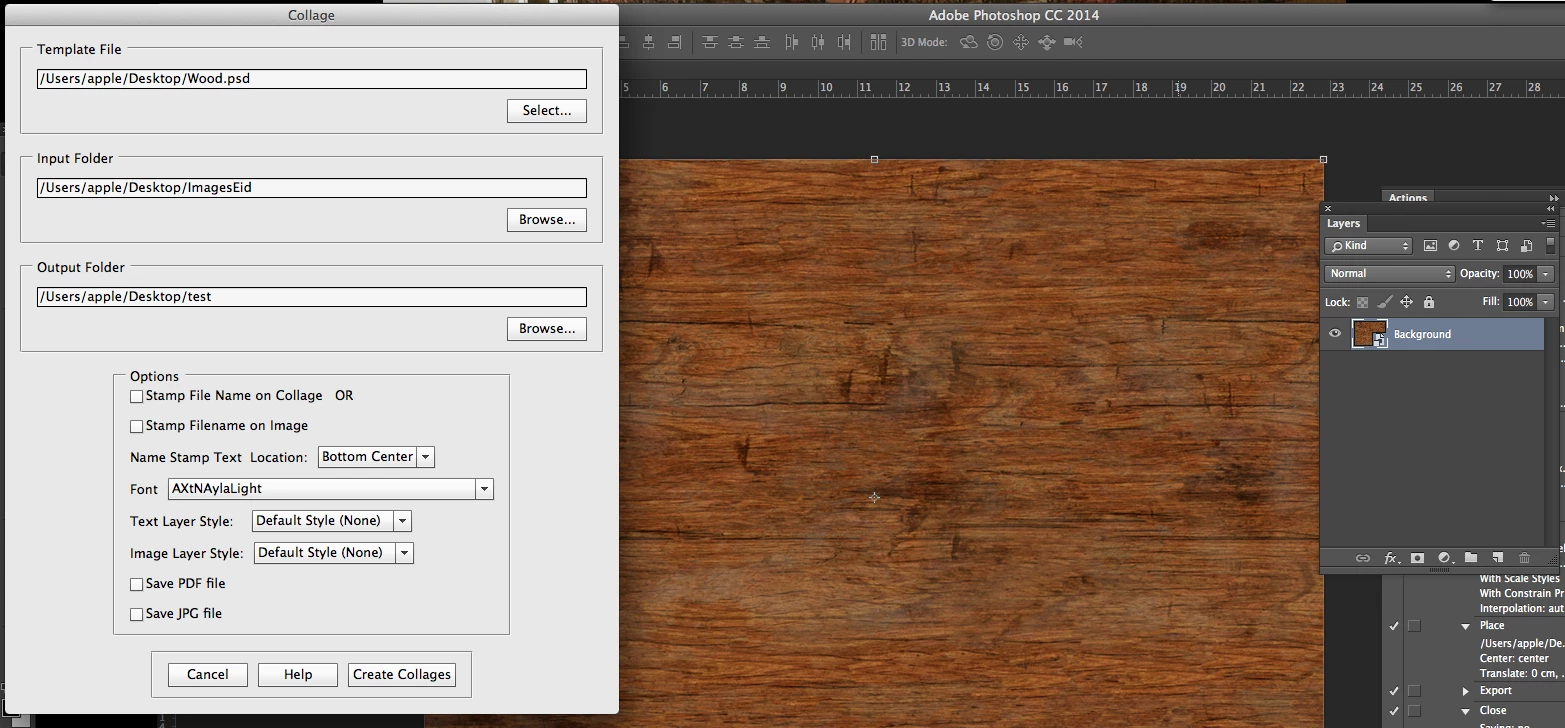
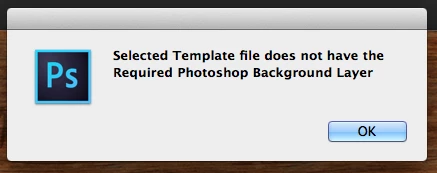
I tried to create and action an do one image as I want, the problem is that when I select automate and select source folder, it takes the first first image and do it as I want while the rest of images it takes the image and save it as jpg without creating a new file with pattern fill!!
Can anyone help please?
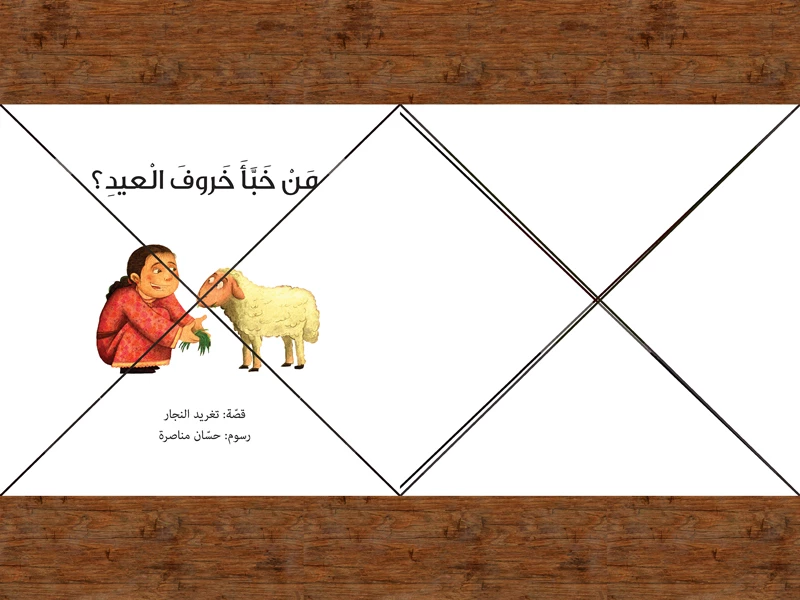
Final result how it should look like:
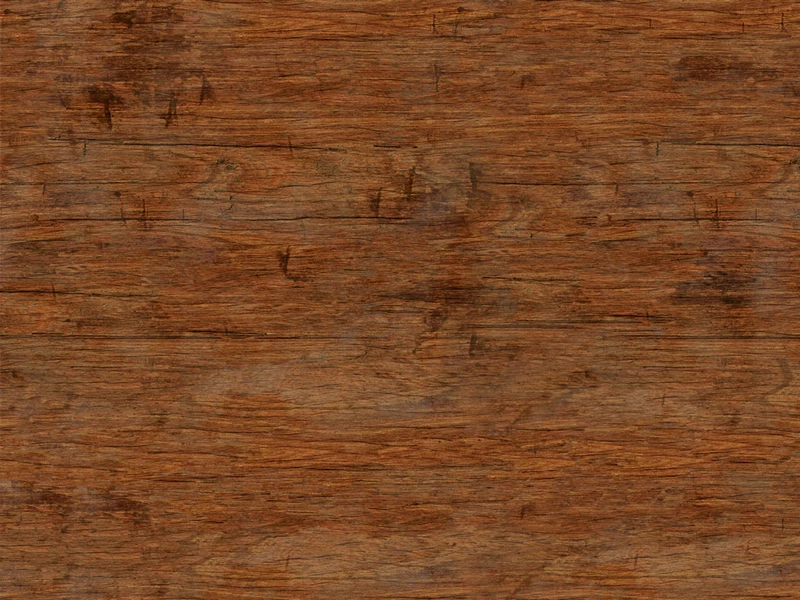
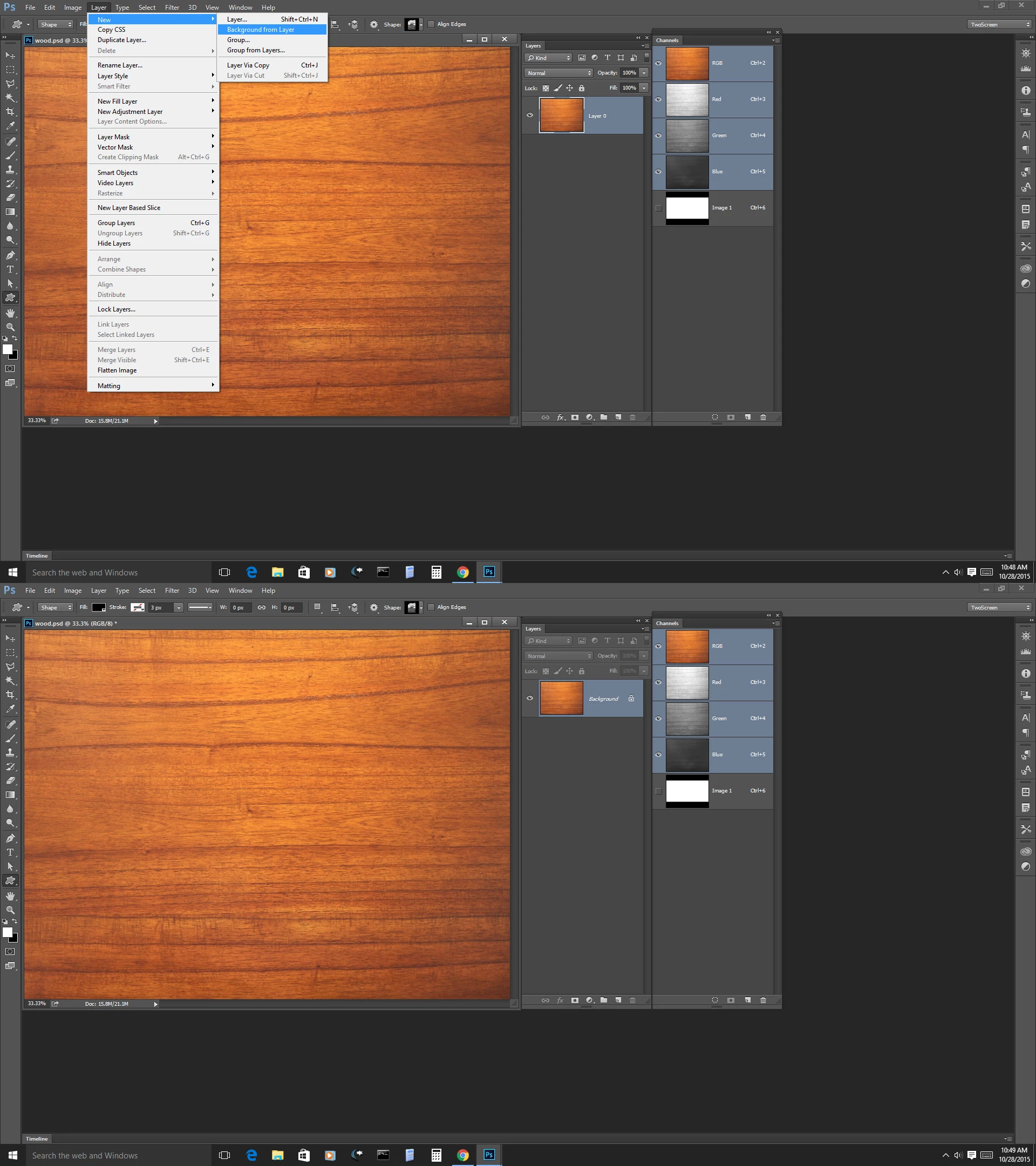
Texture to be used as background:
Original images:

 AdChoices