BGTweaks
Participant
February 5, 2017
Answered

Photoshop Brush Acting Weird

  • February 5, 2017
  • 1 reply
  • 6890 views

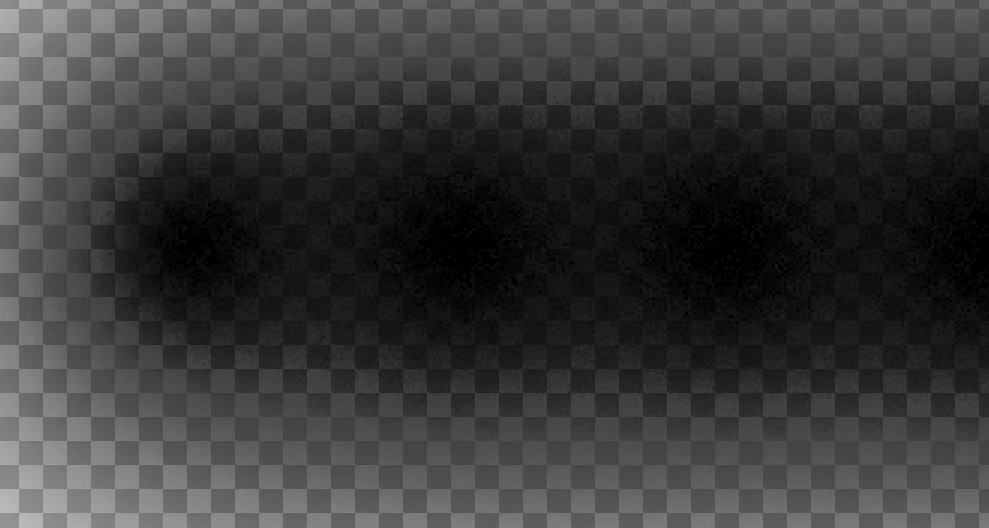
Hello! I was about to make a banner today and i needed to do a straight line, when i did this with 0% hardness, it comes up like this http://prntscr.com/e4xfol it looks all grainy and it looks like the noise is massive, im not sure about this!

I don't know how to fix but need it fixing ASAP!

Many Thanks, Harry
This topic has been closed for replies.
Correct answer Trevor.Dennis

bgtweaks wrote:

Still the same :/

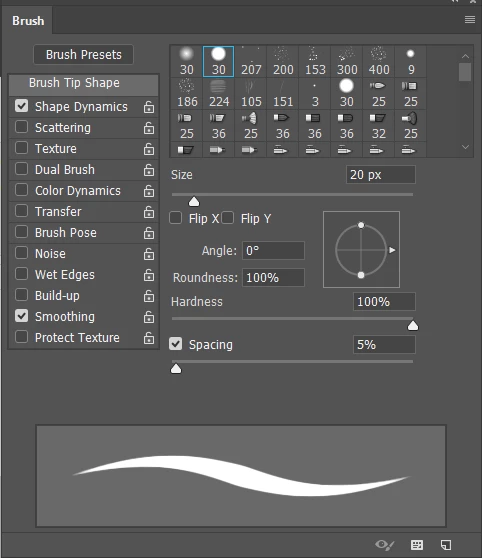
You need to reduce the spacing for a start. The brush is stamping down with quite gap

5% would work well.

It looks ever so slightly like either brush or layer might be set to Dissolve, but we'd need to be looking at a low zoom ratio for that to be true.   It would be easier to see it against a white background.

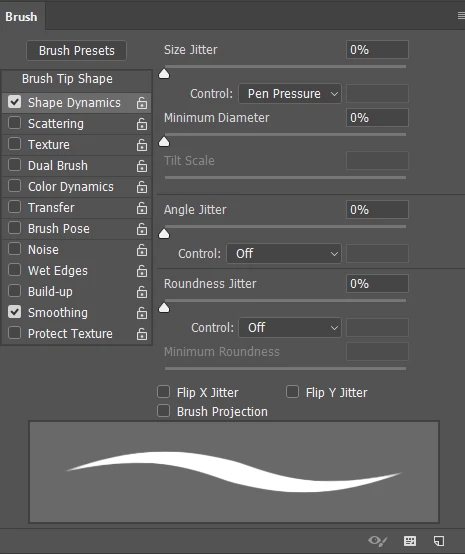
Have a flick though the brush panel settings for that preset.  Especially the Shape Dynamics and Transfer.

The bottom line here is that even a fully soft brush does not create totally smoove  gradients, and you need to apply Gaussian blur to finish the effect.

1 reply

Nancy OShea
Community Expert
Community Expert
February 5, 2017

Looks like a special brush preset.   You could open the brush presets window and choose a more appropriate one.  Or you can simply reset your Brush tool to default settings.

Nancy

Nancy O'Shea— Product User & Community Expert
BGTweaks
BGTweaksAuthor
Participant
February 5, 2017

Still the same :/

Trevor.Dennis
Community Expert
Trevor.DennisCommunity ExpertCorrect answer
Community Expert
February 5, 2017

bgtweaks wrote:

Still the same :/

You need to reduce the spacing for a start. The brush is stamping down with quite gap

5% would work well.

It looks ever so slightly like either brush or layer might be set to Dissolve, but we'd need to be looking at a low zoom ratio for that to be true.   It would be easier to see it against a white background.

Have a flick though the brush panel settings for that preset.  Especially the Shape Dynamics and Transfer.

The bottom line here is that even a fully soft brush does not create totally smoove  gradients, and you need to apply Gaussian blur to finish the effect.