Participant
May 20, 2021
Answered

Photoshop canvas is anchored on top left, rather than middle when resizing

  • May 20, 2021
  • 2 replies
  • 2342 views

Hello, 

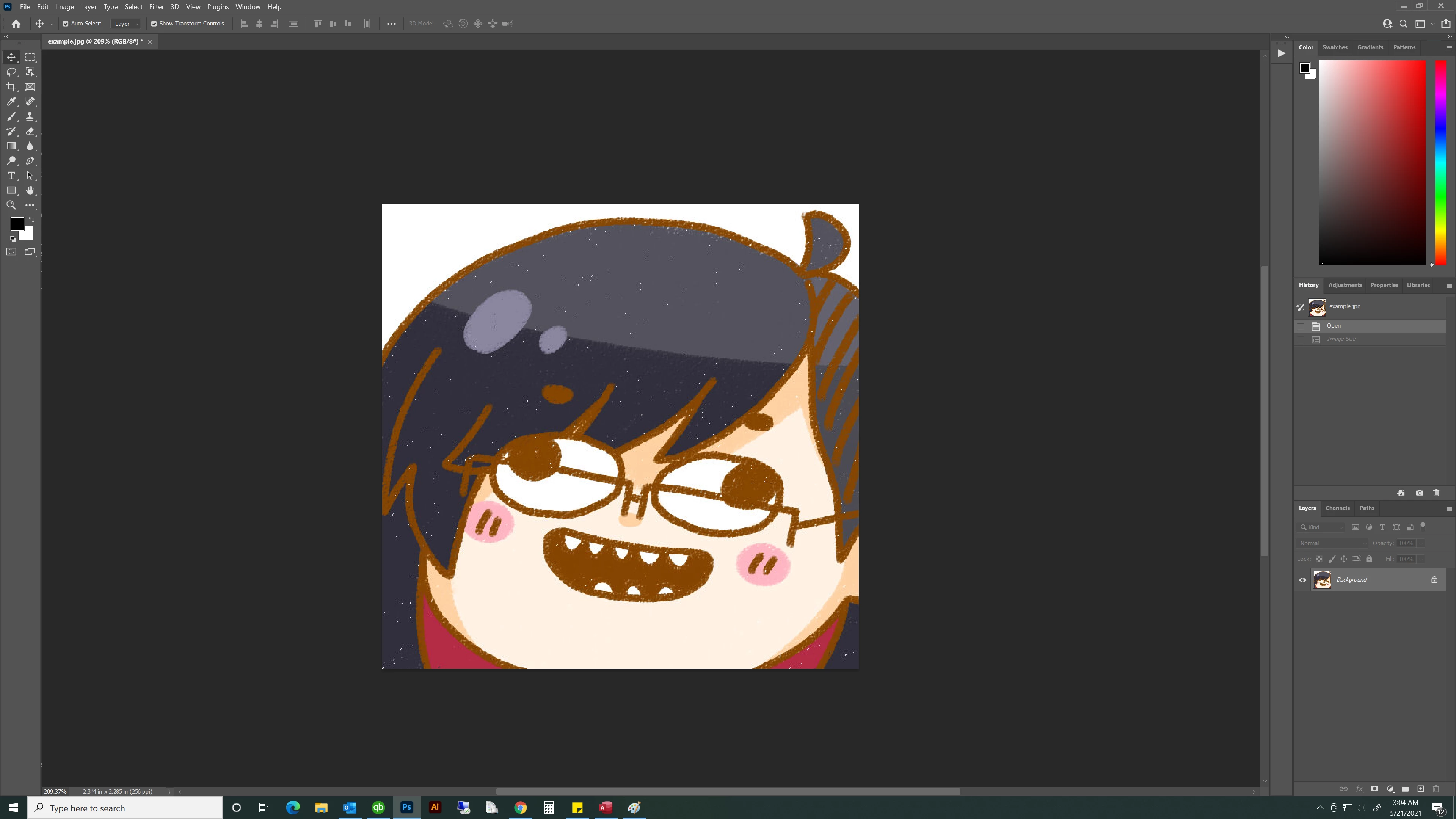
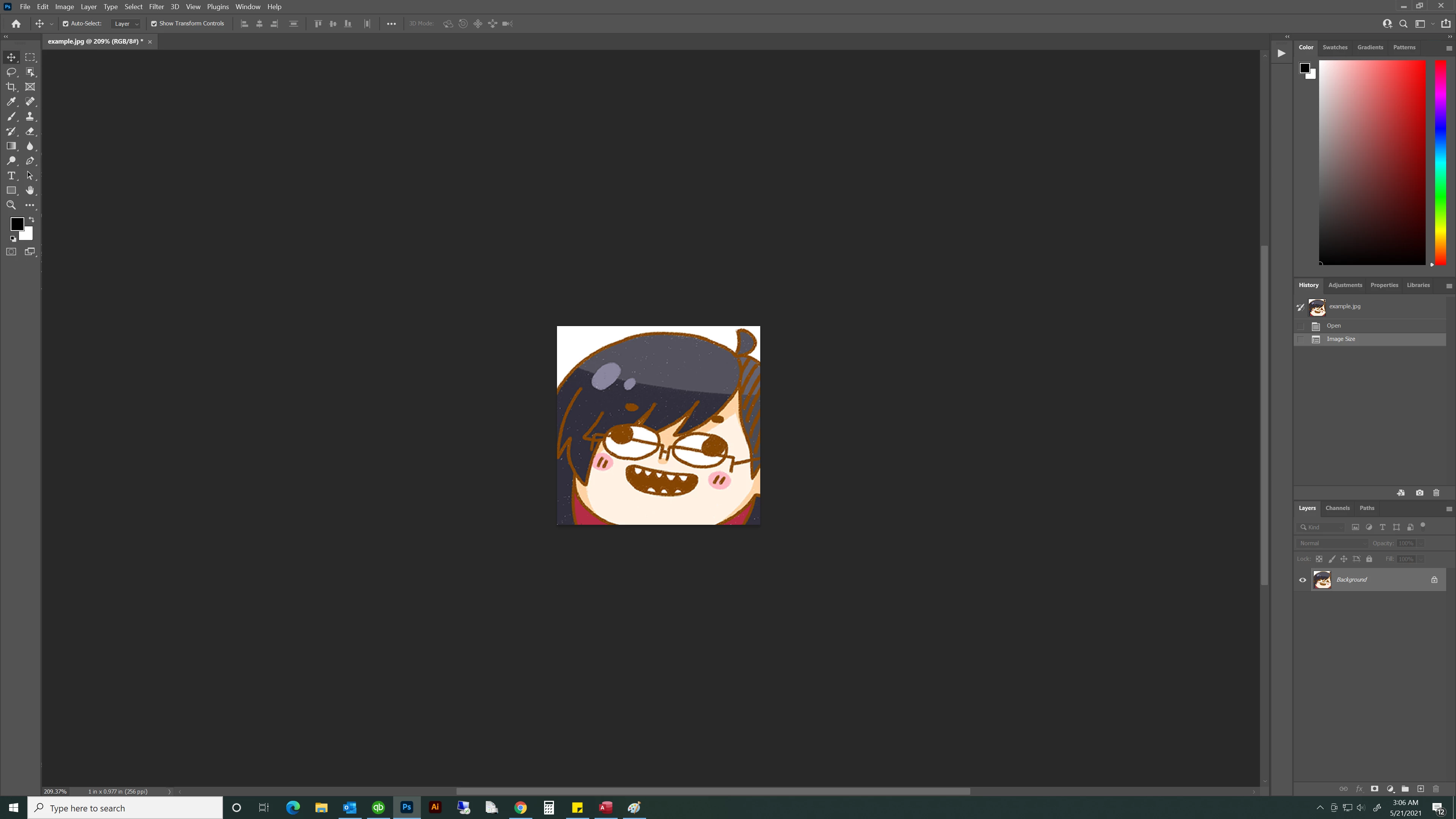
When I resize the image in photoshop, instead of anchoring in the middle of the image it anchors on the top left corner.

For visuals when I resize the image it looks like this:
   

Rather than this:
 

Similarily, when extending the canvas even though I set it extend on both sides, it anchors to the left.
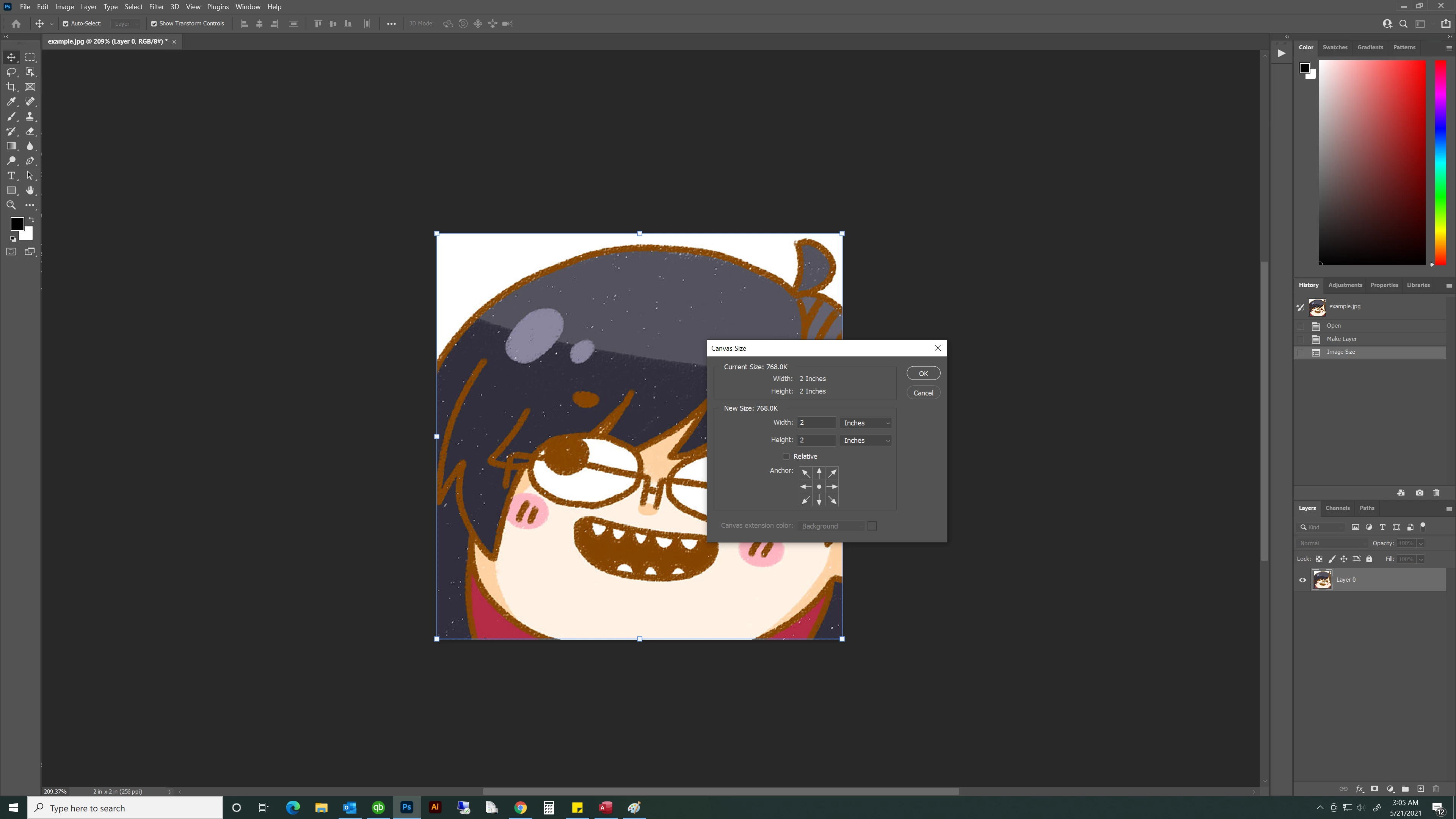
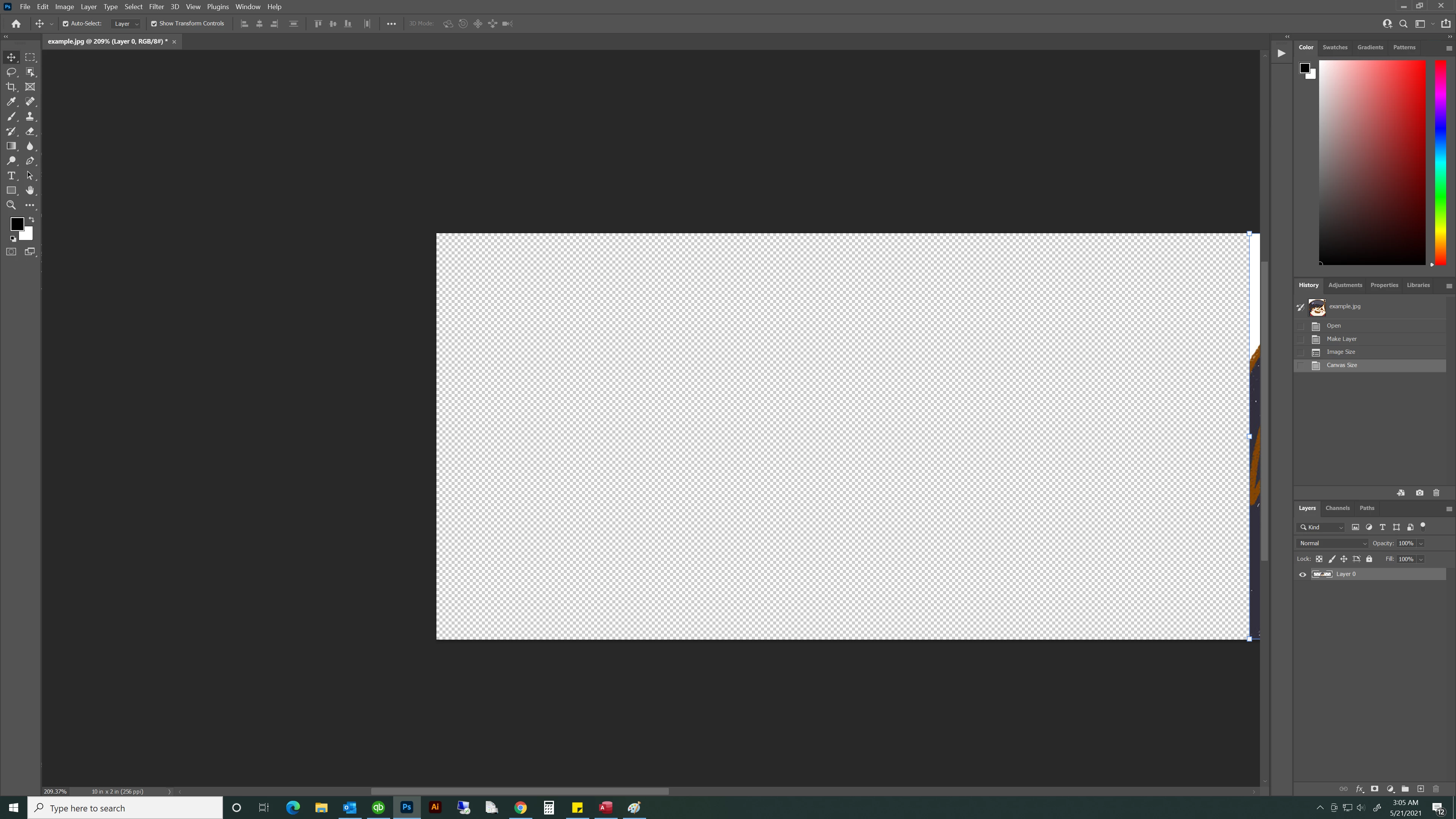
   

Rather than the image staying in the middle and the canvas extending towards the two sides:
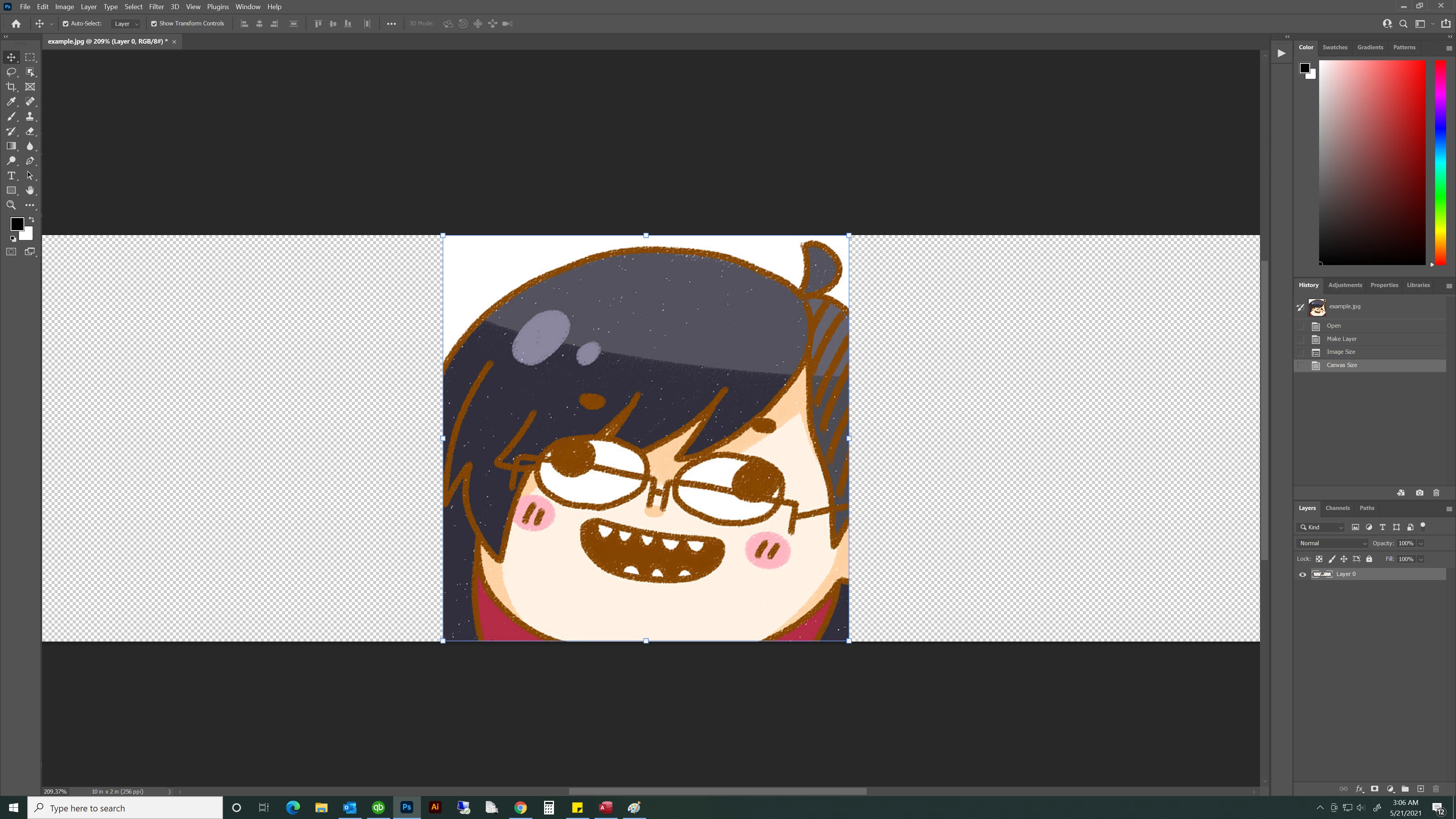
 

Is this due to an update? This issue only started happening today (5/21/2021).

Thank you!

Correct answer williamo39708114

Go to Edit>Preferences>Tools and uncheck "Overscroll."

2 replies

williamo39708114
williamo39708114Correct answer
Participant
September 11, 2021

Go to Edit>Preferences>Tools and uncheck "Overscroll."

Known Participant
April 21, 2022

That did the trick!


Thanks!

Participant
May 20, 2021

Have you checked your equations?

Plus isnt this art from the Gorillaz?

Participant
May 20, 2021

I've tried resetting my preferences to default and it doesn't resolve the issue, thank you though!

And no it is a drawing of my face.

JJMack
Community Expert
Community Expert
May 20, 2021

Photoshop document  Canvas are  always anchored  that way the top left corner   0X,0Y   you can turn one the rulers as see  where 0,0 is. It looks like you have been moving the canvas in photoshop  image tab view. You can user the scroll bars to center the canvas in the tabs view. If you zoom way in the images will not even fit in the tabs view. If you  turn on the rulers you can drag the 0,0 anchor point to  some it point in  the canvas like a subjects eye.


JJMack