

Answered
Photoshop CC 2018- Font Failed during Operation
Hey All,
So I just updated my Photoshop to the latest version (19.01 I think?) and I've been trying to use the type tool. Unfortunately, the tool is not working and it's saying that the font is the problem but before the update my type tool and fonts worked fine. I have tried several fonts and gotten the same dialogue box. Here's the screen I'm getting:
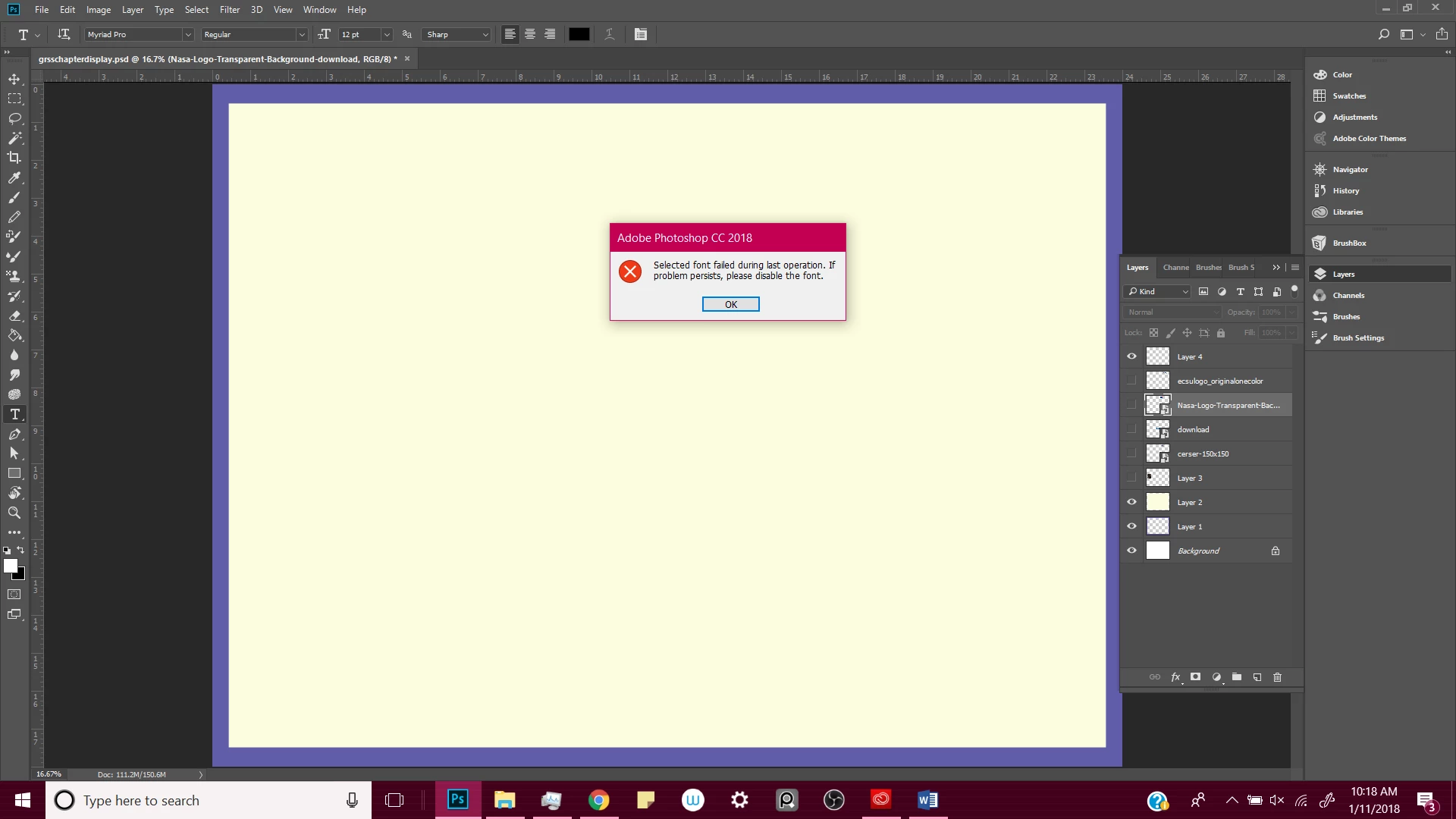
I am unsure of what to do. I have already tried resetting the tool and restarting the application several times. Please help if you can!
 AdChoices