
Photoshop CC - Proof Colors not working
I am designing album art for a friend. I created the art in photoshop using a RGB colour space, and then saved as a JPEG (using a RGB colour space).
I then placed the artwork onto the templates (in photoshop) provided by the company who will be printing the work. They specified the template documents (PDF) should be opened in photoshop using the CMYK colour space.
I then placed the RGB JPEGS of the artwork onto the templates in the CYMK PDF document in photoshop. Whilst in Photoshop the colours of the artwork don't seem to shift in colour at all even though the art has been placed into a document with CYMK file when they are originally RGB.
I then save the document as a Photoshop PDF and view them out of photoshop and the colours have shifted and appear duller and flatter.
-
After researching into colour spaces I now understand that moving from RGB to CMYK will result in colour shift, but my real question is why is this shift only showing after I save out of photoshop?
I have turned on 'Proof Colors', and my colour settings are as follows:
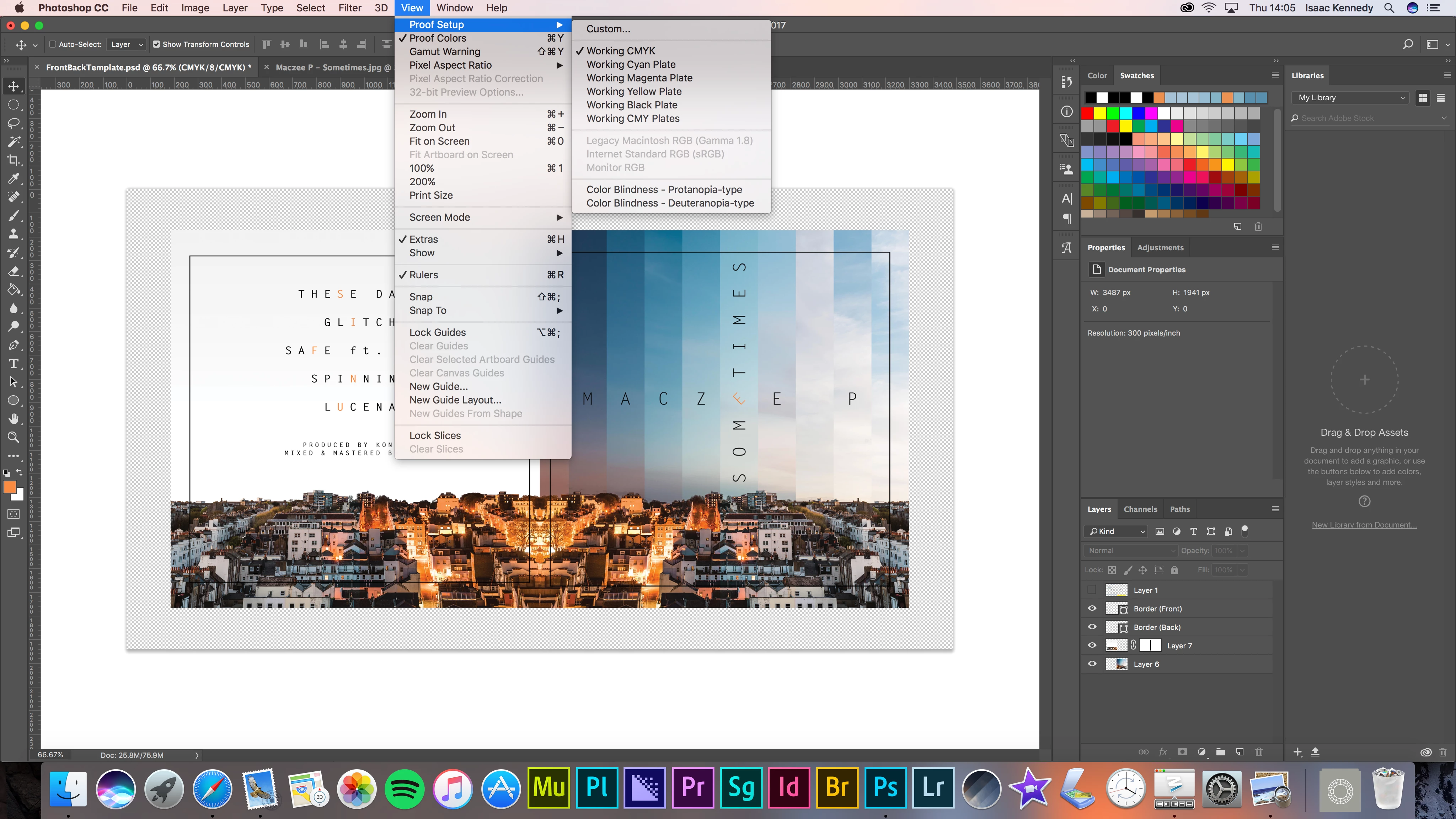
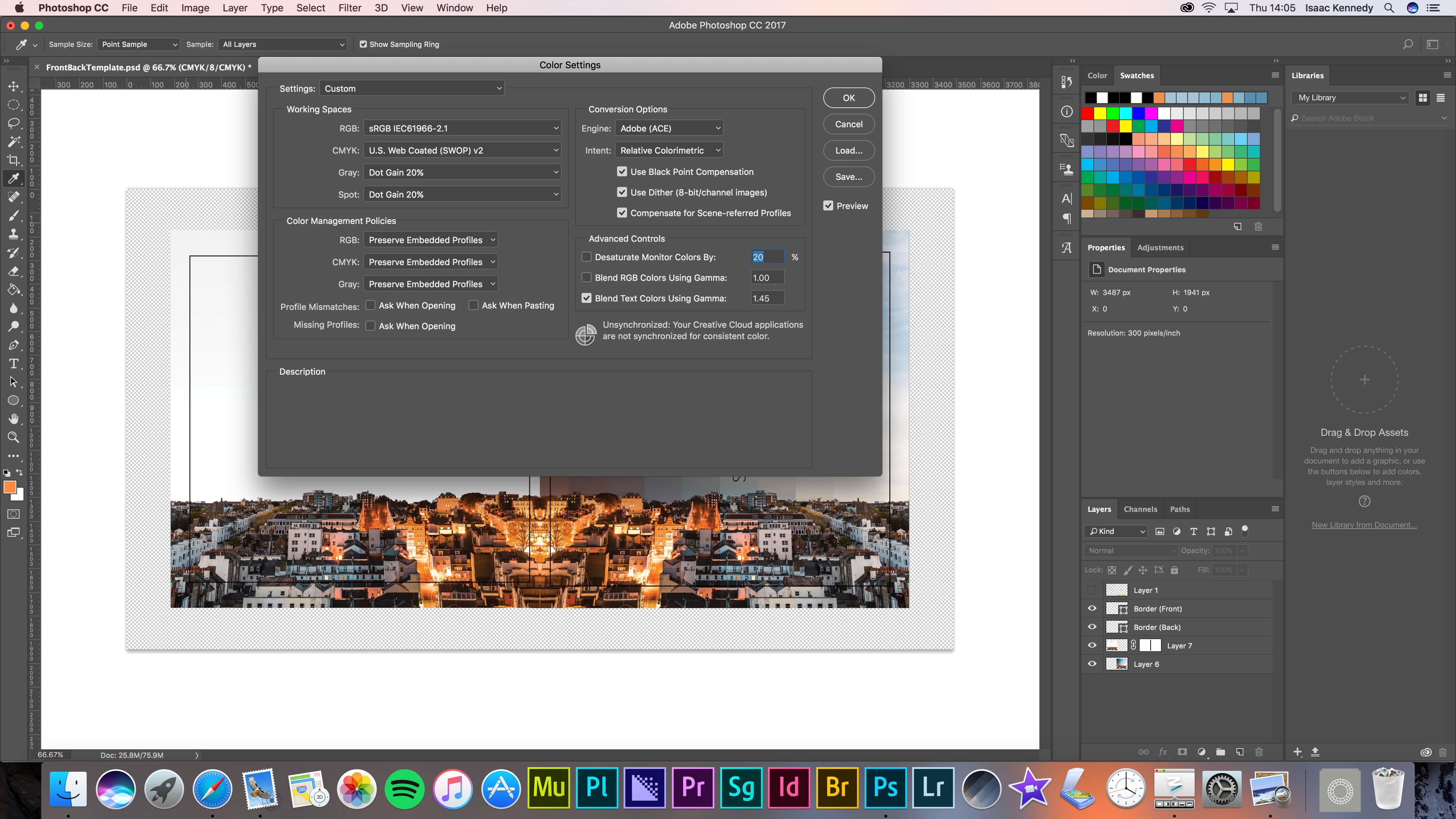
I really need to solve this because without being able to see what the final outcome in CYMK will look like in photoshop I have no way of making the necessary adjustments to try and match it to the RGB version.
 AdChoices