
Photoshop CC scaling broken on high DPI windows laptop
Hello,
I've found plenty of posts on several forums of people complaining about issues with photoshop UI on their high DPI devices, but none of them seem the be experiencing the same issue as myself.
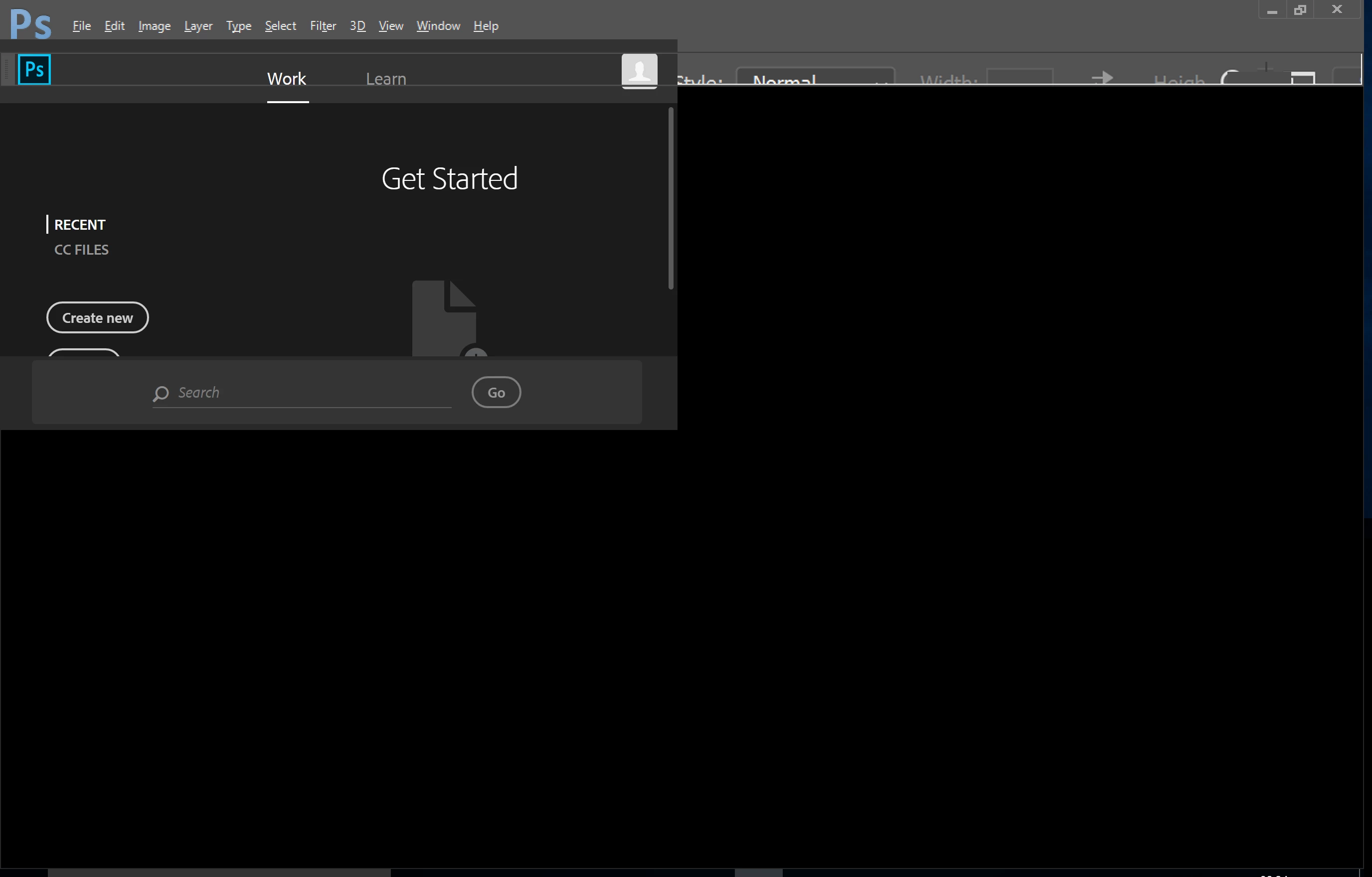
Photoshop works perfectly fine on an external monitor that is not high DPI. But when I'm not connceted to an external monitor, Photoshop is completely unusable. It appears as though the scaling is being applied to some of the UI, but not all of it.
Info: My Surface Pro has a resolution of 2736 x 1824 and the display scaling is set to 200%. I am on the latest version of Adobe Photoshop CC (2017.1.1 20170425.r.252 2017/04/25:23:00:00 CL 1113967 x64)
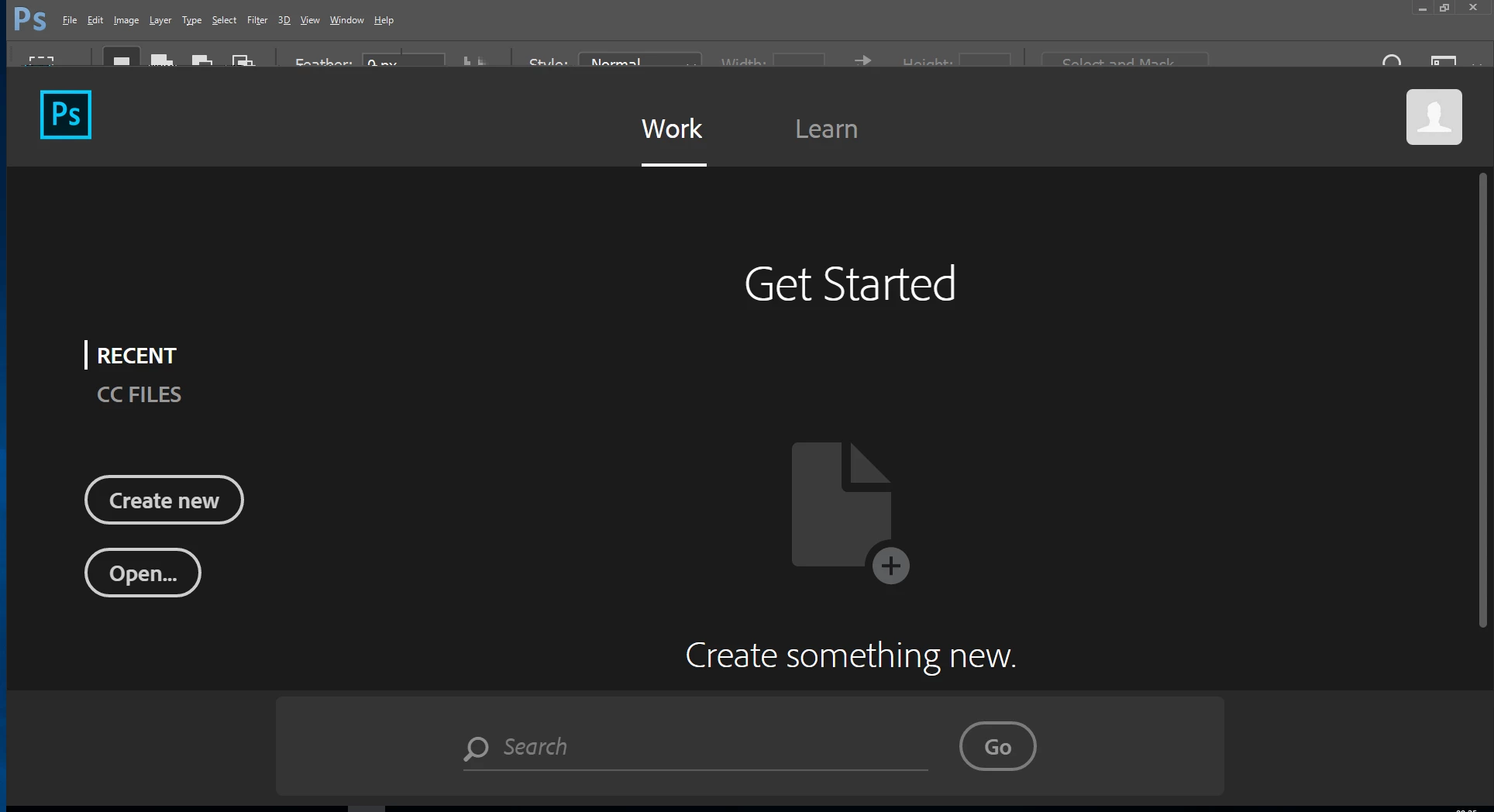
This is how the start screen looks on each monitor with Photoshop's UI Scaling setting set at each different setting:
- UI Scaling auto (default). On my Surface Pro (high DPI)
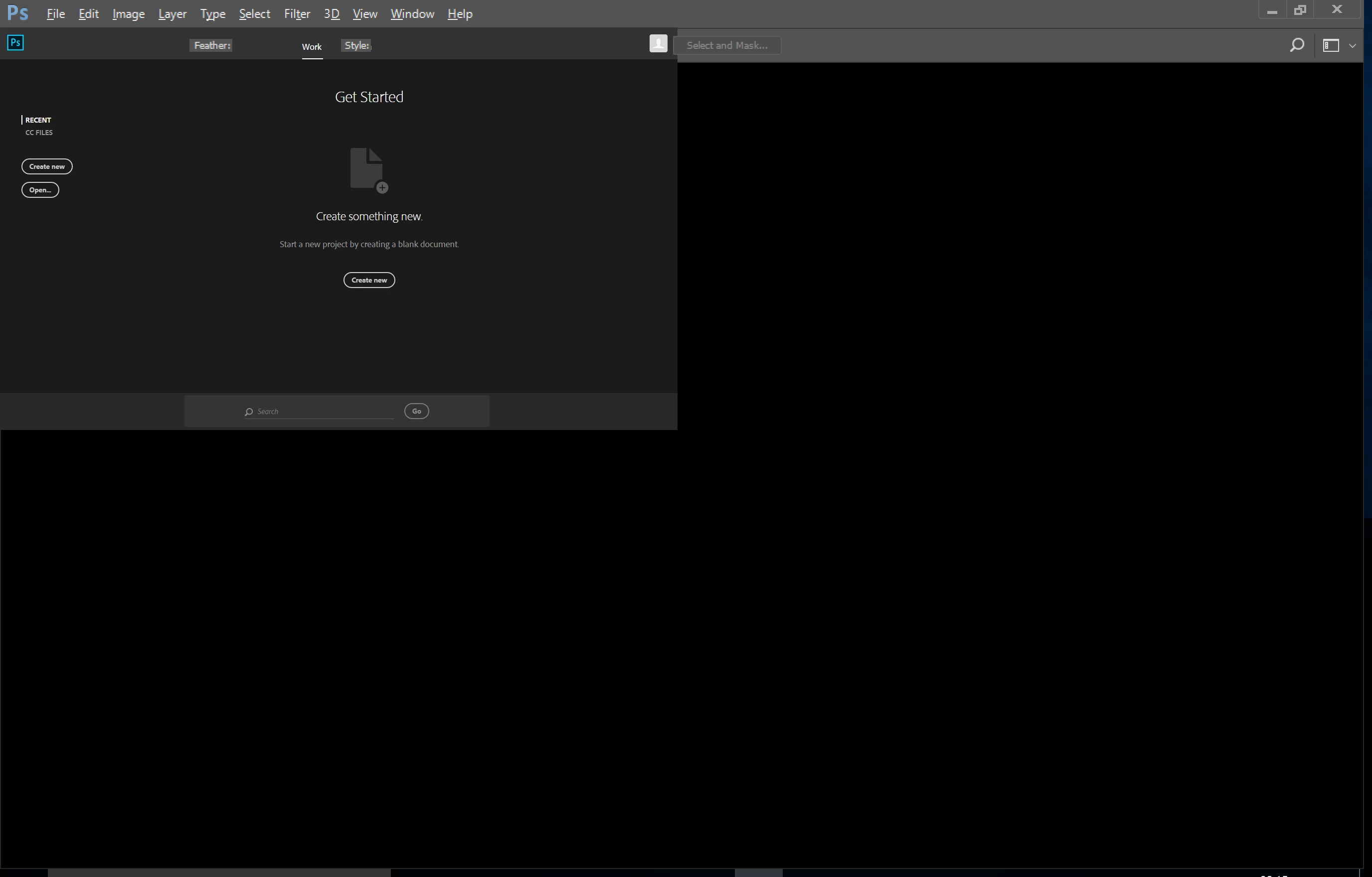
- UI Scaling auto (default). On the external monitor (not high DPI)
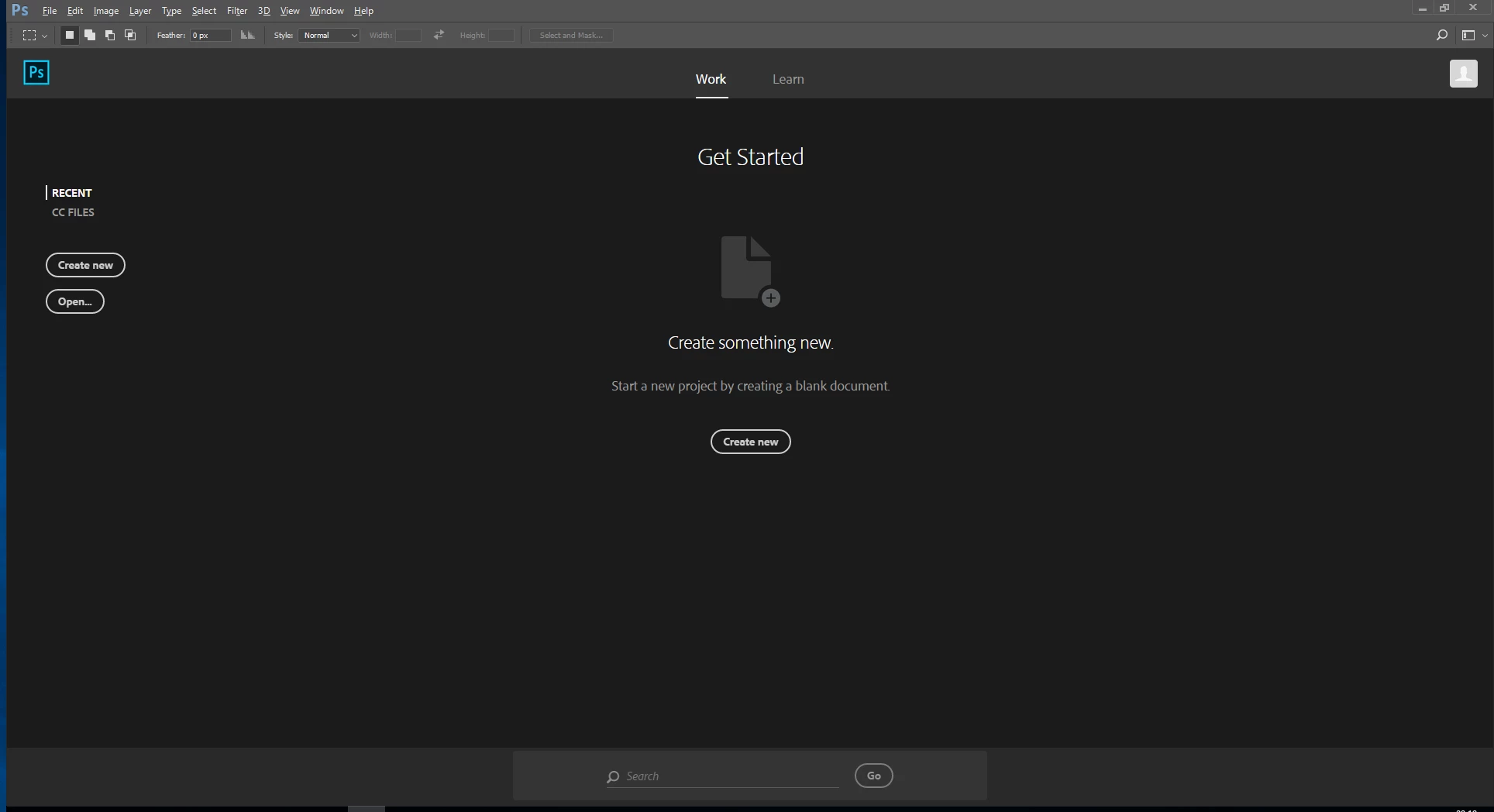
- UI Scaling 100. On my Surface Pro (high DPI)
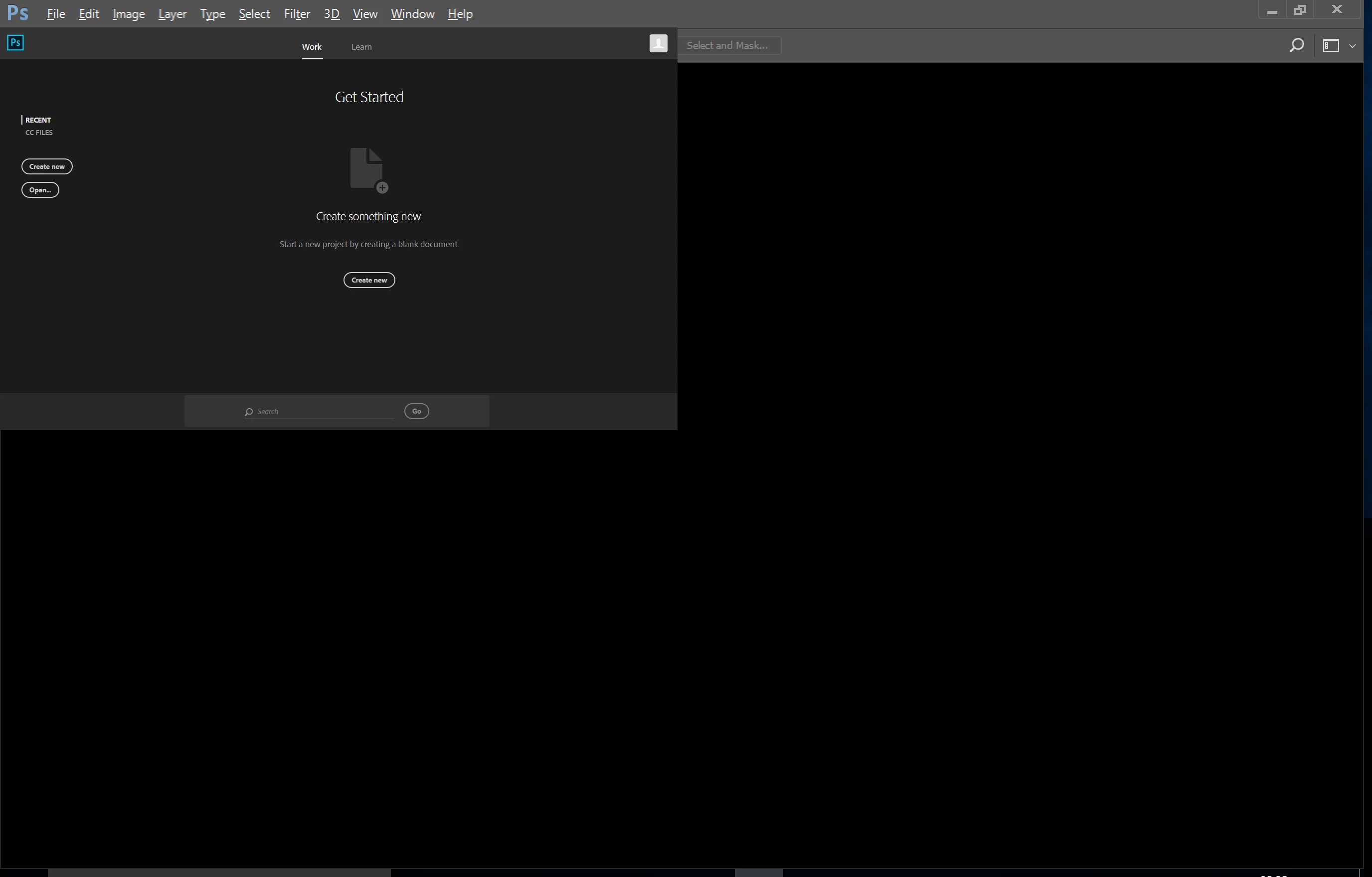
- UI Scaling 100. On the external monitor (not high DPI)
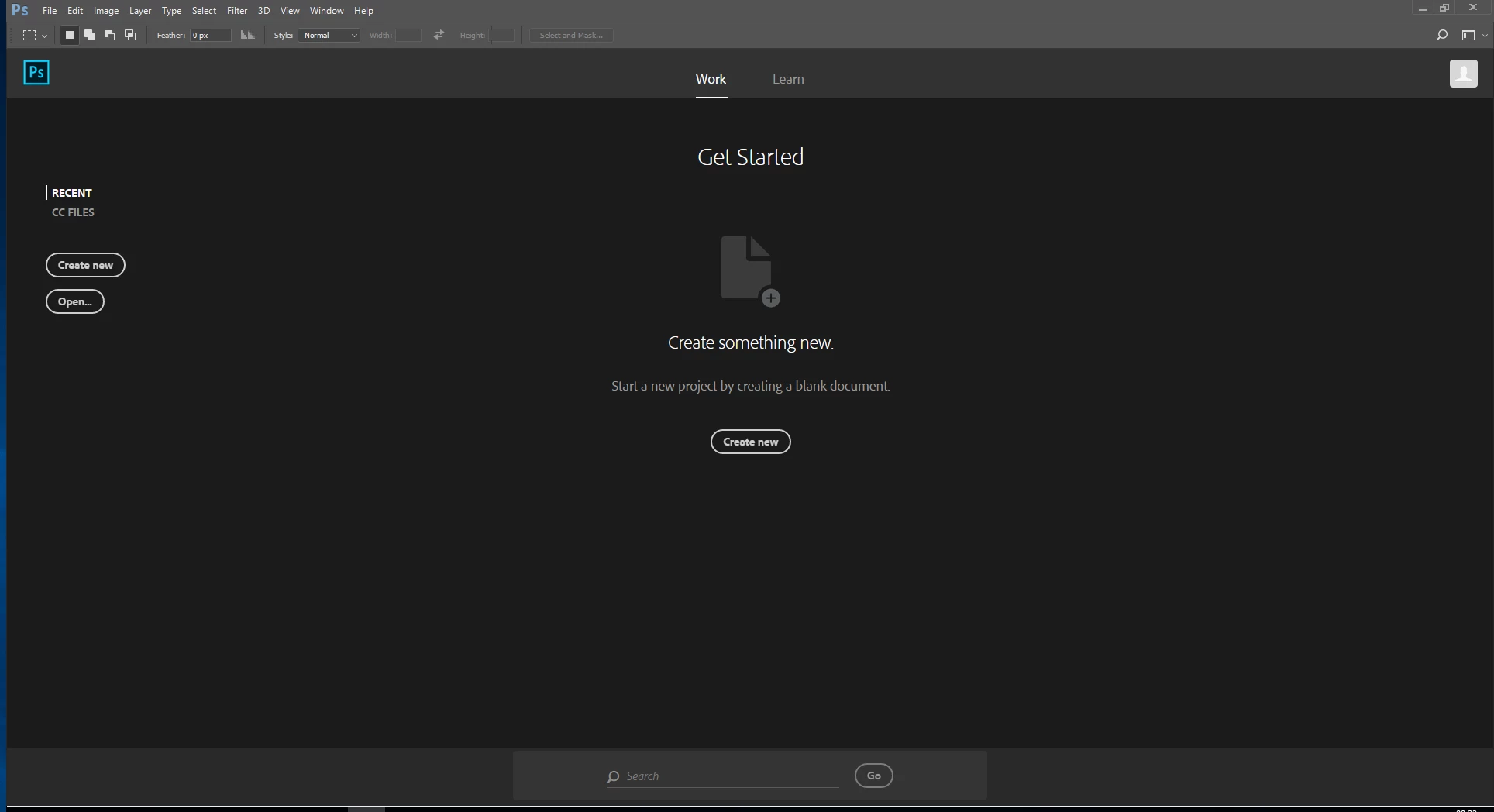
- UI Scaling 200. On my Surface Pro (high DPI)
- UI Scaling 200. On the external monitor (not high DPI)
 AdChoices