
Answered
Photoshop CS6 Quick Selection Tool: Always a part of the shadow is selected automatically
I used the Quick Selection Tool for selection:
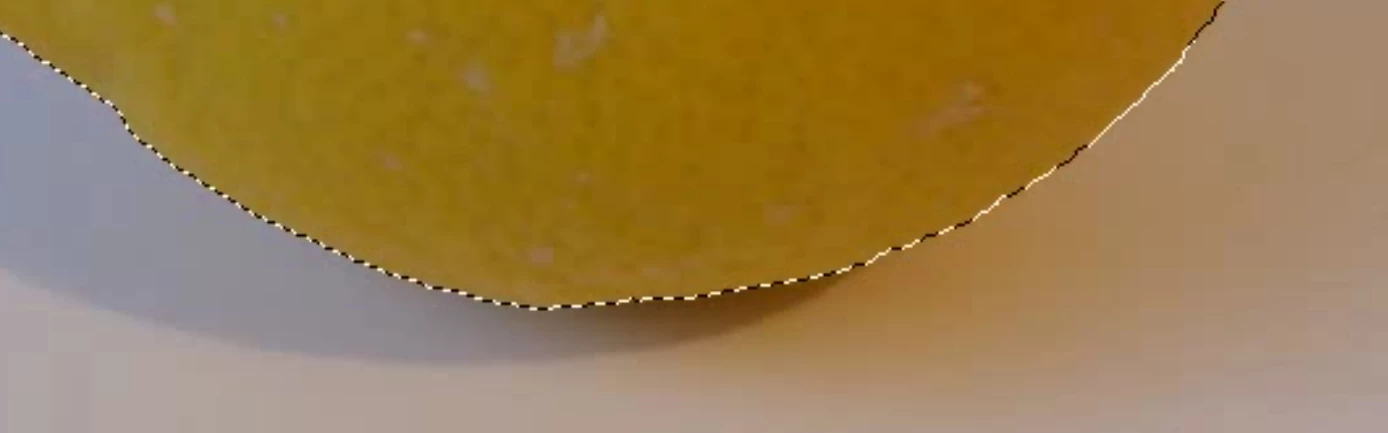
then I clicked "Refine Edge" and used Refine Radius Tool with View on black
and moved the mouse with left pressed button around the edges:
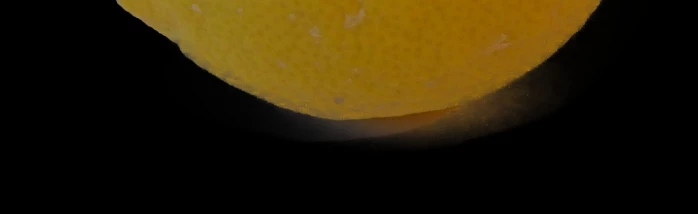
After clicking Ok I get an image with a wrong selection,
a part of the shadow has also been selected:
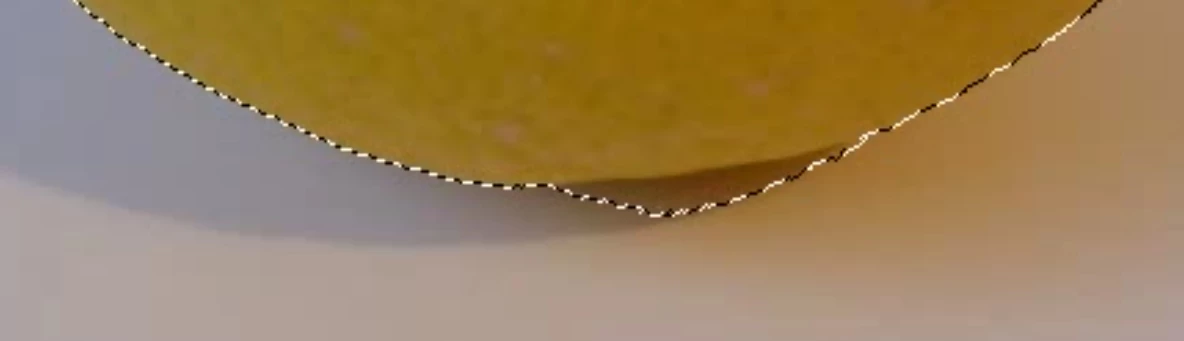
And that's always the same. After clicking Ok in "Refine Edge" I get always an image where
more than my selecection in the first step is marked. Always a part of the shadow is also marked.
Why and how can I prevent this?
 AdChoices