okay, you are right, it is not sampling correct here CS6, Mac 10.7
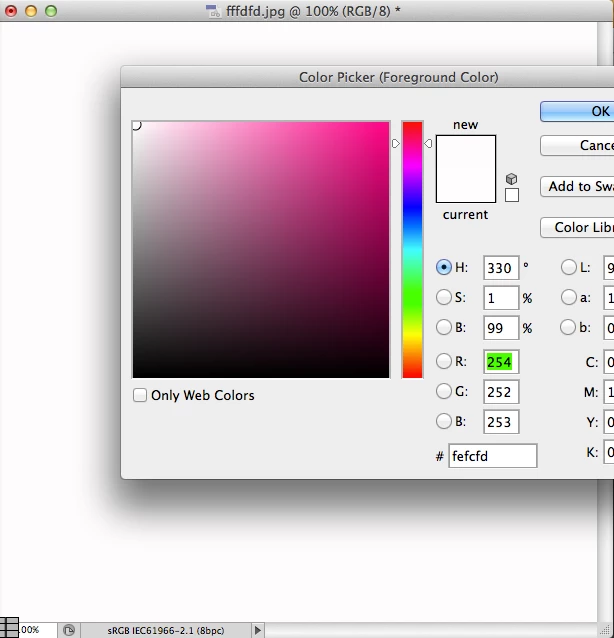
Save for Web & Devices will strip some color data from the file.
Browsers aren't color managed. Most file formats on browsers assume they're sRGB. While Photoshop gives you an option of embedding sRGB to the document color space, it also strips off data that is not relevant. This is a common occurence.
PNG-24 on the other hand will give you the exact color match.
Also, Save for W&D, JPG quality matters a lot - The same color at Quality 10,20,30,40,50...100 wil give you different color reproductions on the JPG end output.
If you're concerned that much about an offset of +/- 1 hex value to your RGB colorspace, dont save for web & devices. Do a 'Save As' instead. Then use an image editing/ resizing application such as ResizeMe to resize the quality of your document. This, in most cases will retain colorspace information but just drop the resolution and quality of the image - giving you a lesser filesize.
On a sidenote, You may also want to read this article on how to best manage color spaces: http://viget.com/inspire/the-mysterious-save-for-web-color-shift

 AdChoices