
Photoshop Eraser Tool erases larger than cursor
I'm Using Photoshop CC. Here is the version info: Adobe Photoshop Version: 19.1.1 20180206.r.254 2018/02/06: 1156206 x64 I'm using a PC with Windows 10 Version 1803 OS build 17134.112
I've searched through the forums and all other resources I could find an answer. I have seen the question raised with no resolution.
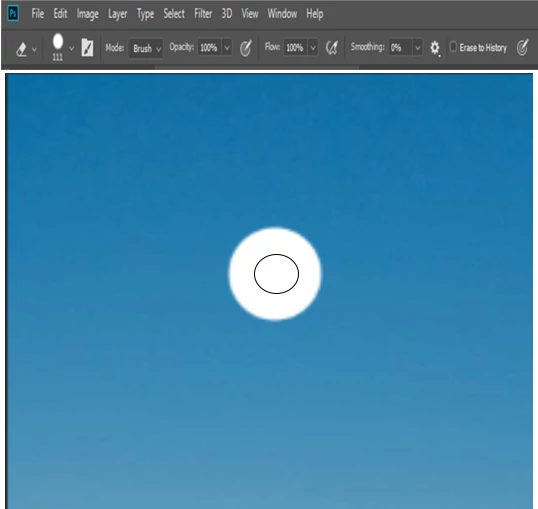
When I use the eraser tool, the eraser always erases an area much larger than the cursor. I have reset all preferences, I have made sure that I am using a normal brush tip. I have not seen this problem addressed in 2018 so I'm hoping that someone has found a resolution. Here is a simulation of the problem. A screenshot does not copy the cursor so I created my own. Can someone suggest a fix? It really renders the eraser tool unusable.
 AdChoices