
Photoshop - Export As - Multiple Scale Script
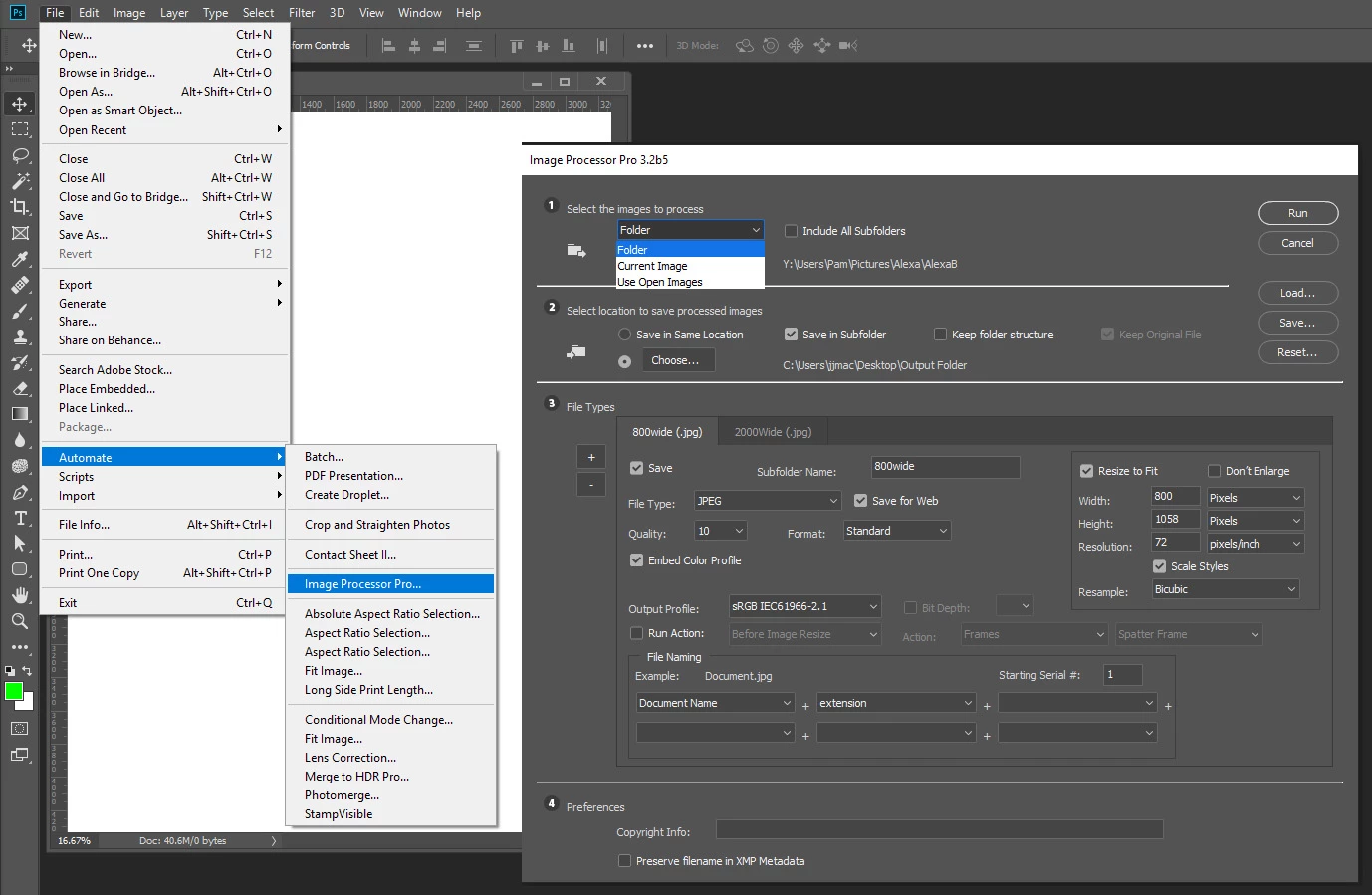
I have a workflow that requires one image to export to 2 exact pixel dimensions.
It is repetitive and needs to be done thousands of times with no end in sight.
I would like to write a script that uses Export As to export two jpg files with the width of 800px and another of the same image to a width of 2000px.
The problem I am hitting is that for some reason Export as uses a scale, not in pixels, but rather 1x 2x 3x etc.
My source image is large 3275px X 4334px at 300dpi.
My goal is to use Export As to get a file:
800px X 1058px at 72 dpi
as well as
2000px X 2647px at 72 dpi
I have found that if I enter .25 into the scale of Export As I get close at a width of 819px.
And if I enter .62 into the scale I get 2031px.
I am baffled to why Export As does not allow exact pixel amounts. But these numbers are close enough if that is all it can process.
So I am now working on trying to script the export process. Then I plan to run an action that runs the script.
I have done a thorough search of the forums and although I have found some things, nothing has been functional yet due to my lack of knowledge.
I am on a PC and some things I found were Apple Script. So I am hoping someone has figured this out or can lead me in a better direction. Thank you.
[Moved from Photoshop forum to Photoshop Scripting forum by Mod]
 AdChoices