

Question
M: Photoshop artboard greyed out when switch to another app
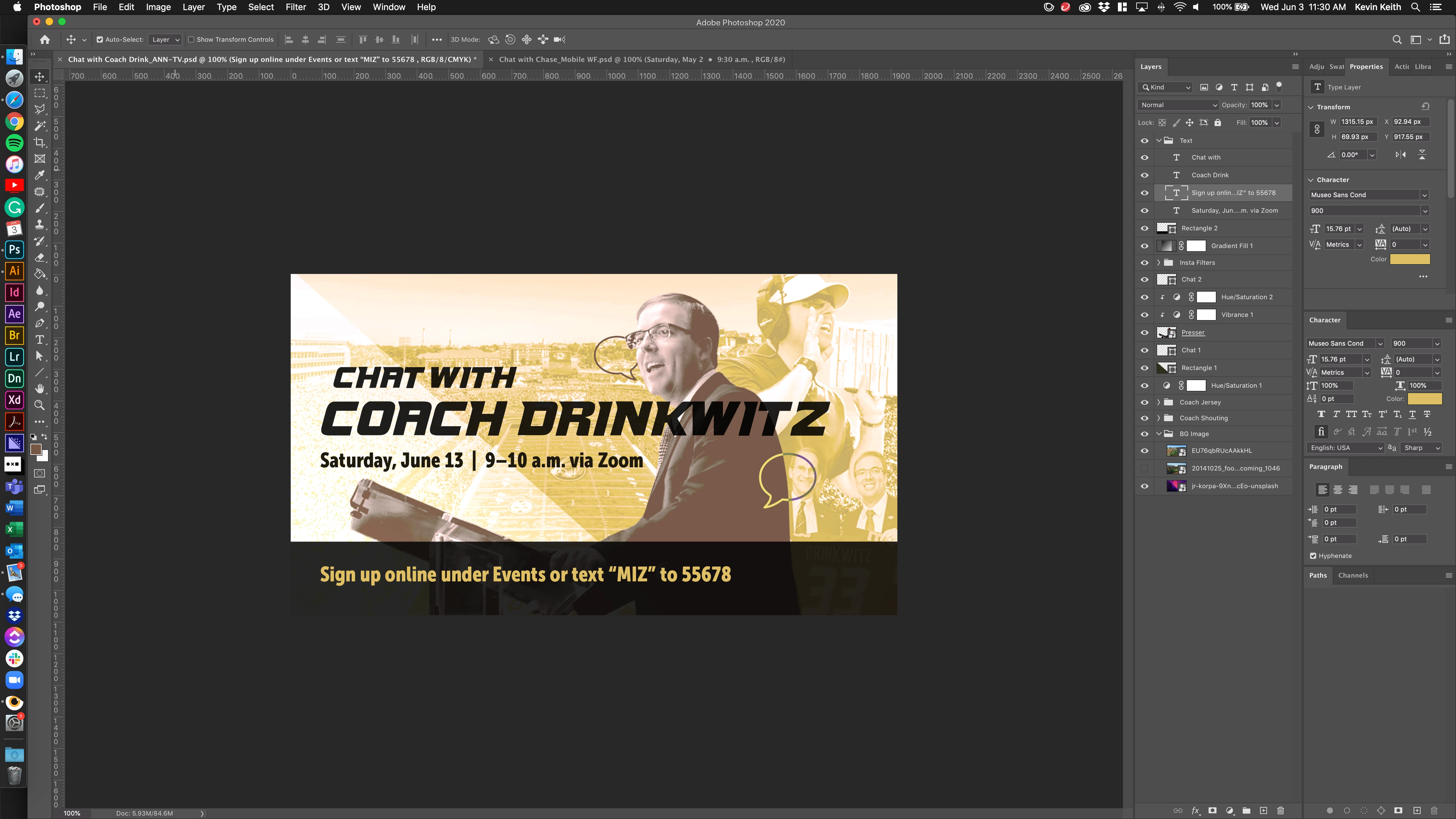
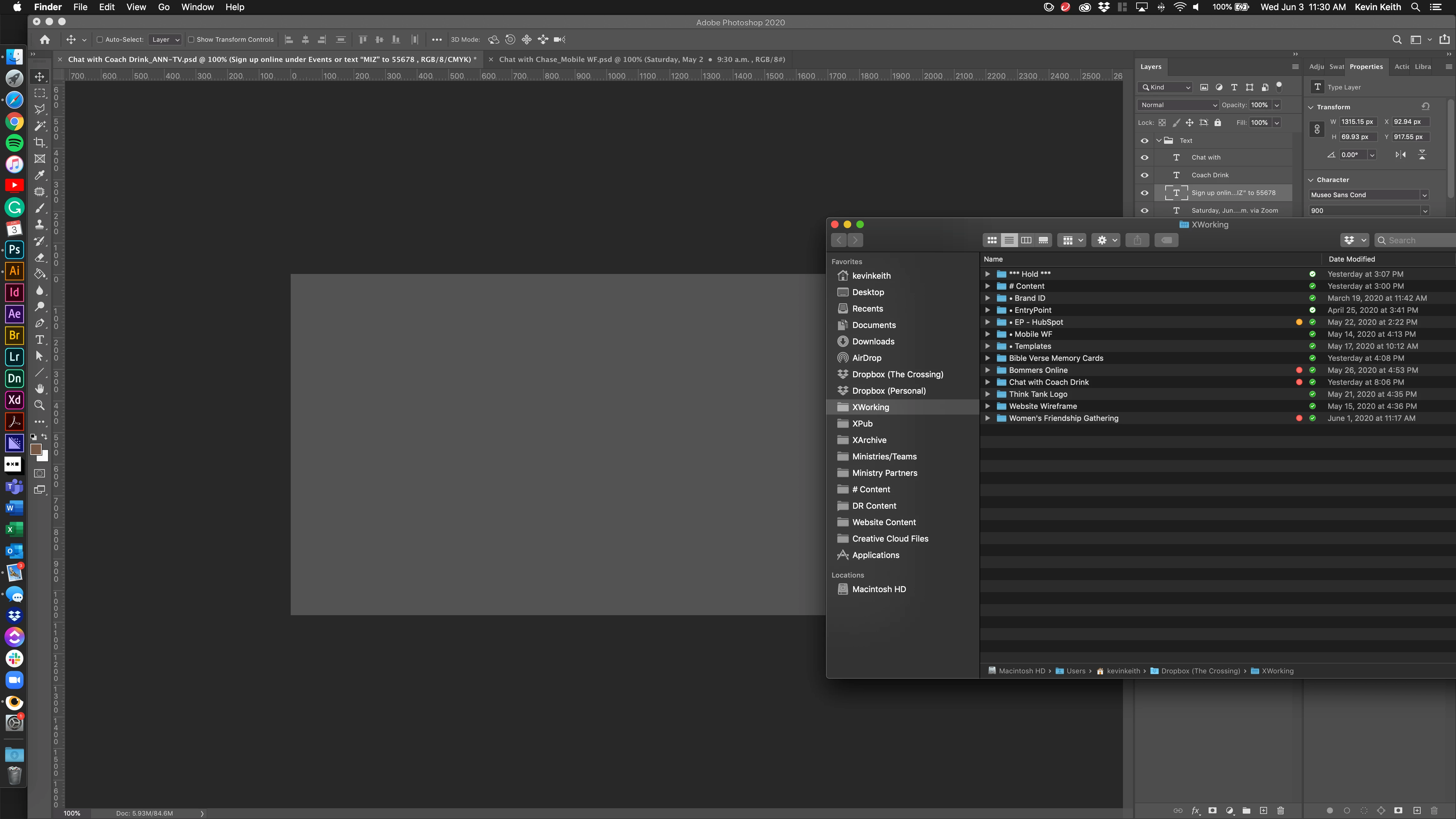
When working in Ps my artboard goes gray every time I make another program or window active. This is especially annoying when working with two screens. Every time I start working on my second monitor the artboard goes gray. The only fix is to click back into photoshop and zoom in or out a couple of times.
I'm having additional issues within photoshop where when moving photos or text boxes, the area around the selected object will go gray as well. And again, the preview is only restored to 100% capacity after zooming in our out a few times. Any help would be appreciated!
{Moderator note: Edited the thread title, PS-49172}
 AdChoices