
Photoshop Problem: Dark images, white is black, no / only dark colors.
I need your help!
I got a new laptop yesterday.
Immediately updated the video card drivers.
Then I installed Adobe Creative Cloud + Photoshop (22.3).
Now I have the following problem:
I have NOTHING changed, only Photoshop open after install.
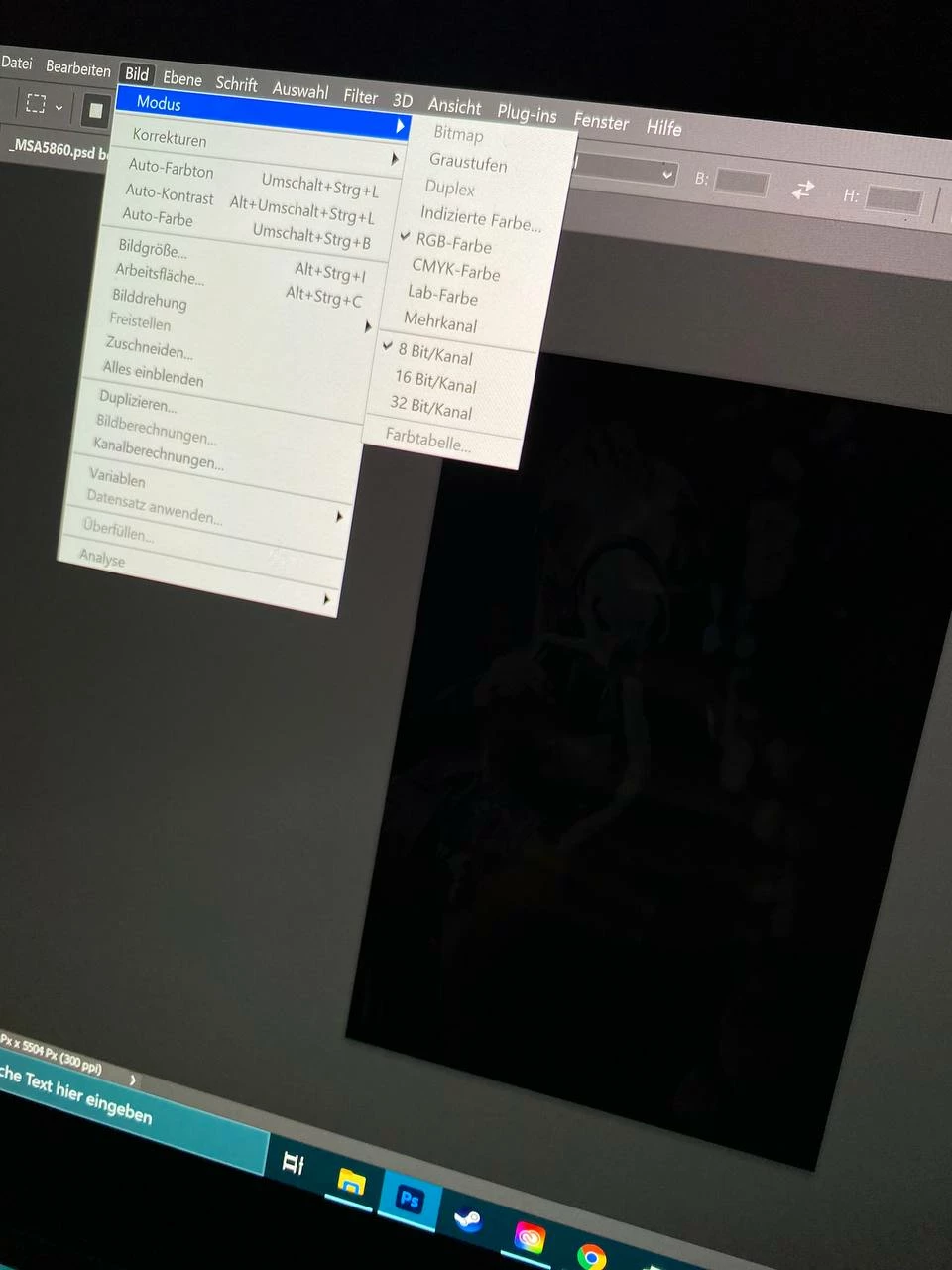
When I open a new document and select background color white (color mode RGB) the white is still black.
In the color selection there are also only dark tones.
In "View" -> "Color" is also almost everything only black.
If I take the eraser and try to erase the layer, everything remains dark.
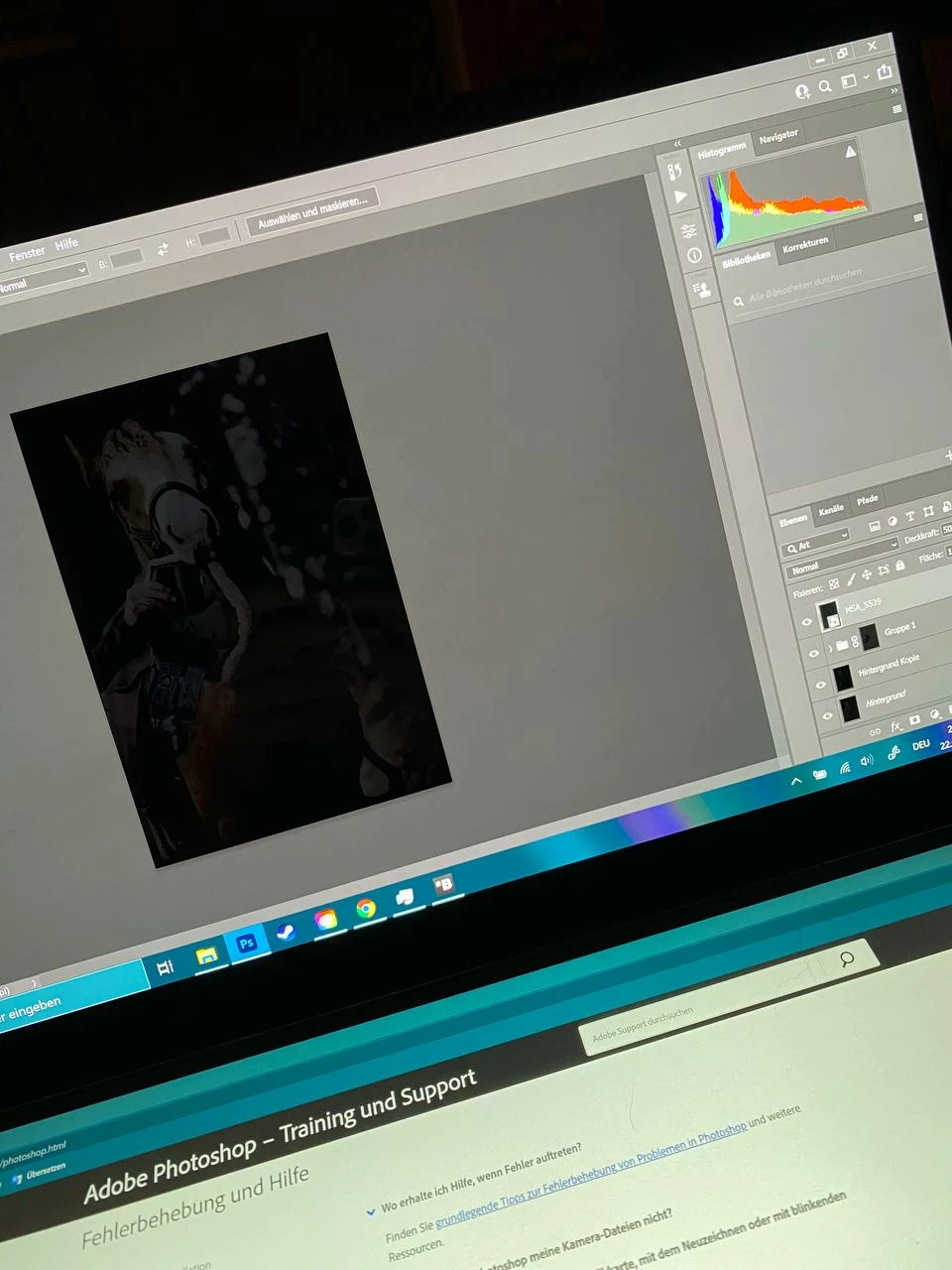
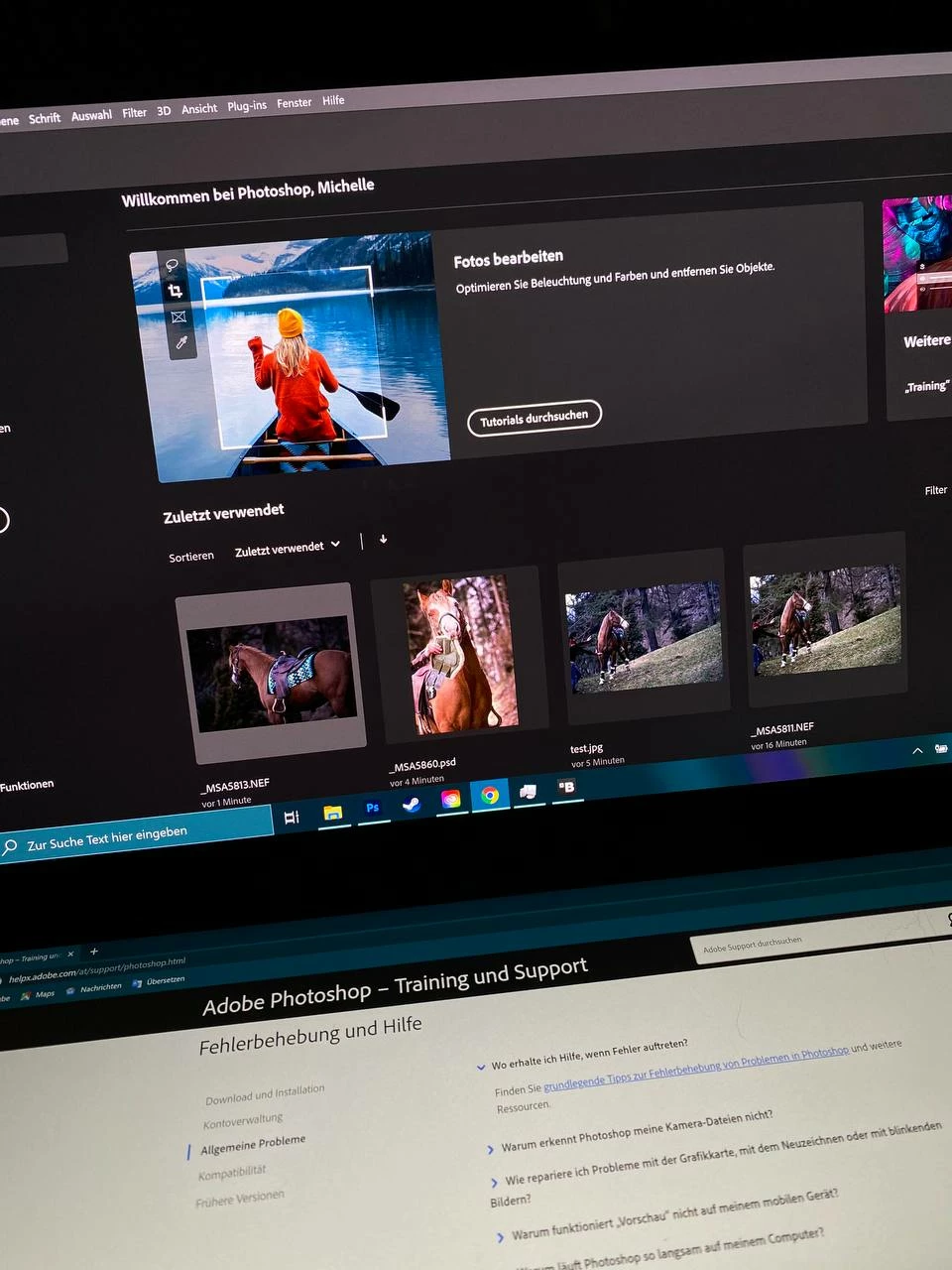
If I open a PSD / image that is normal on my other computer, the image is also completely dark and rather kept in black tones.
The RAWS it shows me normal in Camera Raw mode!
As soon as I save the image and open it in the folder, it also shows me normal again.
What I have tried:
Install older Photoshop version
Disable graphics processor
Restart and install Photoshop x times
Restart computer
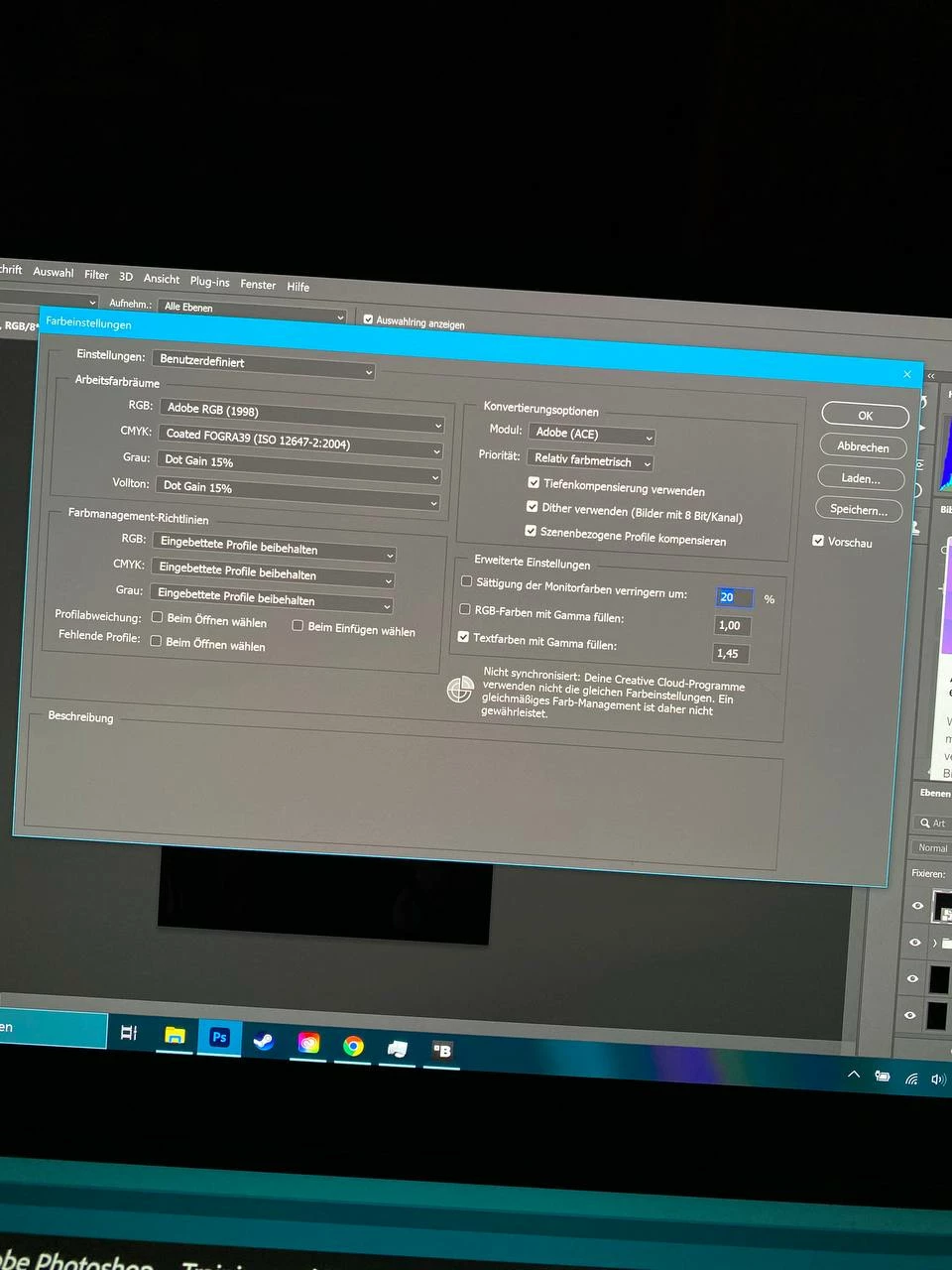
Change color profiles and restart Photoshop
Give Photoshop lots of RAM, give it less RAM
I can't figure this out, I have NOT had this happen on ANY computer! Even not with those that had significantly worse component!
I have to work now unfortunately, but will try again later to uninstall the entire cloud and reinstall. And test an even older Photoshop if necessary (CS6 or so).
Have you guys had something like this before and can help me if necessary?
Data:
Intel i7 10750H
16 GB DDR4 RAM
NVIDIA GeForce RTX 2060 6GB
This is an Asus Zenbook Pro Duo.
(The pictures are unfortunately in German, but I can make them later in English on request)
A Video:
Pictures: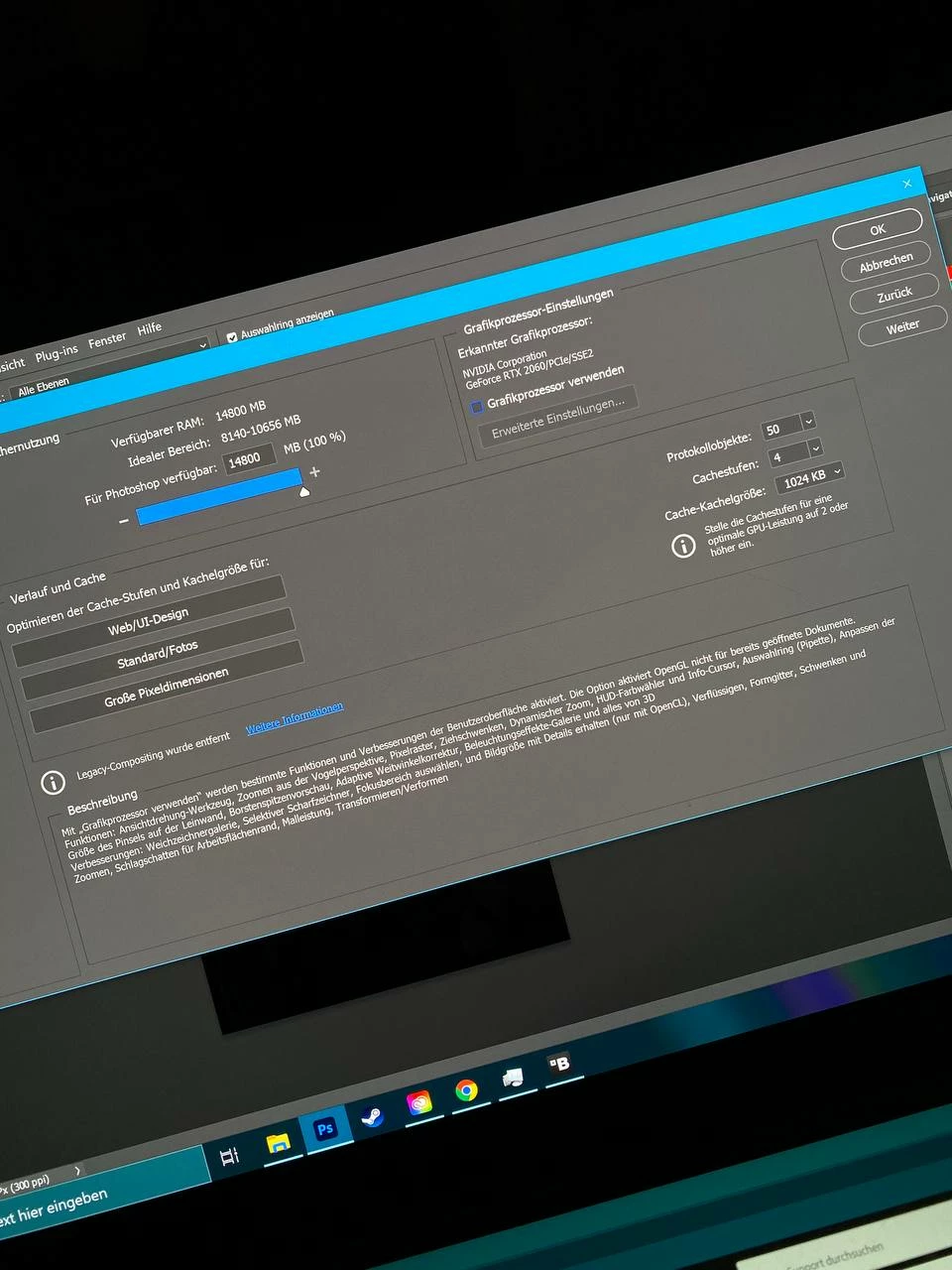
 AdChoices