
Photoshop thinks visible layers are hidden?
I'm using the current version of Photoshop, and I've run into a reoccuring problem that has remained despite me opening and closing the app multiple times, restarting my computer, updating my computer, then opening and reopening it again. (I say this solely to make the point that yes, I have definitely tried "turning it off and back on again.") I was drawing in Photoshop last night when suddenly the layers stopped working. I tried to draw in one and Photoshop insisted that the layer was hidden. Which, of course, resulted in this error message:
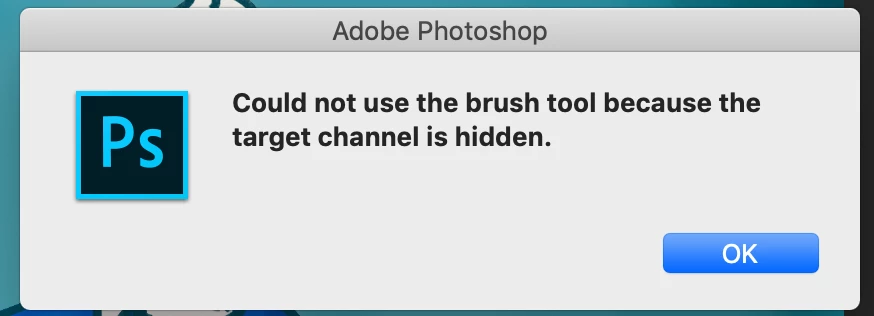
So then I decide to do my version of off and on again when it comes to layers, which is make an empty one and then merge the two. This seemed to work. However, the second I selected a different layer and came back to it the same problem happened again. Making the channel visible, invisible then visible again didn't work either. So, I'm starting to think it's something to do with the settings. I mean, I didn't change anything, but having tried pretty much everything else that doesn't involve going into the preferences I don't really know what to do.
When I went to the generic troubleshooting page I found something about resetting tools (and then I found half of my brushes weren't in there, but that's not the problem here) but found that I couldn't do that. I thought up until now that maybe it could be that I wasn't using any of the "registered" brushes, but I just tried one of those, reset it and it didn't work either. So yeah, I've exhausted pretty much all options that I know of.
Someone please help I just want to draw
 AdChoices