Thanks for the additional information, could you please let us know how many versions of Photoshop are installed on your computer?
Also, could you please try using the Creative Cloud Cleaner tool and do a clean installation of Photoshop and let us know if it helps?
Use the Creative Cloud Cleaner Tool to solve installation problems
Found the solution-
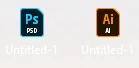
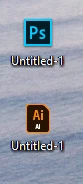
Once you reinstall, you must right-click on any .PSD file and open 'Properties.' There, although it is already preset to open with Adobe Photoshop CC 2018, click 'Change...' and reselect Photoshop. Press 'OK,' and the thumbnail will either immediately, or after a Desktop refresh, switch to the intended CC 2018 thumbnail image.
Thanks for taking the time to help, and I hope this solution works for anyone else with this problem (I have terrible OCD, so it's a great relief to have found the solution).


 AdChoices