

Question
Photoshop window is off screen after going from 2 displays to 1
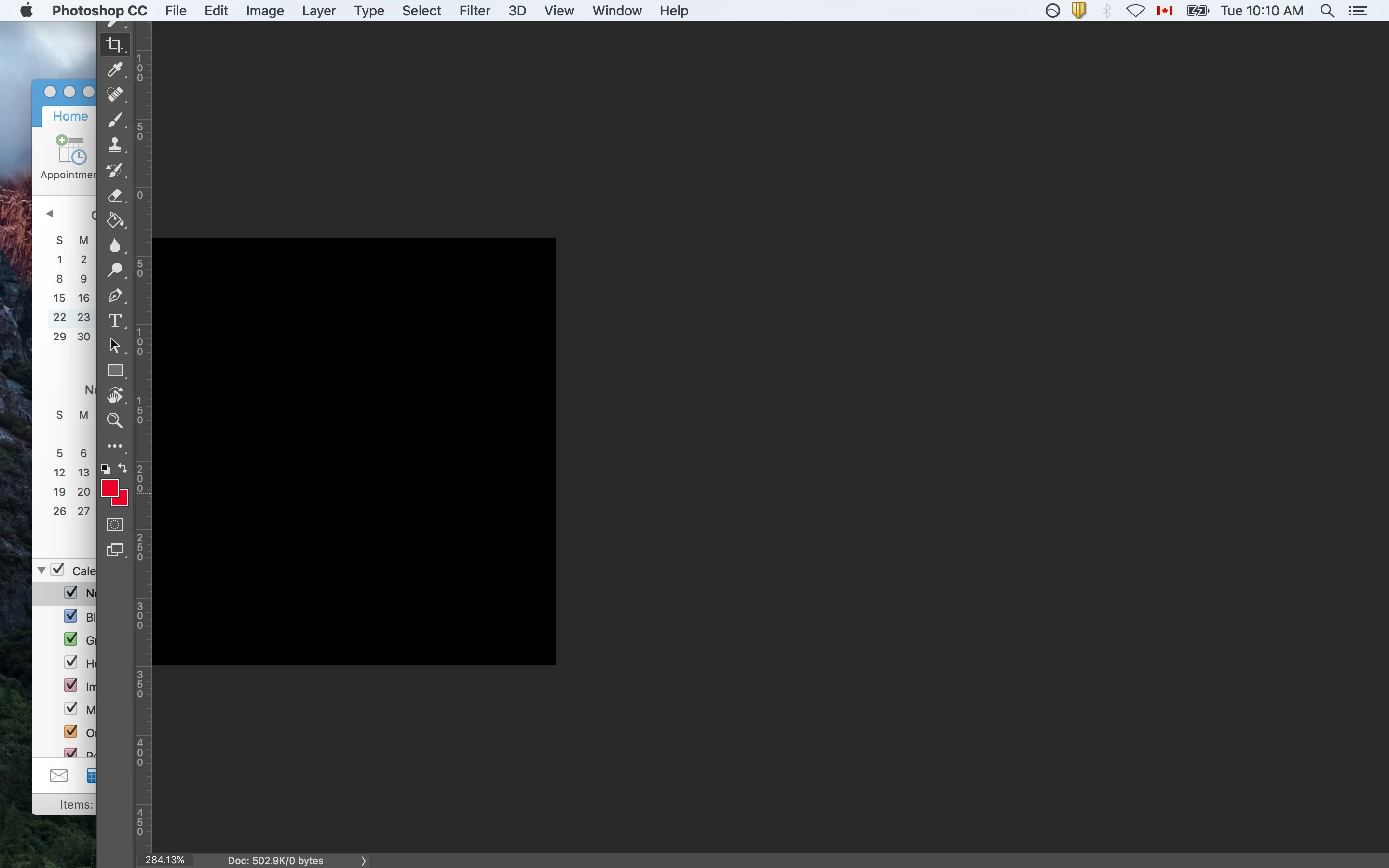
I was working off 2 monitors (one of them being a laptop). I shut the lid of the laptop, and when I opened it back up, the top toolbar (Where the menu items are) was off screen, but not visible on the second monitor. I tried rearranging the displays to no avail. I tried restarting Photoshop. I also tried Window>Arrange>etc, but that only moves the tabs, I can't move the window itself.
This thread mentions the same issue, but their solution of Alt+Shift+Ctrl doesn't work for me.
I tried contacting Adobe but it just keeps linking me back to this forum. Here's a screenshot (I'm on Mac, photoshop CC):
 AdChoices